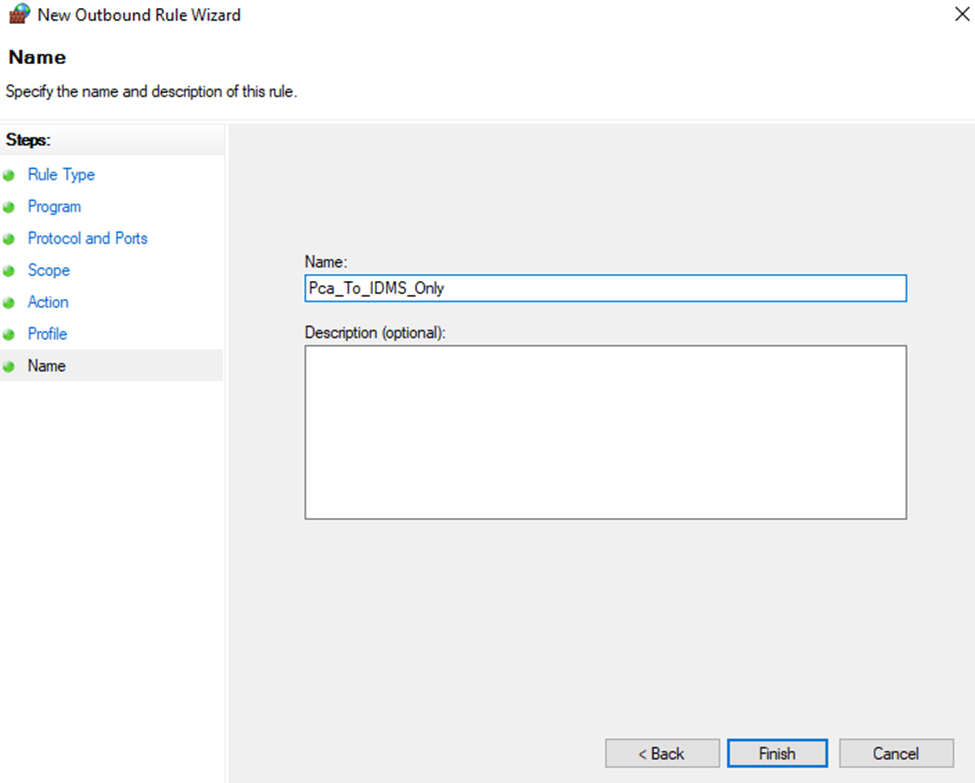
In certain secure environments, the firewall prevents PCA from accessing certain services to properly initialize the peripherals. In this case, a custom firewall rule may be required.
To create a custom PCA firewall rule
-
Open Windows Defender with Advanced Security
-
Click Outbound Rules
-
Click New Rule
-
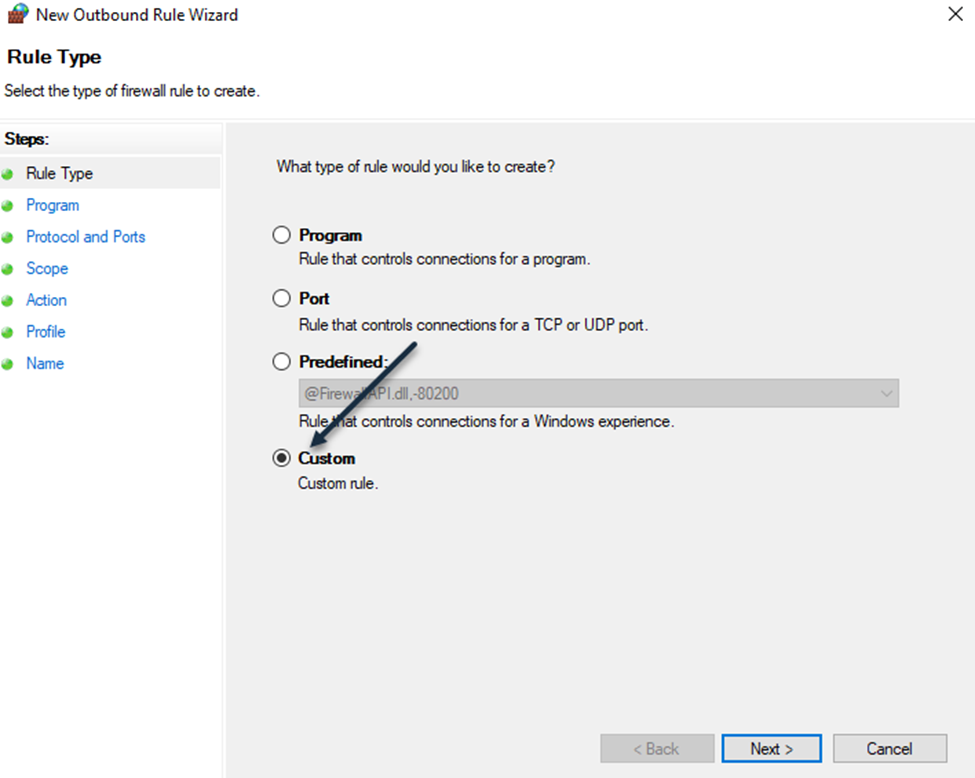
In the rule type, select Custom
-
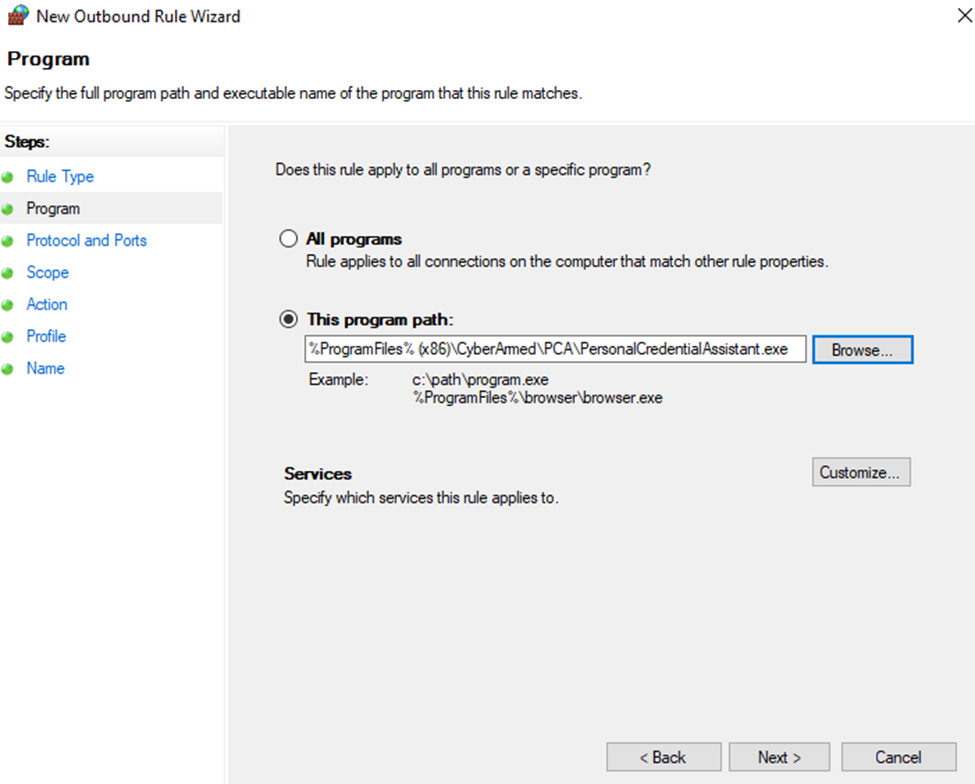
Add the path to the Personal Credential Assistant application. This is either: C:\Program Files (x86)\CyberArmed\PCA\PersonalCredentialAssistant.exe or C:\Program Files (x86)\HID Global\PCA\PersonalCredentialAssistant.exe.
-
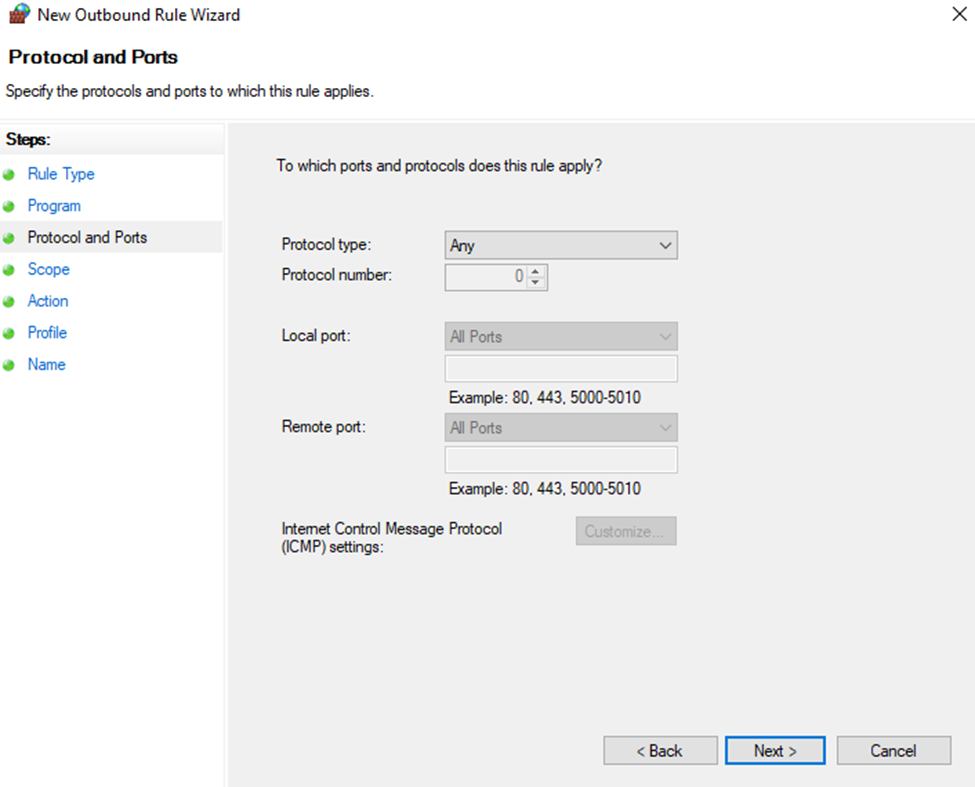
For Protocols and Ports, leave the default selections
-
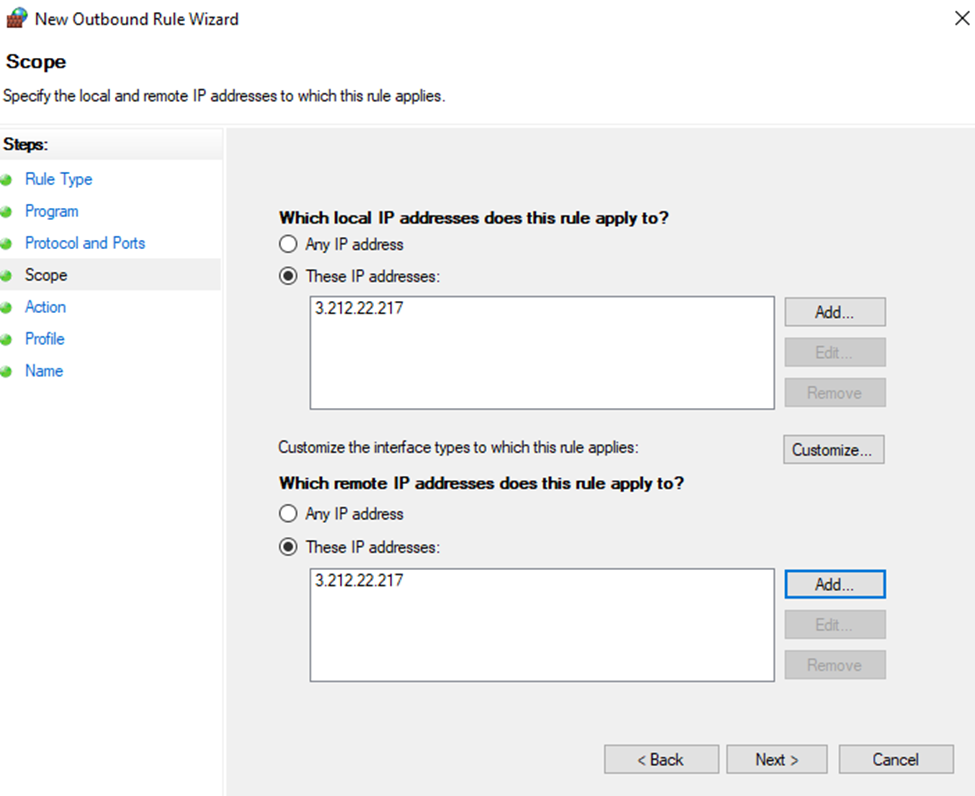
Add the IP address of the IDMS server. Specifically, the IDMS server IP Address that the PCA client will connect to.
-
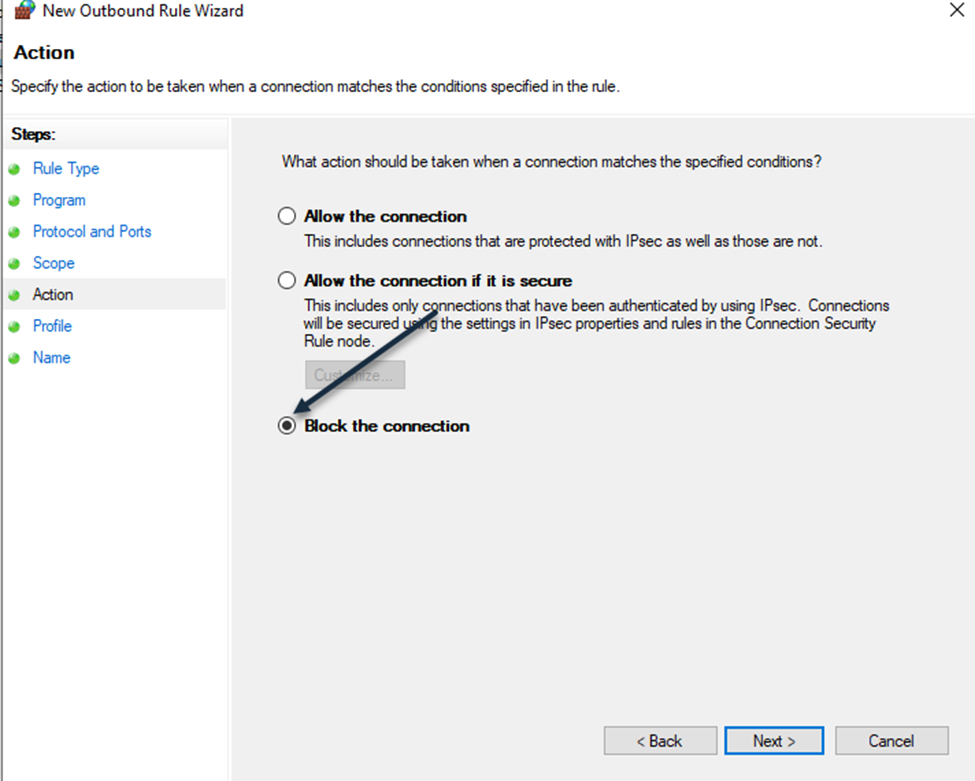
Select Block the Connection
-
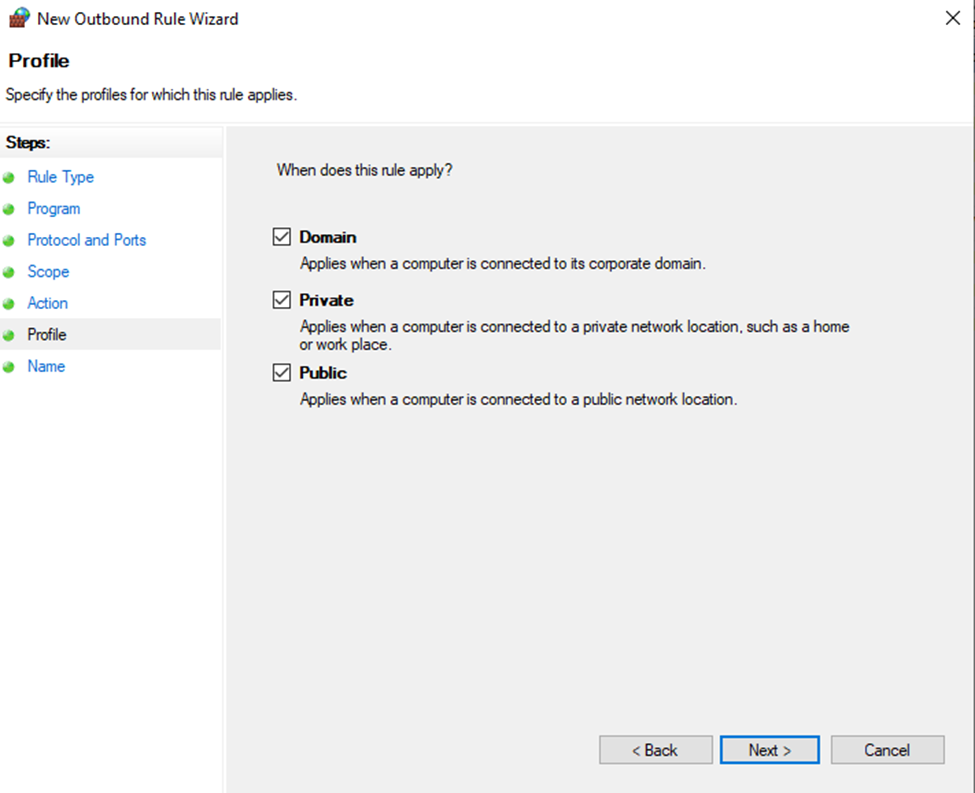
Apply the rule to all networks
-
Provide a name for the rule and press finish.