
The workstation can connect to multiple CMS servers for personalization activities. The steps below provide guidance for updating the workstation to interact with the CMS servers.
|
Step Number |
Procedure |
Example |
|---|---|---|
|
1 |
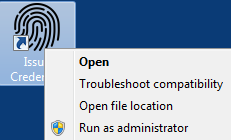
On the desktop, right-click the Issue Credential Icon and Run as Administrator |
|
|
2 |
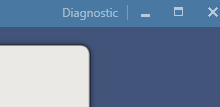
In the top right of the application, press the Diagnostics button |
|
|
3 |
Click View CMS Settings |
|
|
4 |
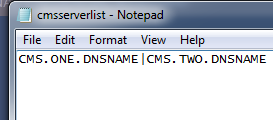
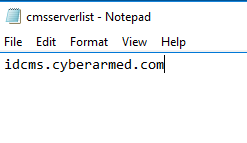
The cmsserverlist.txt will be opened. |
|
|
5 |
In the CMS Server list, change the value of CMS.ONE.DNSName to the DNS name of your CMS server. If there are multiple CMS servers, separate the values by the "|" Characters. In the example, there is only one CMS server defined |
|
|
6 |
Save the cmsserverlist file and close. |
|
|
7 |
Restart the application. |