This process will install the CyberArmed BioAdaptor.
Important: BioAdaptor must be installed via an administrative command prompt.
Prerequisites: If installing the Suprema G1 Reader, please first follow the instructions in the "BioAdaptor Suprema GA Installation Procedures" before performing the install below.
Installation Procedures
|
Step Number |
Procedure |
Example |
|---|---|---|
|
1 |
If a previous version of bioadaptor is installed, first uninstall existing version of bioadaptor before proceeding. |
|
|
2 |
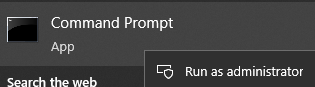
Open a command prompt as administrator |
|
|
3 |
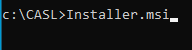
Within the command prompt, move to the directory of the BioAdaptor installer. Next, run the "Installer.msl" command |
|
|
4 |
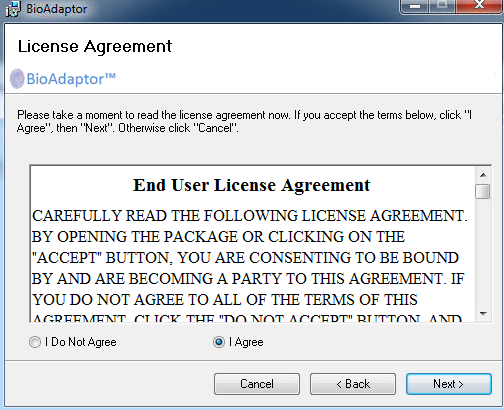
Press I agree and then press Next to continue. |
|
|
5 |
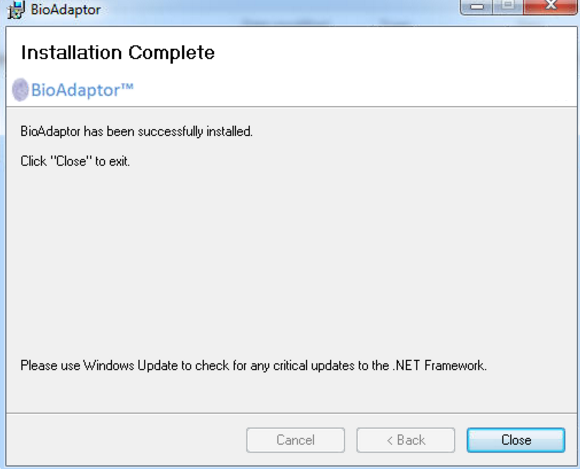
The installation will proceed and complete. Press close to complete the installation. |
|
|
6 |
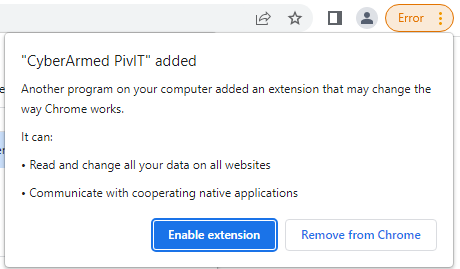
Launch the Chrome Browser, Press the "Enable extension" button. |
|
|
7 |
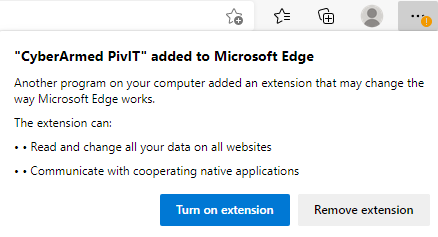
Launch the Microsoft Edge Browser, Press the "Turn on extension" button |
|