
The steps below describe how to install the IDMS Workstation Client.
|
Step Number |
Procedure |
Example |
|---|---|---|
|
1 |
Locate the IDMSClient installation application within the installation package. |
|
|
2 |
Right click and select Install |
|
|
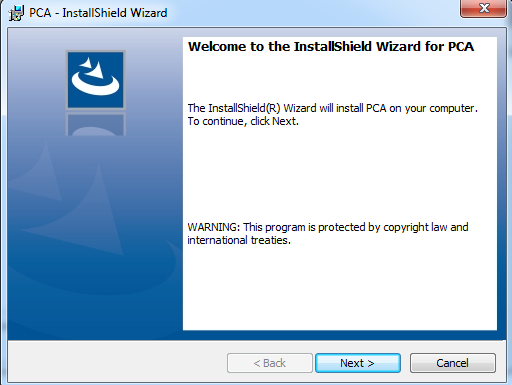
3 |
Press Next |
|
|
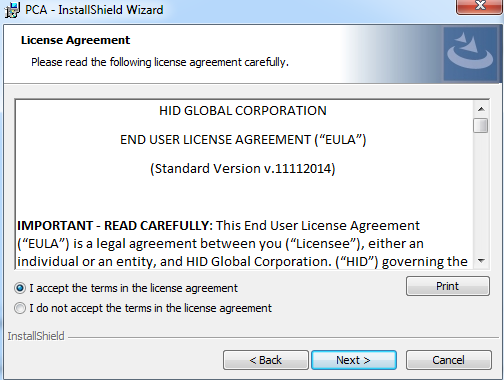
4 |
Read the agreement and press next |
|
|
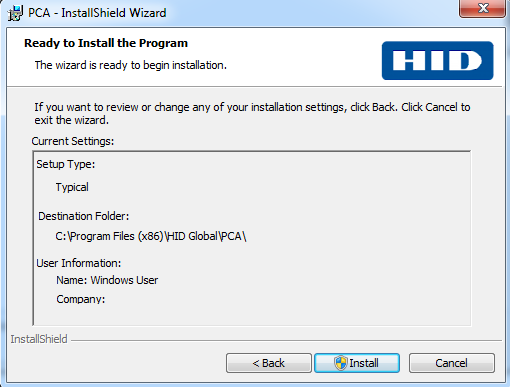
5 |
Press Install |
|
|
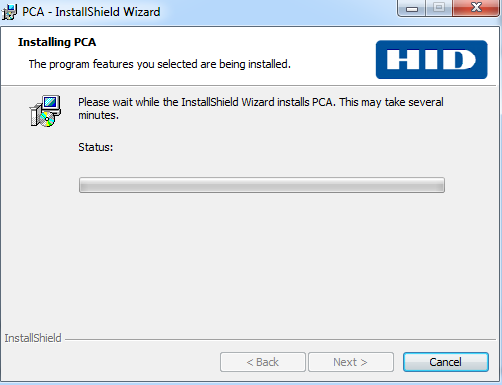
6 |
The installation will begin |
|
|
7 |
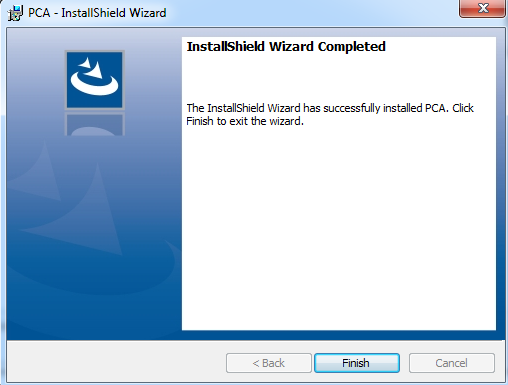
Press Finish to complete. |
|
|
8 |
Click next when prompted and finalize the installation. |