
To install the HID Atom Document Scanner
-
Run the AccessISDocumentReaderx86.msi installer
-
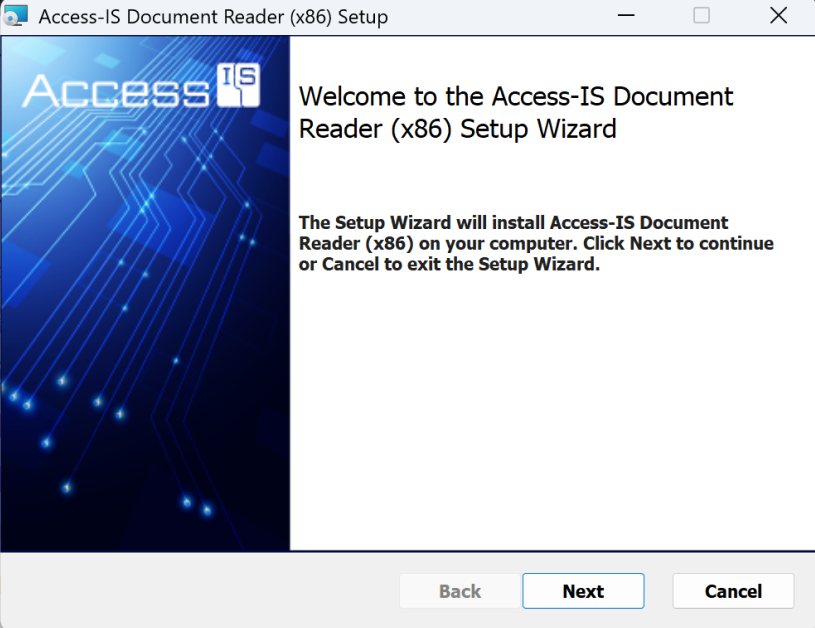
Press Next
-
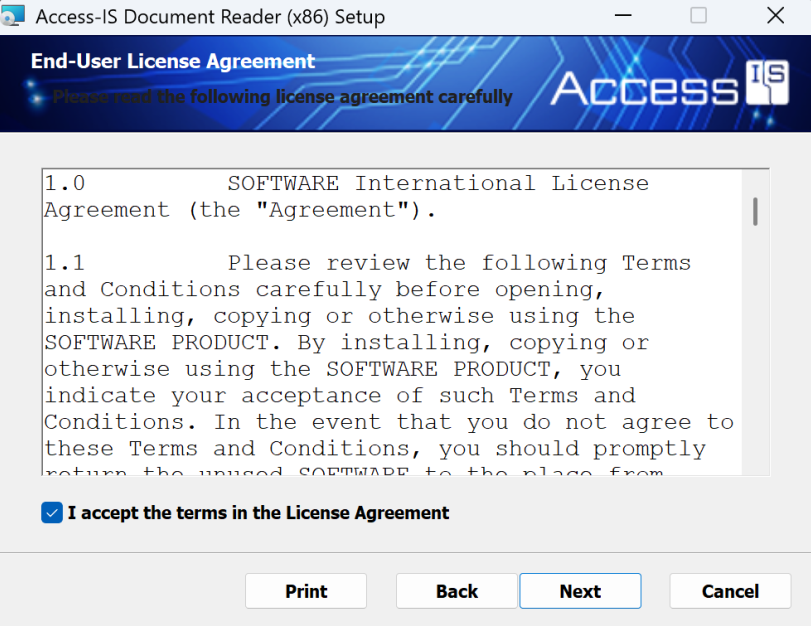
Read the license agreement. Check the button and click next if in agreeance.
-
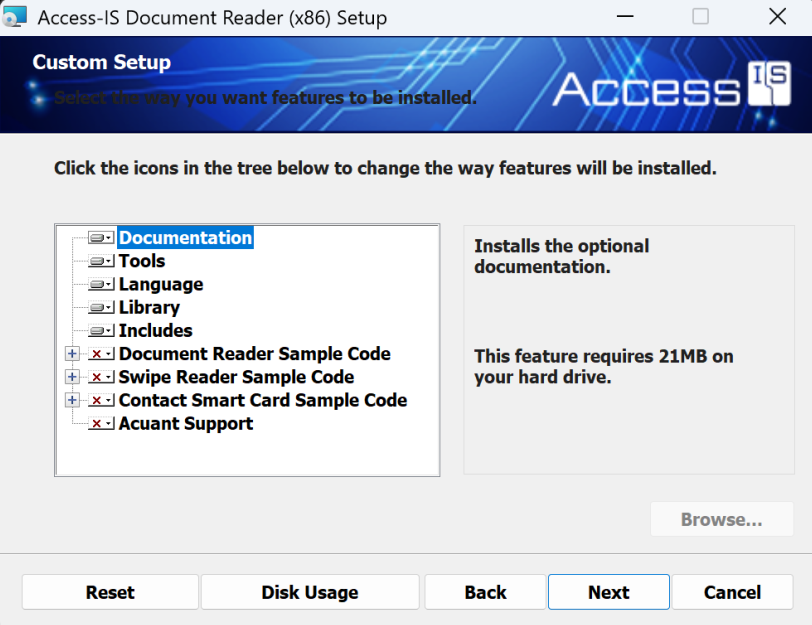
Maintain the default selections and press next.
-
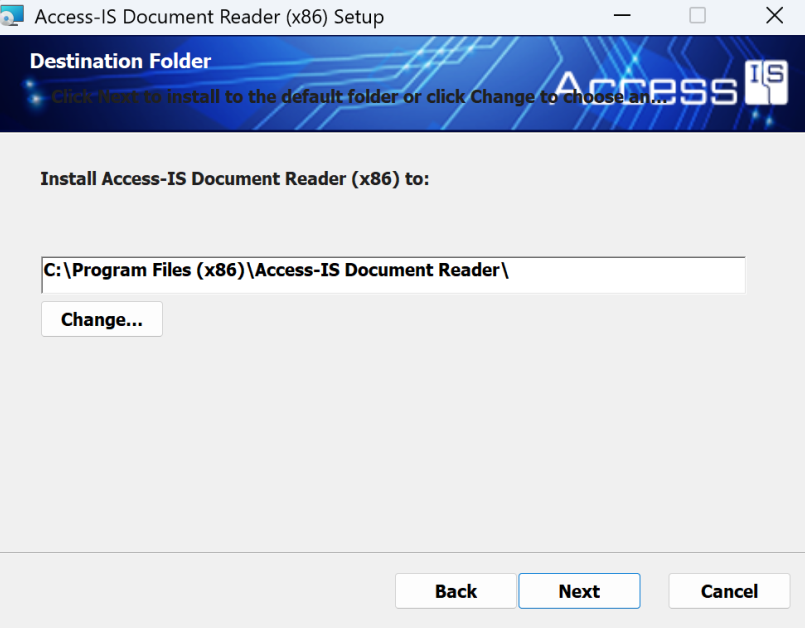
Install into the default location. Press Next
-
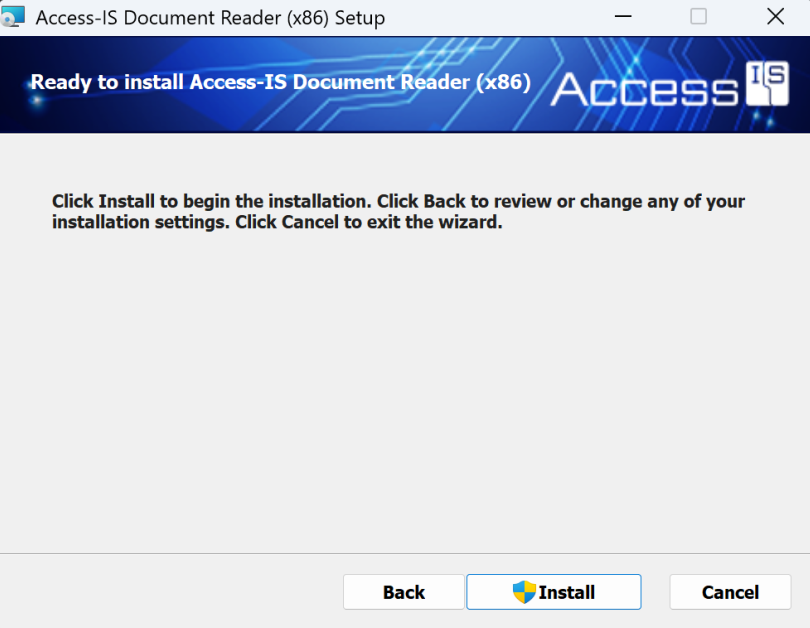
Press Install
-
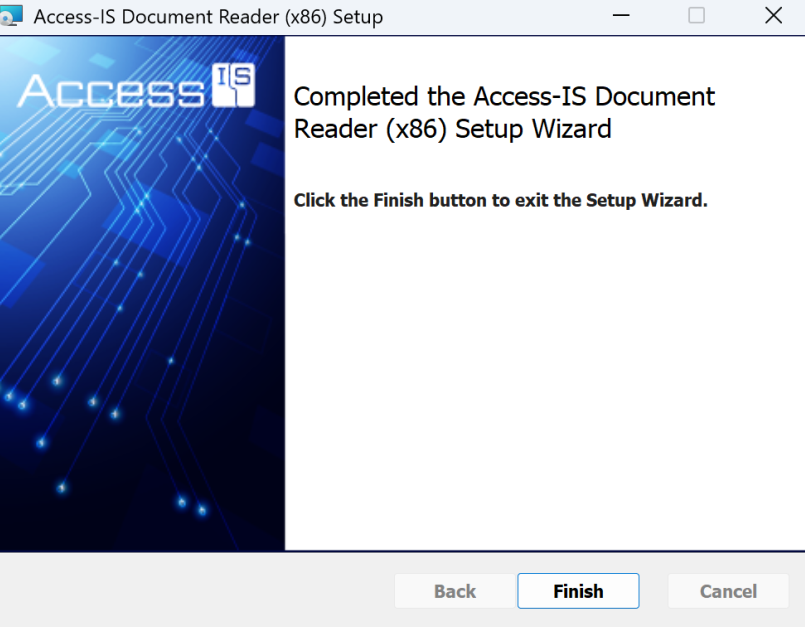
Press Finish
-
Connect the HID Atom Device to the workstation via USB and ensure the device is plugged in for power.
-
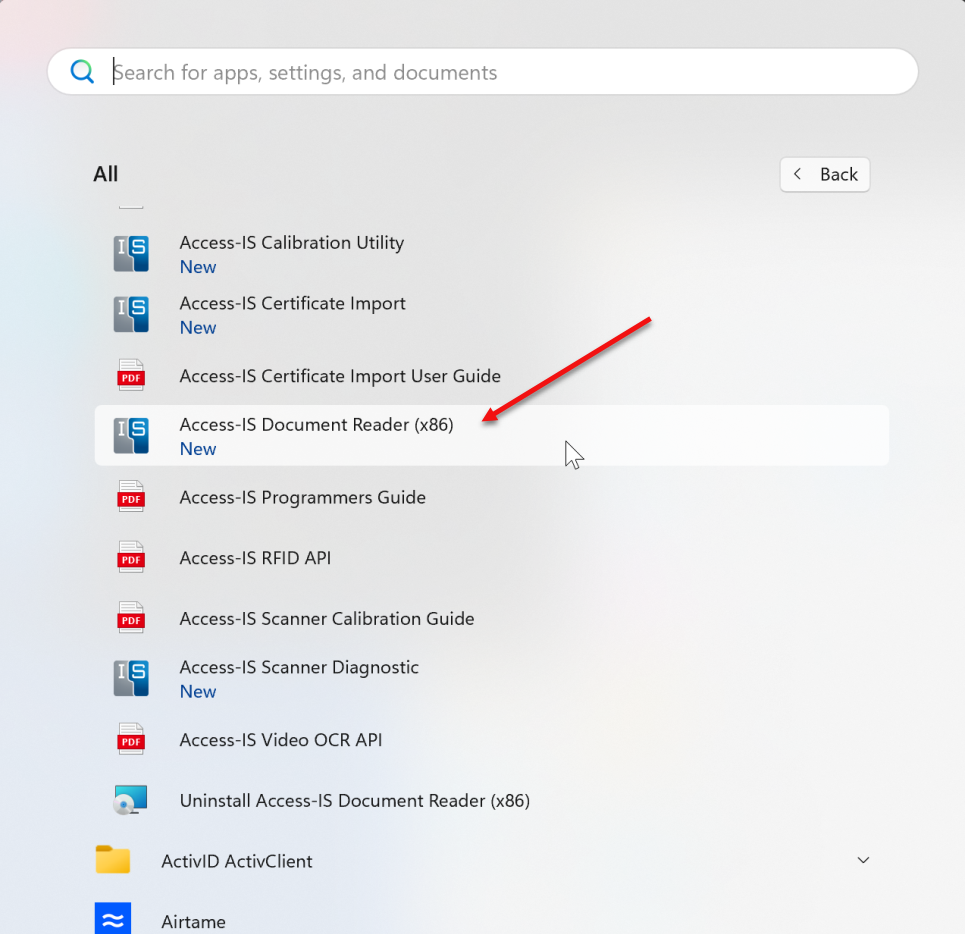
Click the Windows key to bring up the application menu. Locate the Access-IS Document Reader Folder. Access-IS Document Reader to launch the app.
-
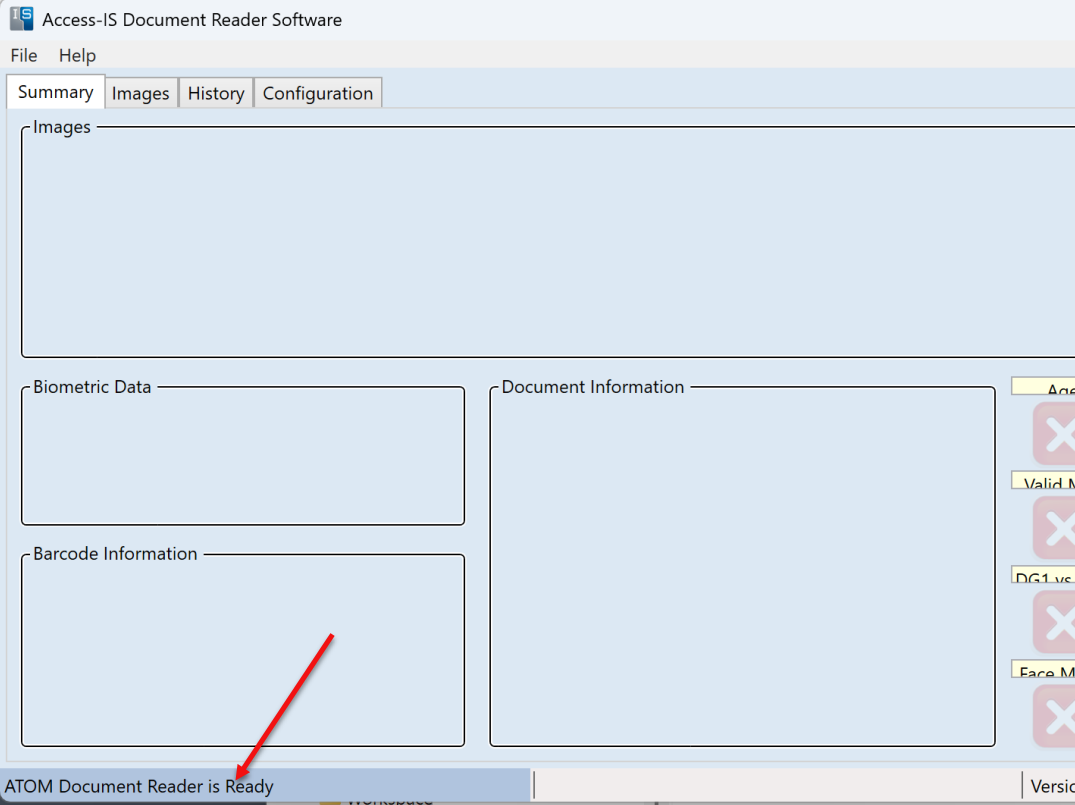
15 seconds after the application launches, verify that the ATOM document Reader is ready by looking at the lower left hand message in the application.
-
The HID Atom Document Scanner hardware installation is complete.