
For scenarios where the PCA client needs to override the IDMS print policy (for example, to be able to perform activations only when no printer is available), PCA can be configured to ignore the IDMS print policy.
|
Procedure |
Example |
|
|---|---|---|
|
1 |
Right click on the “Issue Credential” icon and run as administrator. |
|
|
2 |
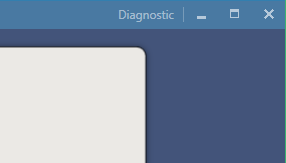
When PCA launches, click the Diagnostics link in the top right corner. |
|
|
3 |
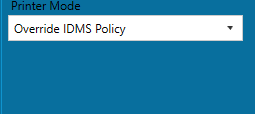
In the Printer Mode Section, select the “Override IDMS Policy” option. |
|
|
4 |
Press Save Configuration. |
|