The approval officer can cancel and reject a user during the approval phase. For example, if the approval officer desires the documents to be recaptured, they can reject the application. To cancel and reject the request, perform the instructions below:
|
Step Number |
Procedure |
Example |
|---|---|---|
|
1 |
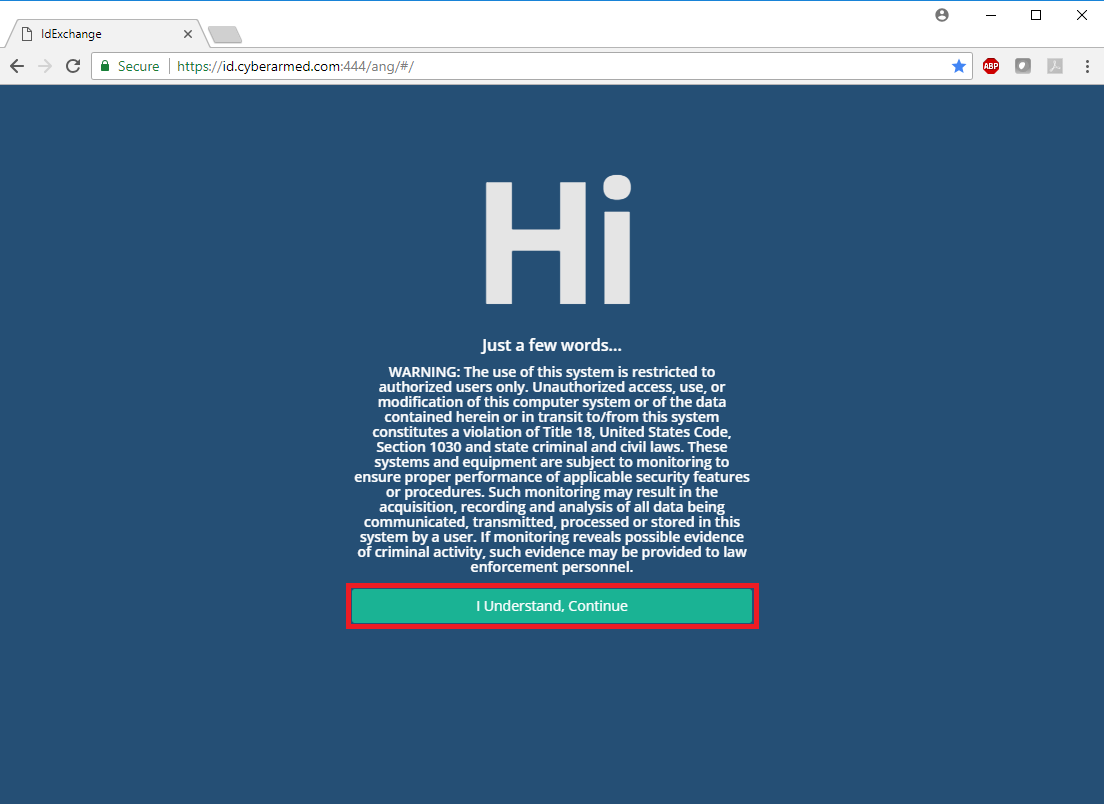
Step: Using the Chrome browser, go to you PIV-I System site. Press continue, and authenticate with you PIV credential. |
|
|
2 |
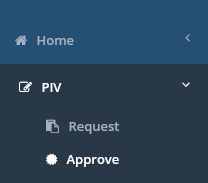
Click on the "Approve" tab. |
|
|
3 |
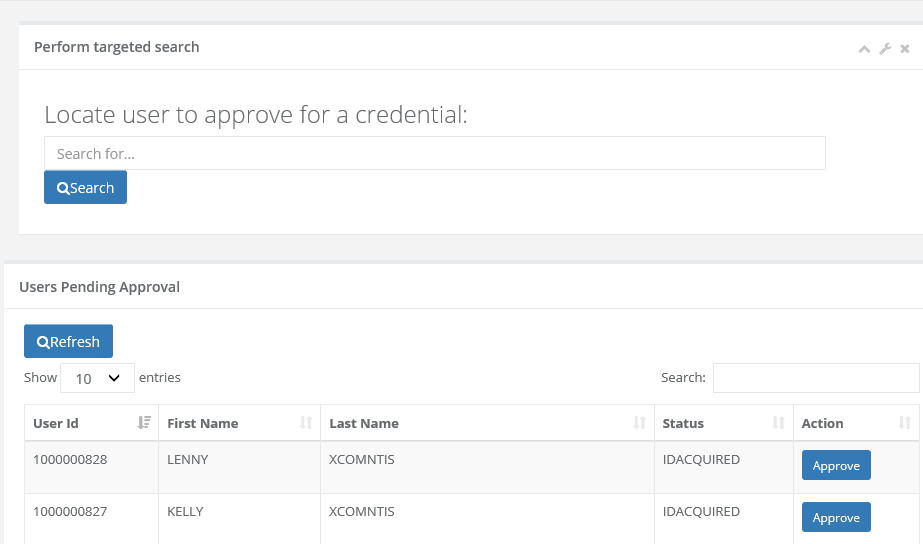
When the approve screen loads, either enter the last name of the user in the "Locate user to approve for a credential" or scroll down to the "User's Pending Approval" section to see if the user is listed. Once the user has been located, press the "Approve" button. |
|
|
4 |
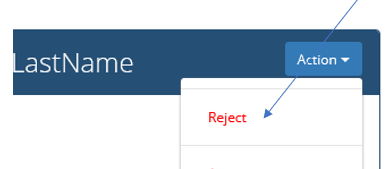
After selecting the user for approval, press the "Reject" button. |
|
|
5 |
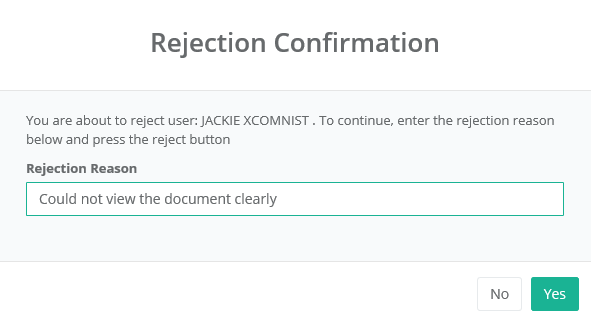
Next, enter a rejection reason. |
|
|
6 |
Press "Yes" to confirm and finalize. |
|
|
7 |
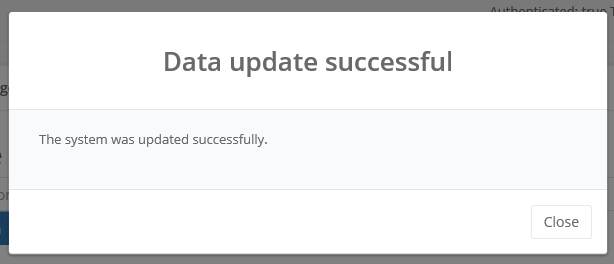
The system will provide a status indicating the data has been updated for the user. |
|
|
8 |
The user request has been cancelled and the user is once again available to search in the Request tab. |