
Similar to cancelling a request for a user when they are in the request phase, the enrollment officer can cancel the request during the enrollment phase. To cancel the request, perform the instructions below:
|
Step Number |
Procedure |
Example |
|---|---|---|
|
1 |
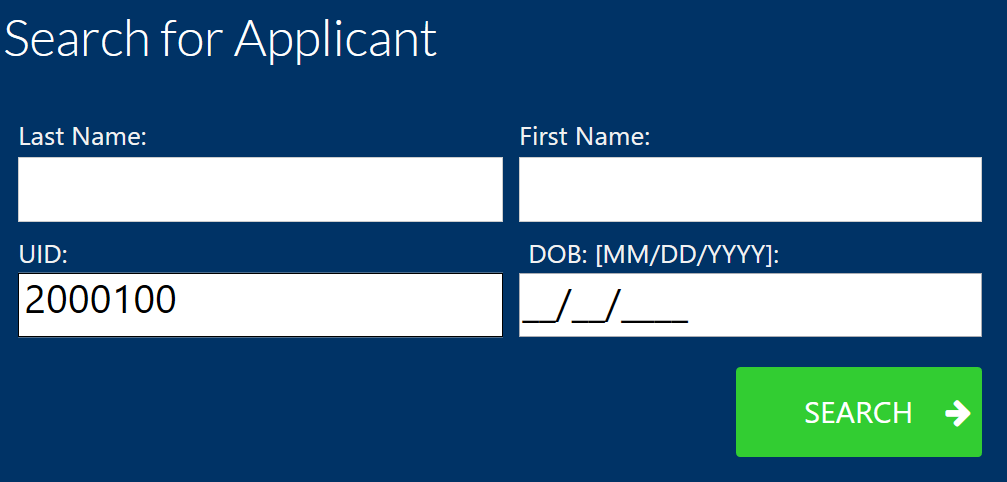
Search to locate the user. |
|
|
2 |
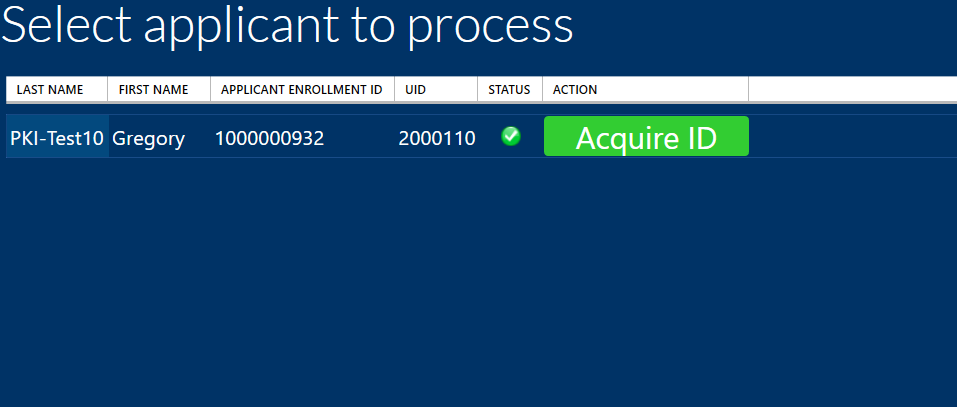
Press the Acquire ID button to retrieve the user's information. |
|
|
3 |
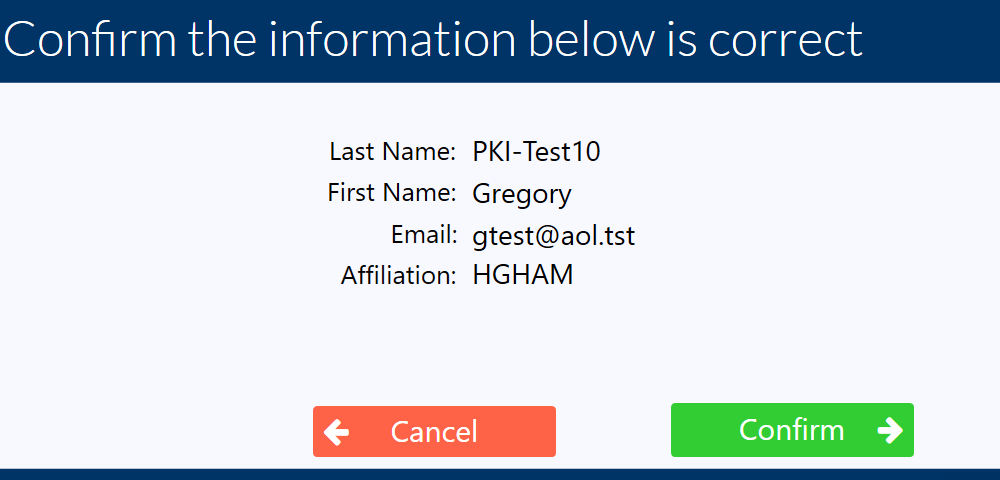
If this information is not correct, or if the request should be cancelled, press the Cancel button. |
|
|
4 |
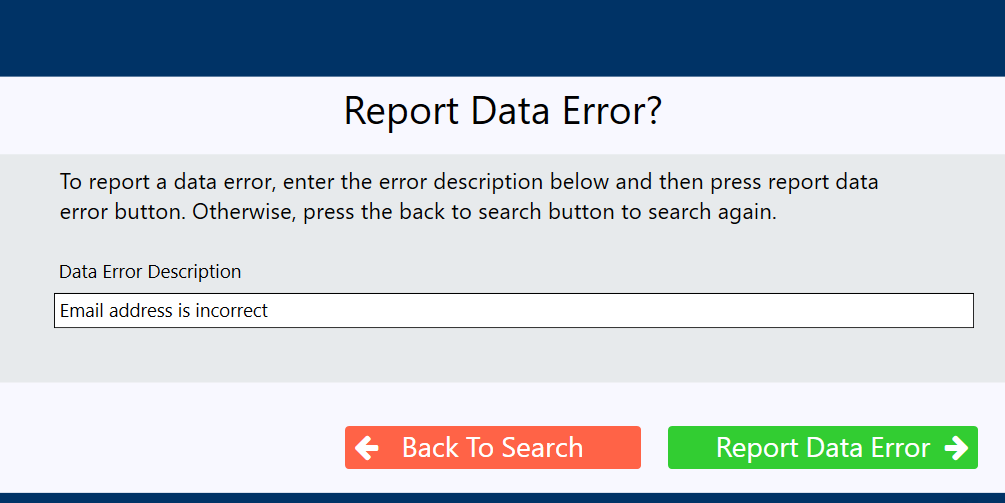
The data error capture screen appears. If there is an error with the data, enter the description and then press the "Report Data Error" button. |
|
|
5 |
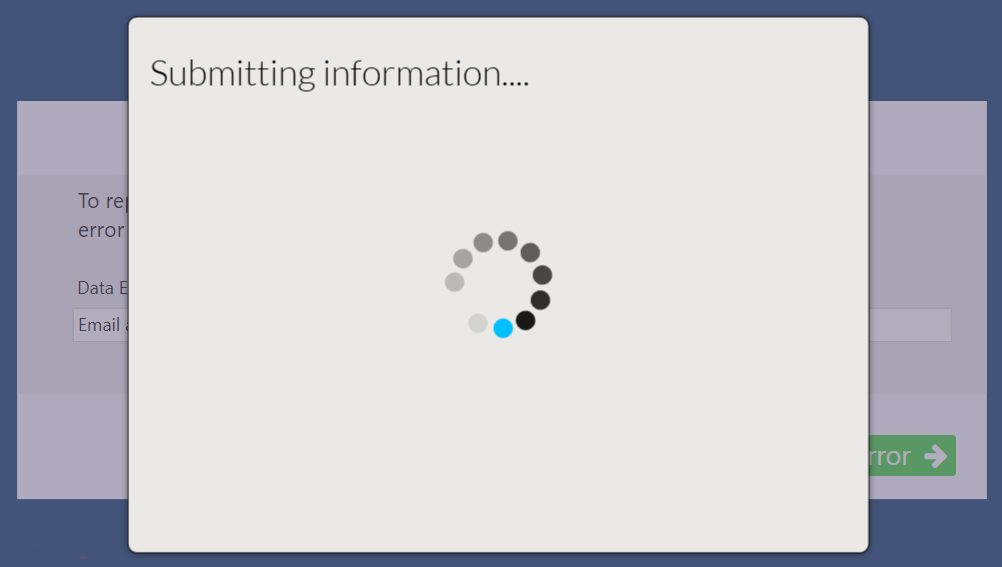
The error data will be submitted and the user will be restored to the user request queue. |
|
|
6 |
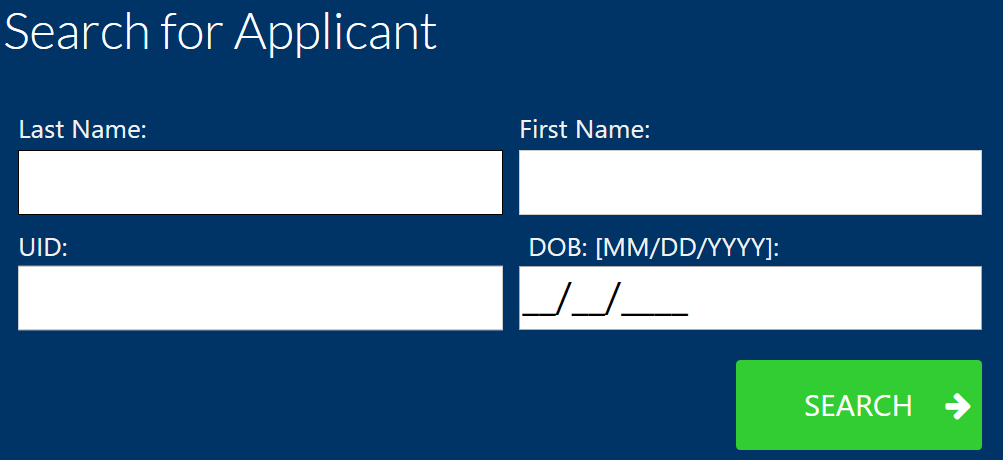
The system returns to the main search screen. |
|
|
7 |
The user request has been cancelled and the user is once again available to search in the Request tab. |