In cases where the users credentials shall be terminated, the IDMS allows an authorized operator to terminate users credential.
Terminating Steps
|
Step Number |
Procedure |
Example |
|---|---|---|
|
1 |
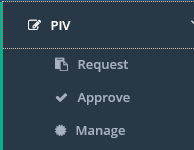
Click the Manage tab |
|
|
2 |
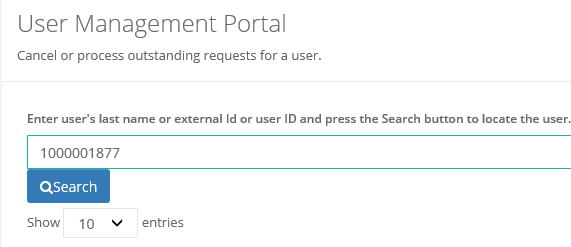
Enter the user ID or last name of the user that will terminated |
|
|
3 |
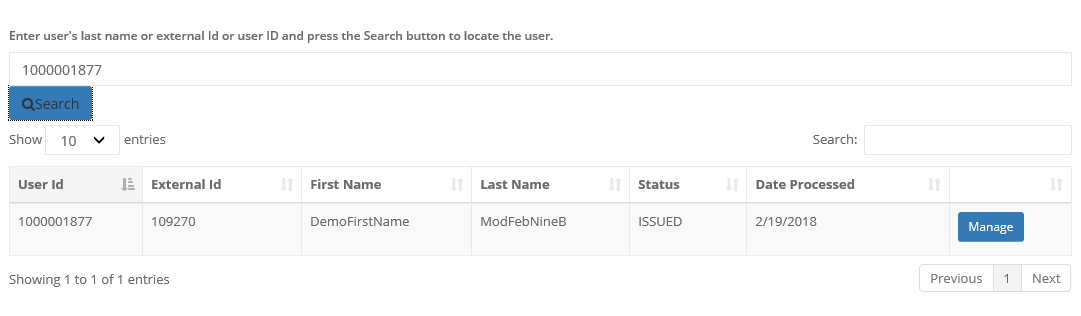
Click the manage button. |
|
|
4 |
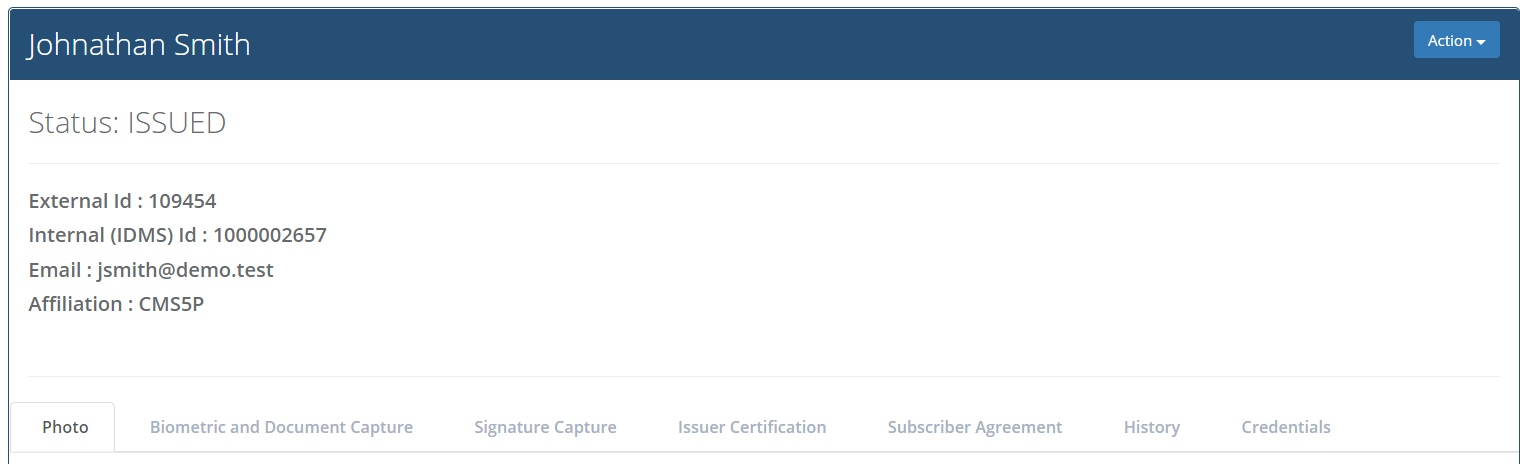
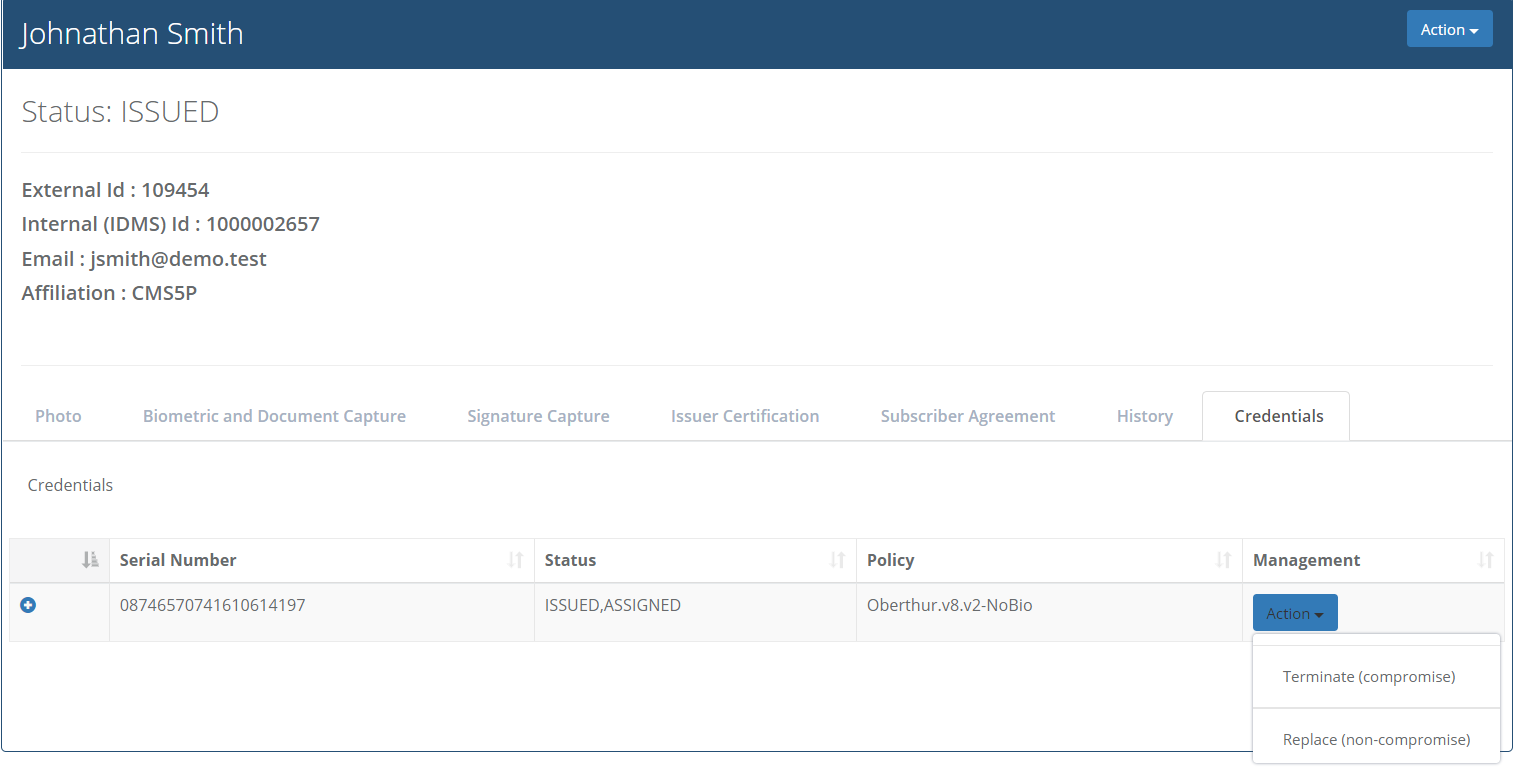
Click the Credentials tab. |
|
|
5 |
Click the Action button then click Terminate. |
|
|
6 |
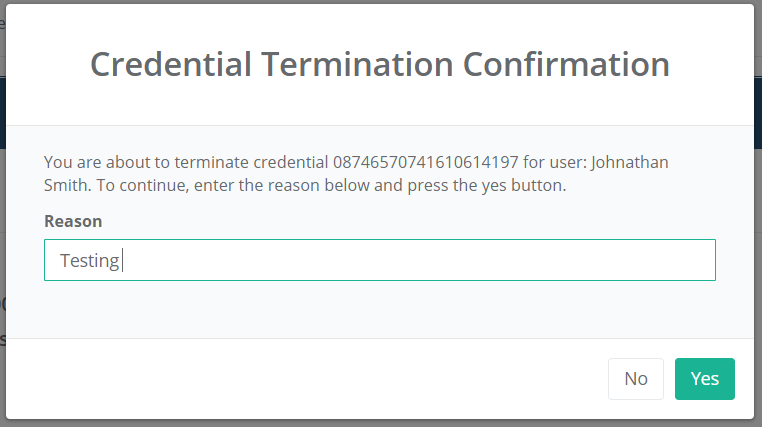
Enter the reason for terminating. |
|
|
7 |
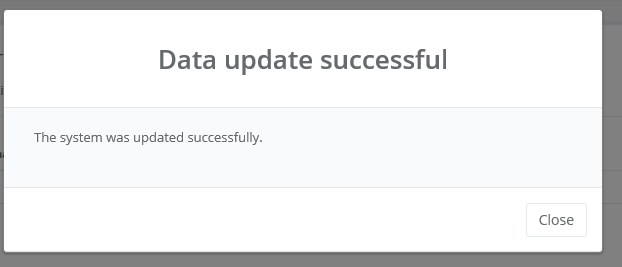
The system will notify when the user has been terminated. |
|