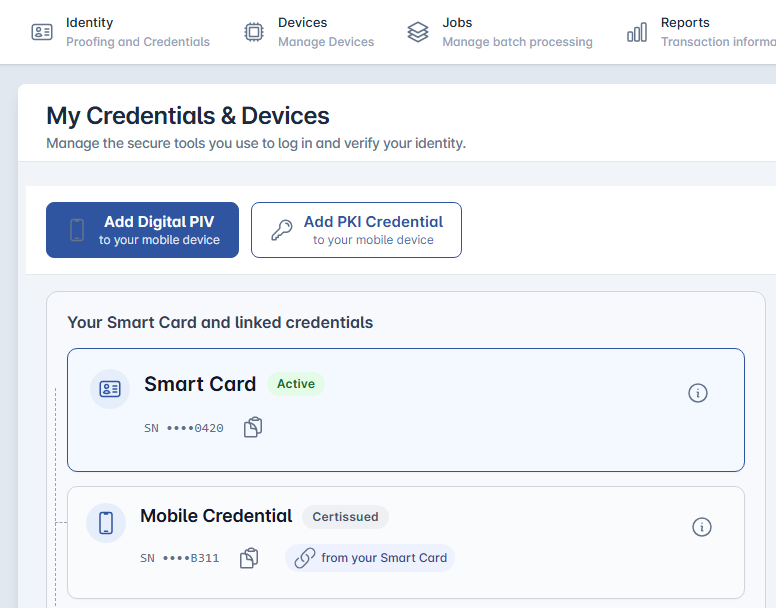
The self service portal provides tools to enable the credential holder to manage their devices and identity and access various training materials.
Operator access to the self service portal
Before getting started, ensure the operator must has the SelfService role assigned in order for them to access their Self Service panel.
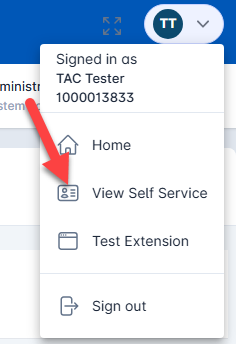
The operator can manage access the self service portal by clicking the logon panel in the top right corner and then pressing the view self service button.
From here, they will see a listing of their credentials and have the ability to request additional credentials if their policy permits it.