The following table provides the procedures to allow an operator to manually create a credential issuance request.
Requirements: The user must be in the APPROVED state and the CMS not not have any credentials for the user.
** If "create issuance request" is not available try enabling it. See Enabling/Disabling Credential Data refresh for more information.
|
Step Number |
Procedure |
Example |
|---|---|---|
|
1 |
Authenticate to the IDMS with the ApprovalOfficer permission |
|
|
2 |
Click Piv, Manage |
|
|
3 |
Locate the user |
|
|
4 |
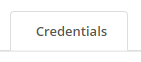
Click the credentials tab |
|
|
5 |
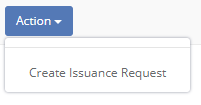
Within the credentials table, click the action button and select "Create Issuance Request" |
|
|
6 |
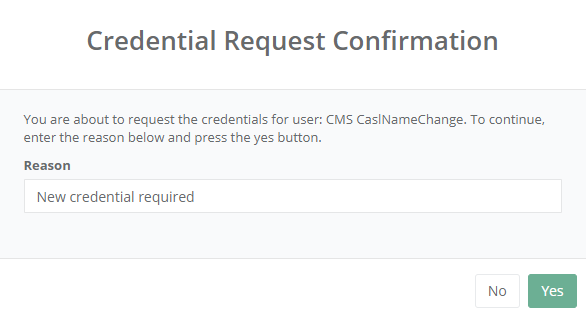
Enter the reason for the request and press Yes. |
|
|
7 |
The user is ready for a credential to be issued. |
|