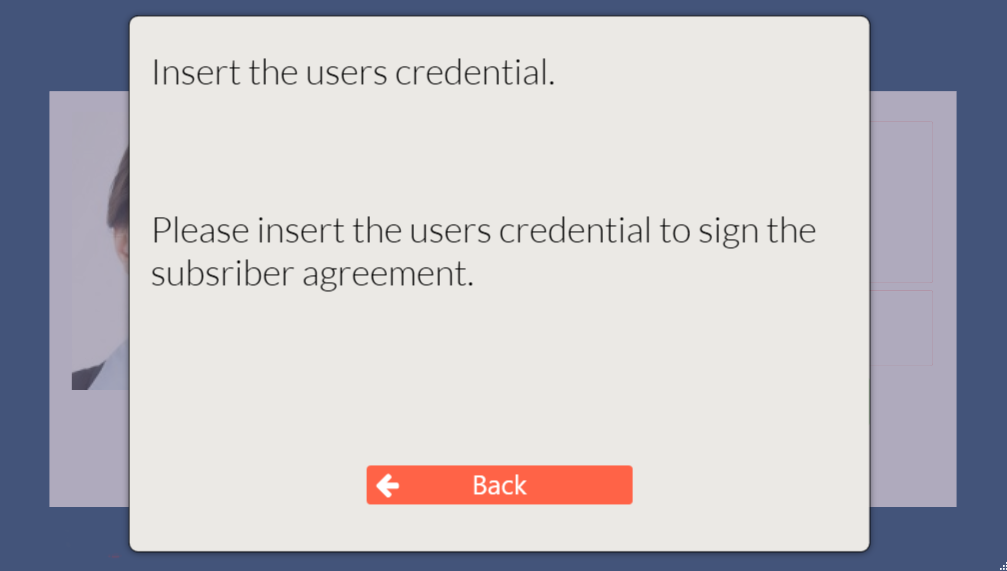
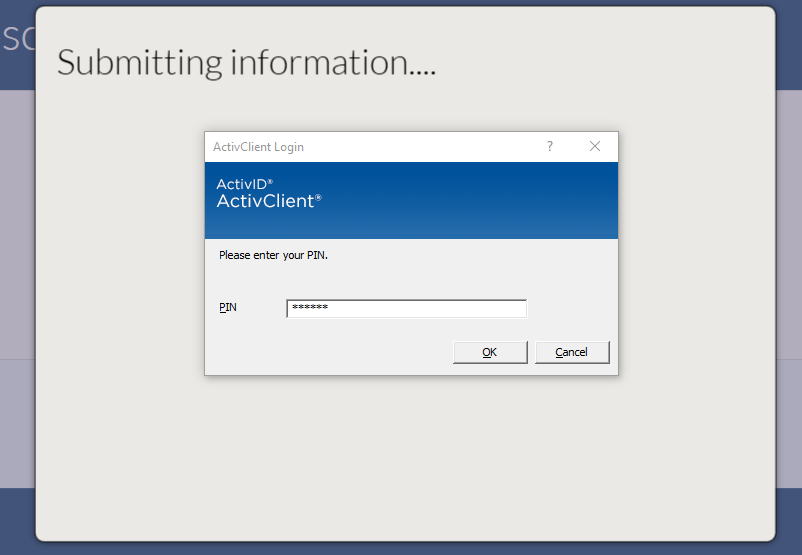
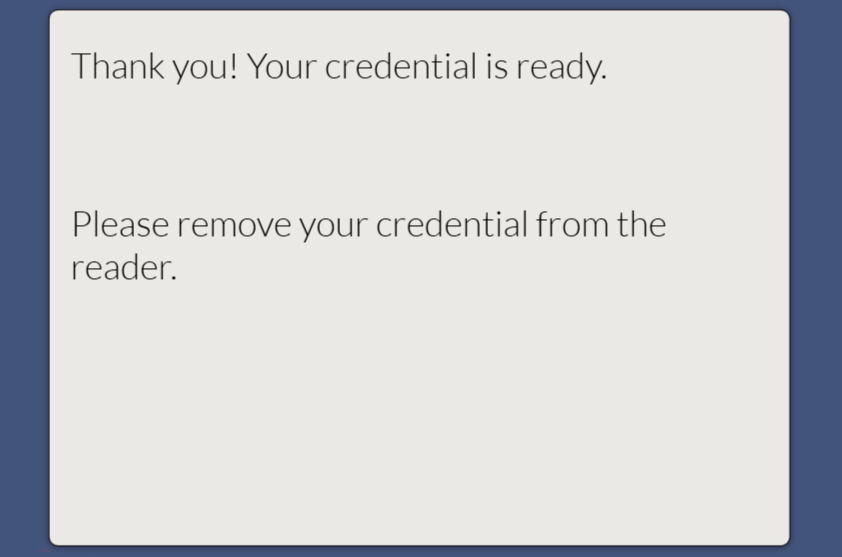
PCA can acquire the user's digital subscriber agreement if the credential has already been issued. During this process, the operator will locate and verify the user. Next, the user will insert their credential and be prompted to knowledge the responsibilities in the subscriber agreement. Upon acknowledgement, the user will enter the PIN to their credential and the credential will digitally sign the subscriber agreement. The subscriber agreement is then uploaded to the IDMS.
Important: The operator must verify the user's identity to ensure the correct card is used for digital signing. PCA does not validate the user's identity before signing the subscriber agreement.
Required Permissions: DigitalSigner
Steps
|
Step Number |
Procedure |
Example |
|---|---|---|
|
1 |
Authenticate to PCA with the DigitalSigner permission |
|
|
2 |
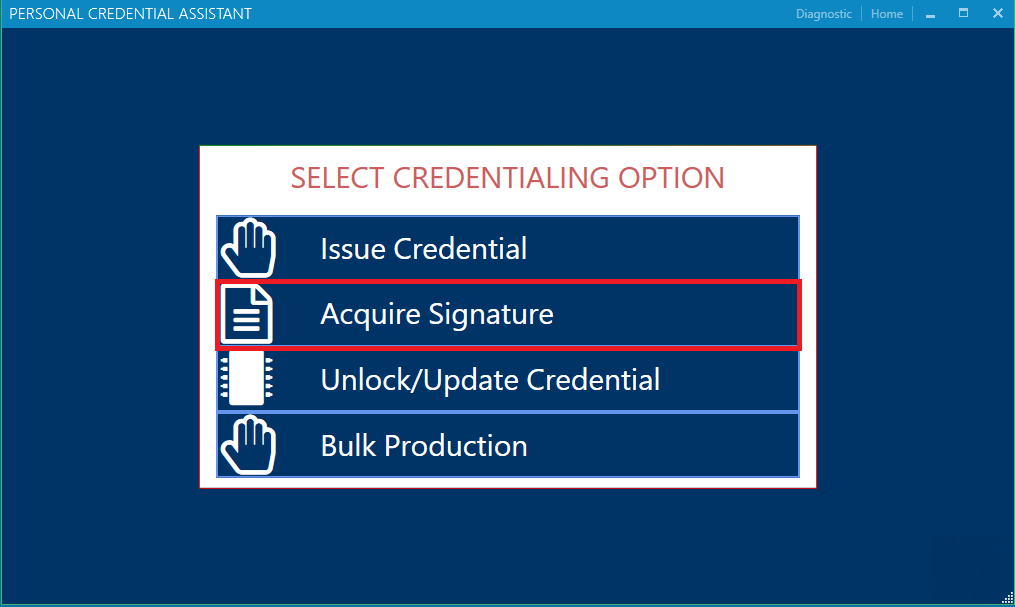
Select the Acquire Signature option |
|
|
3 |
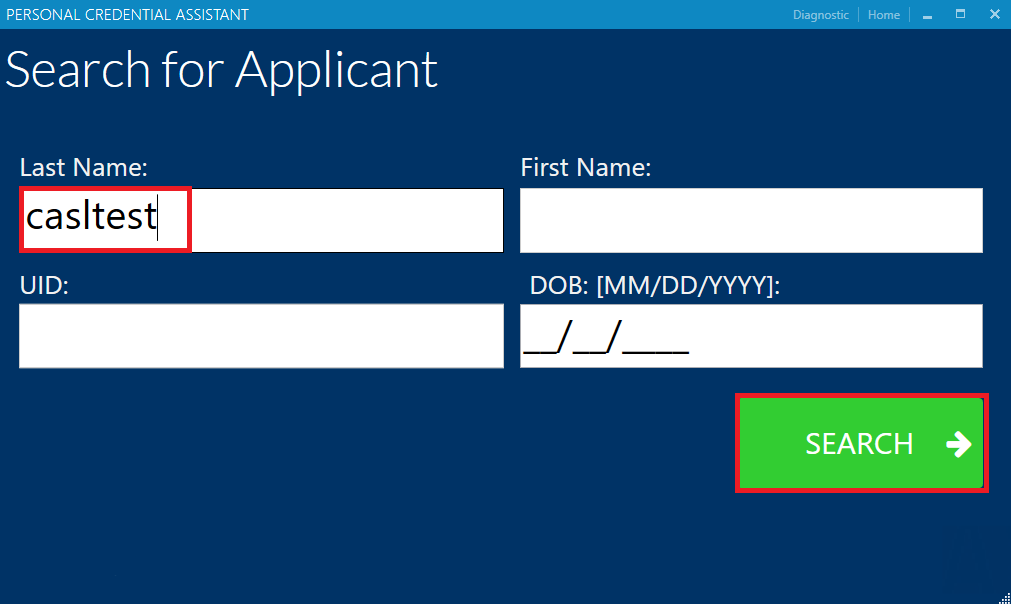
Locate the user by last name |
|
|
4 |
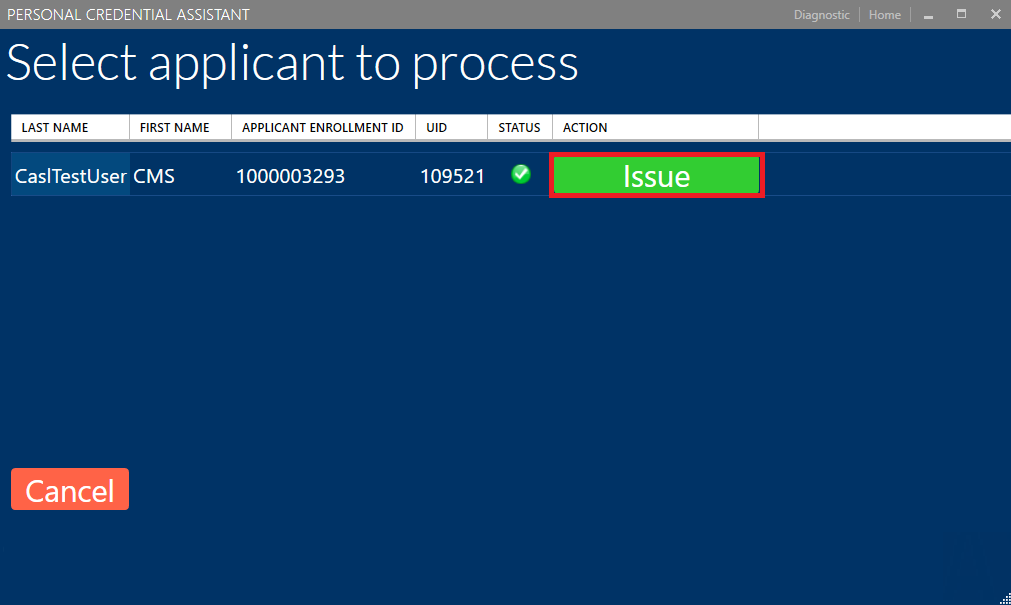
Retrieve the user's detailed information |
|
|
5 |
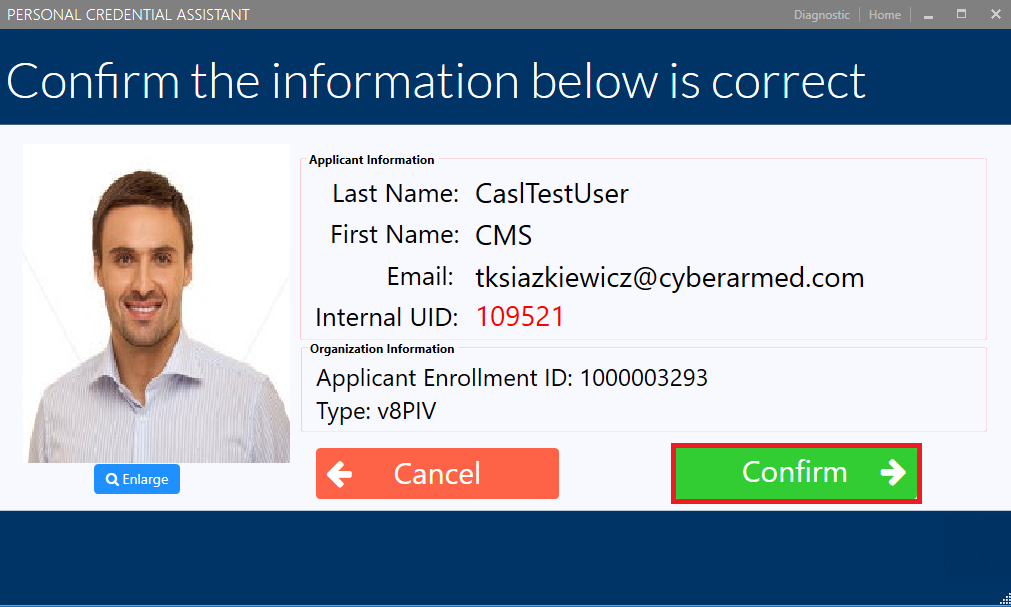
Press confirm to confirm the user is correct. |
|
|
6 |
Instruct the user to insert their credential. |
|
|
7 |
Have the user click the "Acknowledge" button, |
|
|
8 |
Have the user enter the PIN to their credential and press OK |
|
|
9 |
The signed agreement will be uploaded to the IDMS. Please remove the user's credential when complete. |
|