The following procedures provide the instructions to cancel a replacement request that has been submitted for a user.
Requirements: The user has a replacement request and their status is: PIVCREDENTIALREQ
|
Step Number |
Procedure |
Example |
|---|---|---|
|
1 |
Authenticate to IDMS with ApprovalOperator permissions |
|
|
2 |
Click PIV, Click Manage |
|
|
3 |
Search and locate the user |
|
|
4 |
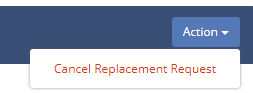
In the Action Drop down, select Cancel Replacement Request |
|
|
5 |
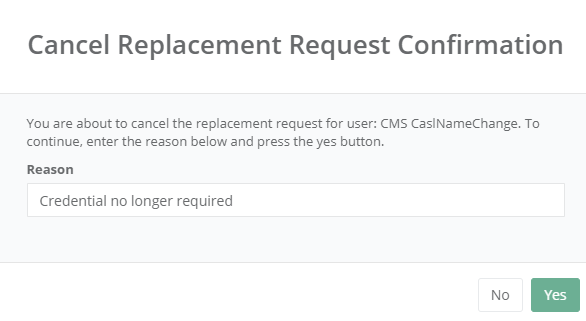
Enter the reason for cancellation and then press Yes |
|
|
6 |
The user will be reset the the Approved status. |
|