
To reuse a credential, the contents of the credential can be deleted and reset. For organizations that desire to grant non-credential issuers rights to perform credential recycling, they can grant the user the CredentialRecycleOperator using the steps below.
Note: the credential must not be active or bound to any user. If you want to recycle a credential in use, you must first complete the expungement process to first remove the existing user. Expunge (Delete) User Procedures
Prerequisites
-
Role requirements: Credential Recycle Operator
-
Credential cannot be assigned to another user
How to Recycle a Credential
Complete this process to recycle the credential in order to reassign to another user.
|
Item |
Procedure |
Example |
|---|---|---|
|
1 |
Log in to the PCA workstation (must have the CredentialRecycleOperator role) |

|
|
2 |
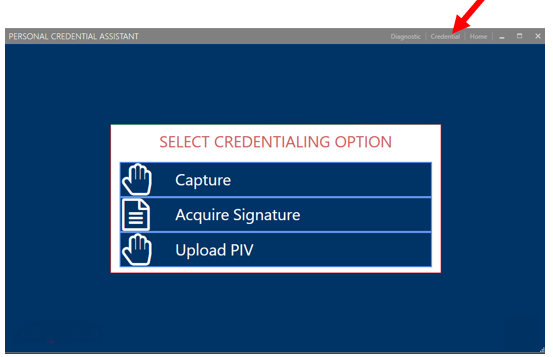
When at the selection screen, click the "credential" link at the top, right corner. |
|
|
3 |
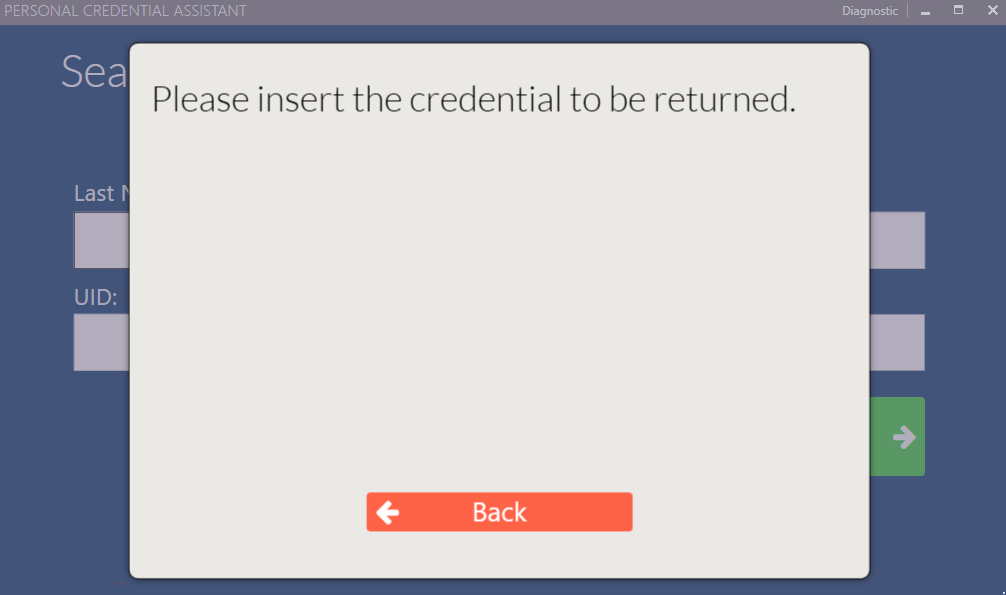
When prompted, insert the credential that needs to be recycled. |
|
|
4 |
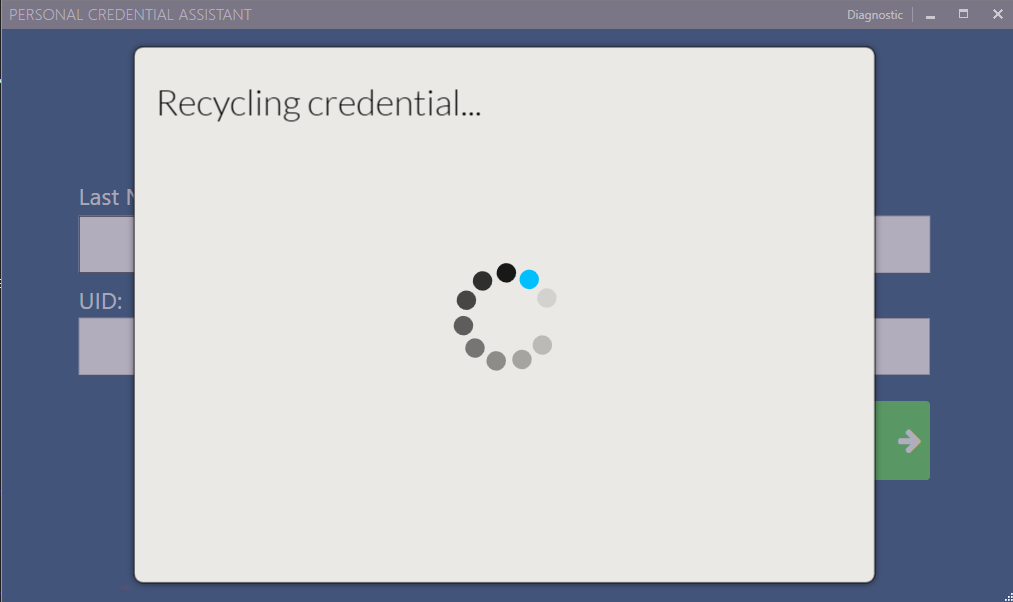
The credential will be read and automatically recycled.
Note: this process may take 1 minute or longer
|
|
|
5 |
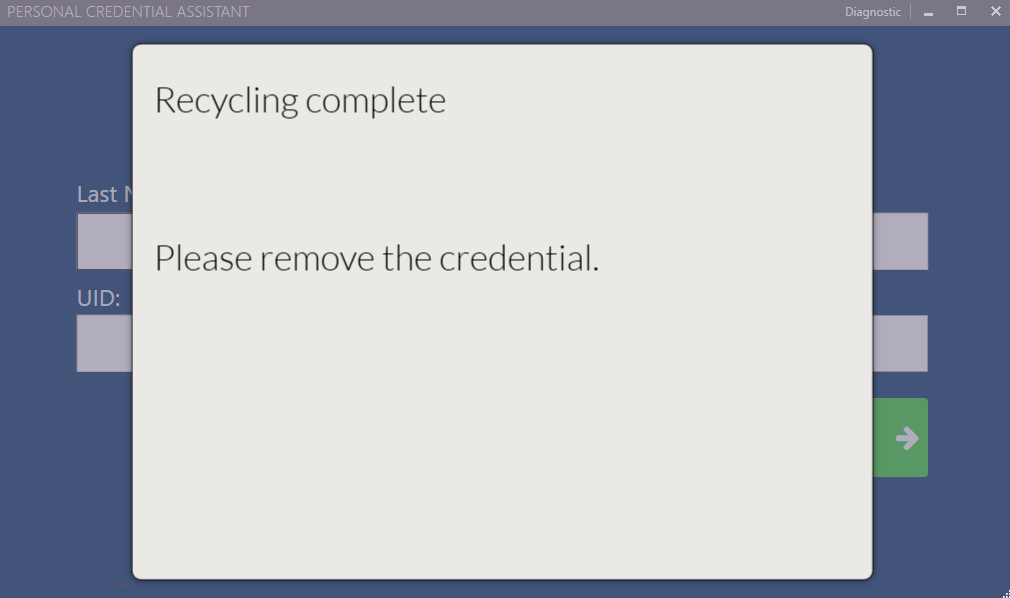
Once complete, remove the credential. The credential is ready for reuse. Recycling is complete. |
|