
A credential can be updated using PCA by following the procedures below.
Set an application update request
|
Procedure |
Example |
|
|---|---|---|
|
1 |
Go to CMS, click help desk, and locate the user that will be updated. |
|
|
2 |
Click the Request Applications Update button |

|
|
3 |
Select the card update policy and press submit. |
|
|
4 |
The user should have an applications update request. |

|
Using PCA to update the credential
|
Procedure |
Example |
|
|---|---|---|
|
1 |
Login to PCA with credential issuer role. |
|
|
2 |
Click the Unlock/Update Credential button |

|
|
3 |
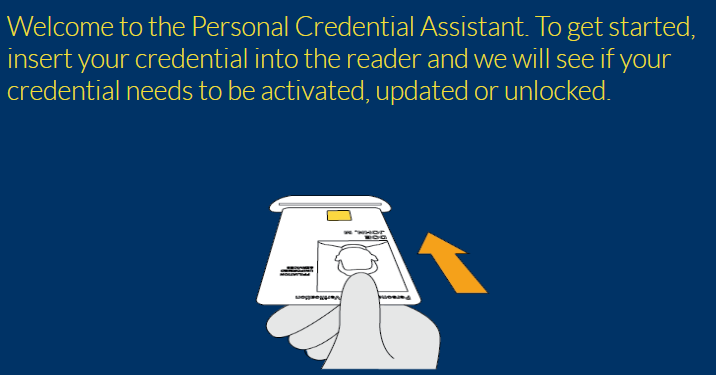
When prompted, insert the user’s credential.
PCA will read the credential to locate the user. |
|
|
4 |
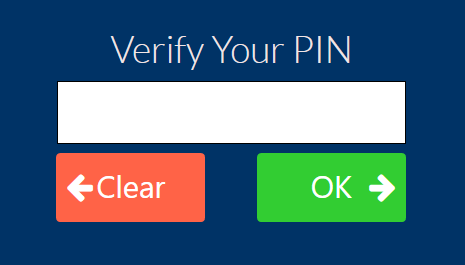
Have the user enter the PIN of the smart card credential and press OK. |
|
|
5 |
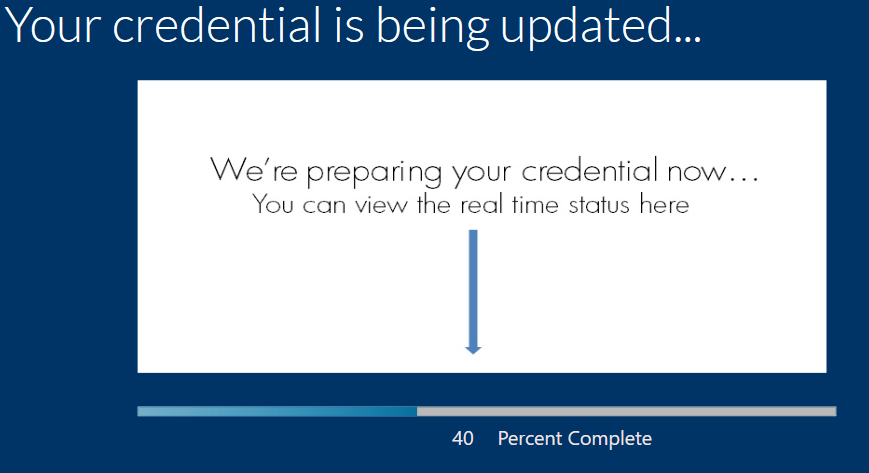
PCA will perform the update process. |
|
|
6 |
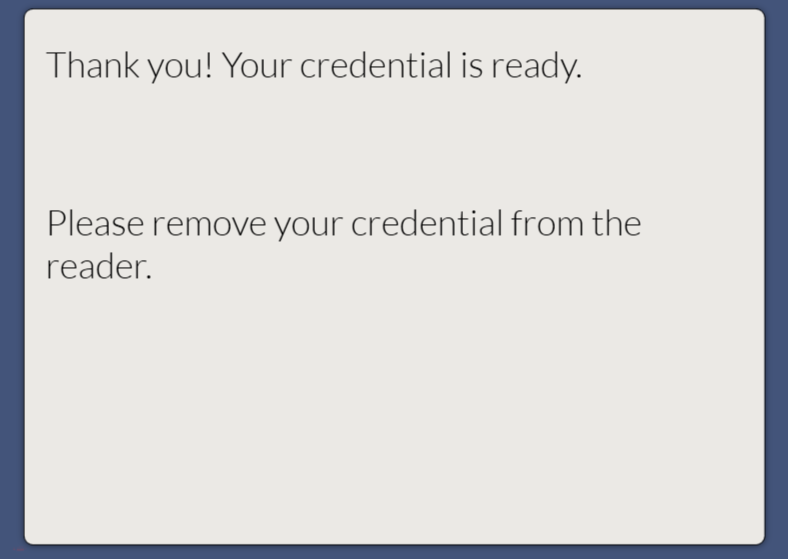
When complete, PCA will ask to remove the credential. |
|
|
7 |
The update process is complete. |
|