
How the printing works once set up:
CMS inserts card into reader, encodes the card and the prints the card
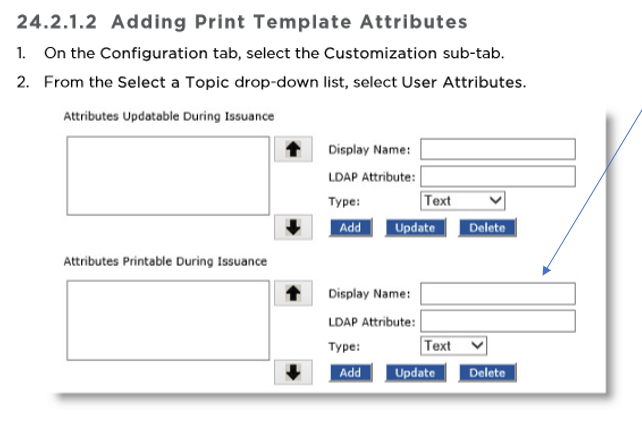
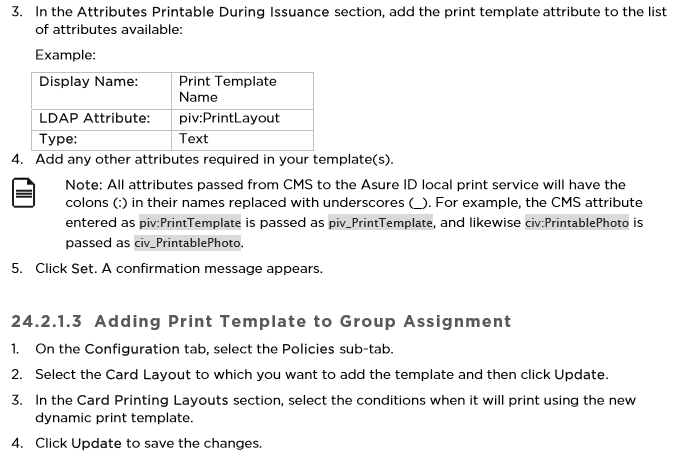
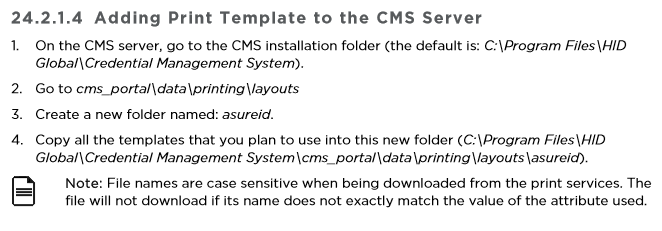
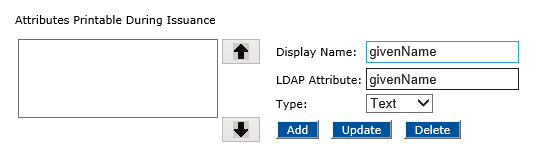
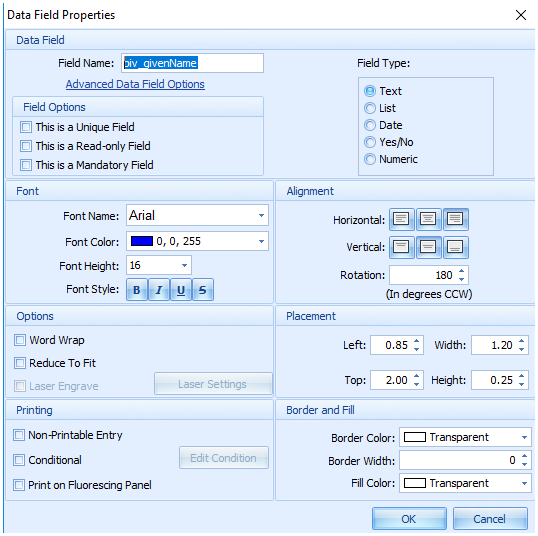
Configuring the CMS and Asure Id configuration
Troubleshooting
When issuing a device and it says print component could not be loaded, run the IE 11 compatibility mode
If the service fails to install with a -1 error, click on properties and verify that the binary is not blocked.