PCA uses the Fargo SDK to communicate with the HID HDP5000 Printer.
|
Step Number |
Procedure |
Example |
|---|---|---|
|
1 |
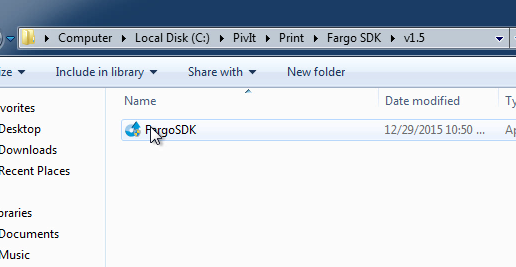
Move to the Fargo SDK\v1.5 folder. Run the FargoSDK installer. |
|
|
2 |
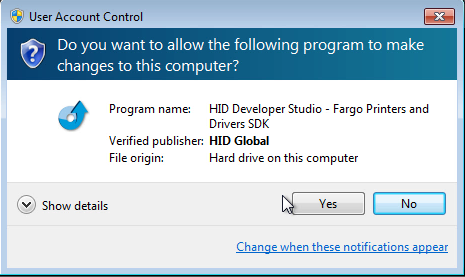
If the user account control window appears, press Yes. |
|
|
3 |
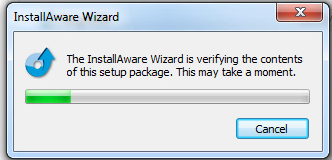
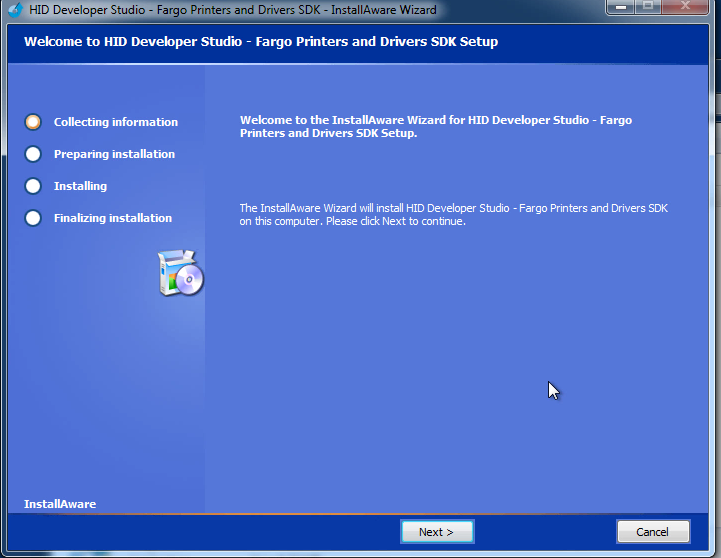
The installation wizard will start. |
|
|
4 |
Press Next. |
|
|
5 |
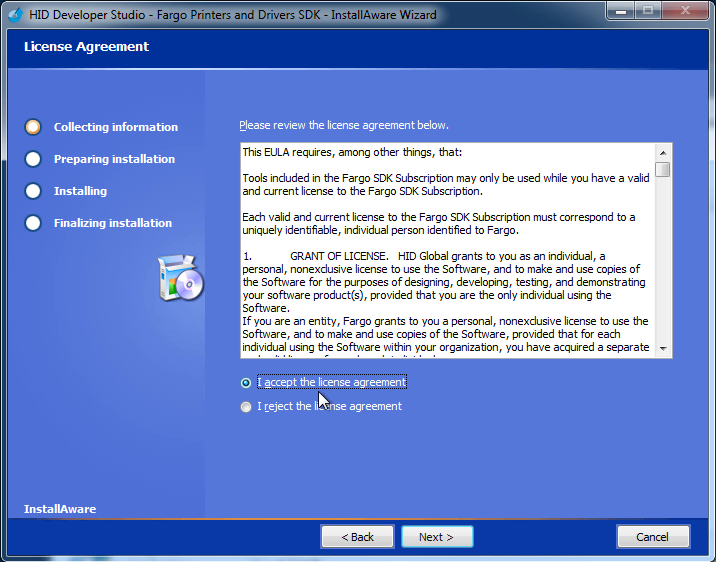
Read the end user license agreement. Click the I accept the license agreement button and press Next. |
|
|
6 |
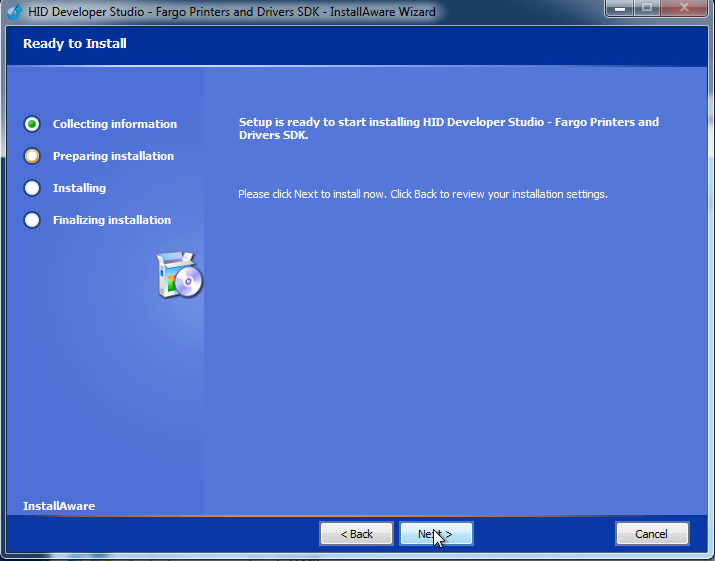
Press the Next button. |
|
|
7 |
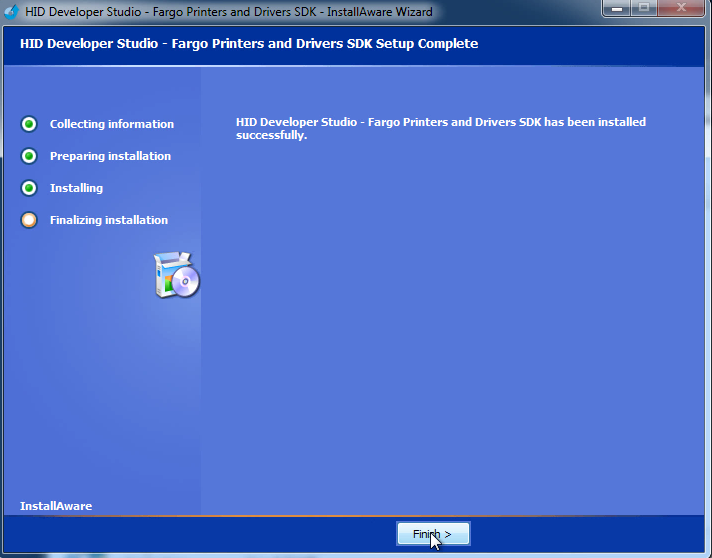
When the installation process completes, press the Finish button. |
|
|
8 |
The Fargo SDK installation is complete. |