
Please refer to the HID AsureId installation guidance. Note: the AsureId minimum version required is Exchange. Version is 7.3.2.18
|
Procedure |
Example |
|
|---|---|---|
|
1 |
Run the Asure_ID_Setup_v7.3.2.18 as administrator |

|
|
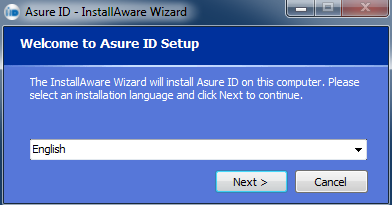
2 |
Press next |
|
|
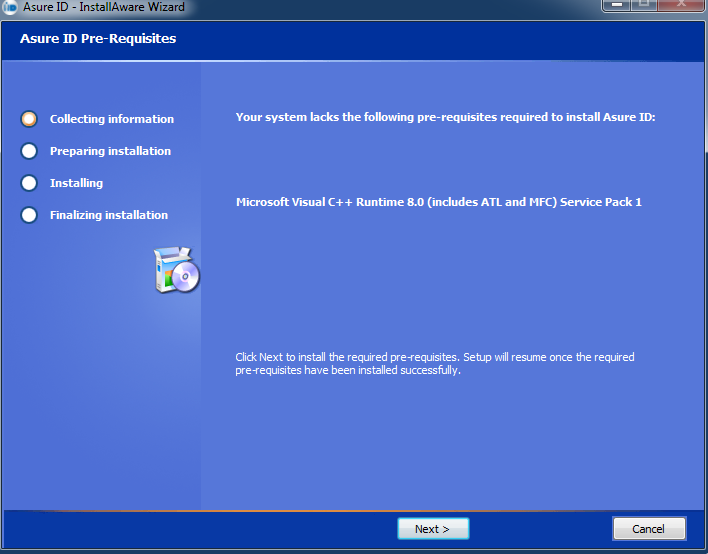
3 |
Press next |
|
|
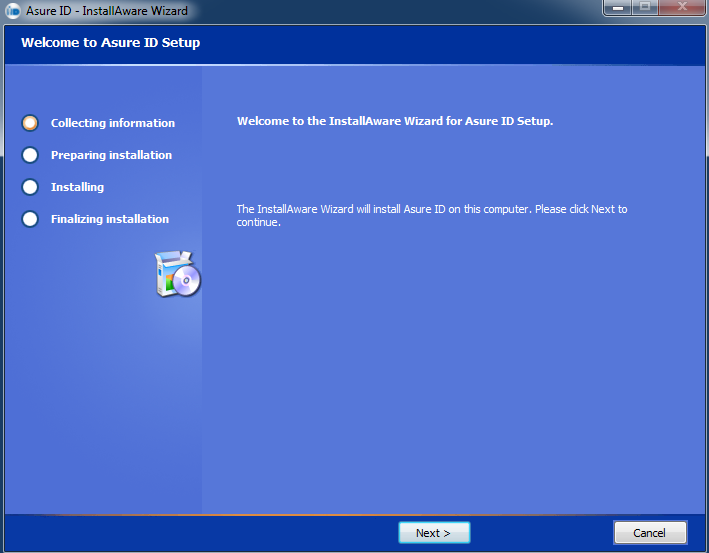
4 |
|
|
|
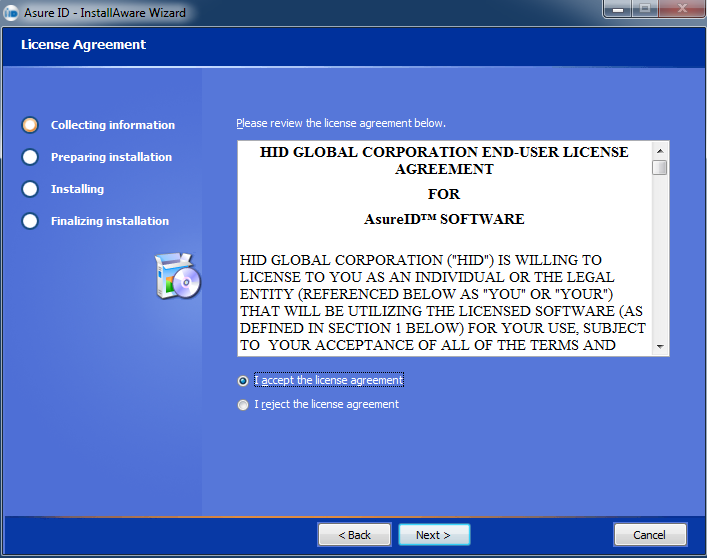
5 |
Press Next |
|
|
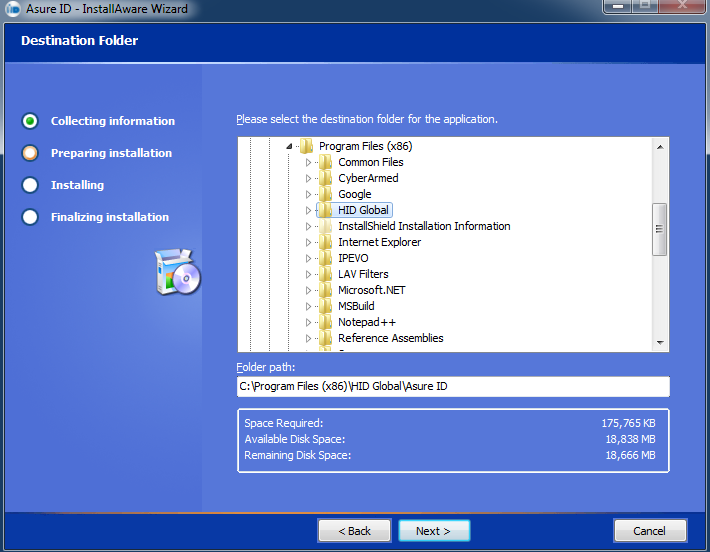
6 |
Keep the default location and press next |
|
|
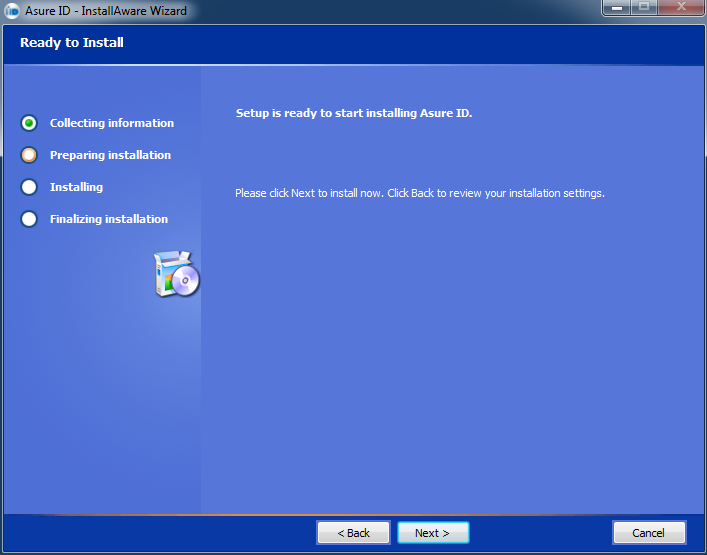
7 |
Press next |
|
|
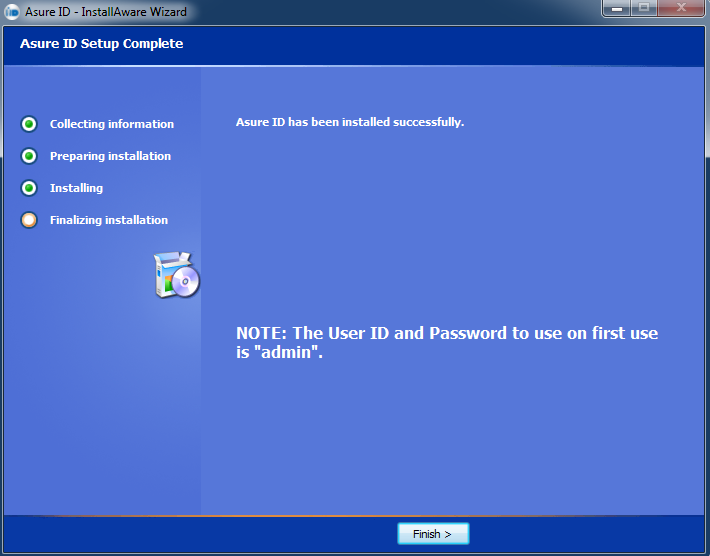
8 |
Press finish to complete |
|
|
9 |
Launch Asure ID |
|
|
10 |
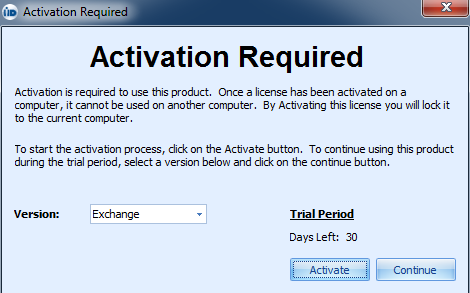
Select the *Exchange* version, and press Activate. |
|
|
11 |
Enter the licenese and close. |
|
|
12 |
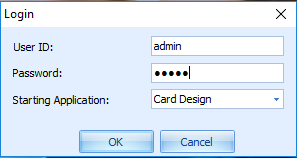
Login
Default login : User ID: admin Password: admin |
|
|
13 |
If the option to update appears press "No" |

|
|
14 |
Asure ID installation is complete |
|
Uninstalling the Asure ID
After uninstalling Asure ID, go to c:\program data\HID global\ and delete the Asure ID folder