Synching CMS Application ID database with IdExchange Application Database
Prerequisite: The Cms Reporting database connection must be established and operational.
AltSecurityIdentity Certificate Publishing
-
Go to Administration, System Connection
-
Locate the CMS Reporting database system connection
-
Press Check
-
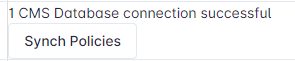
If the connection is successful, a button with the label “Synch Policies” will appear
-
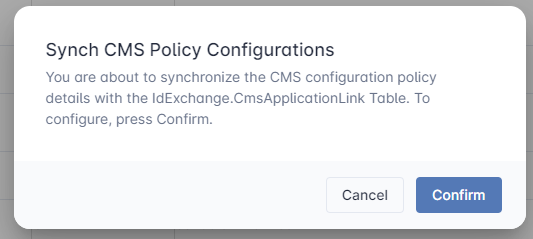
Press the “Synch Policies” button. Confirm the the selection.
-
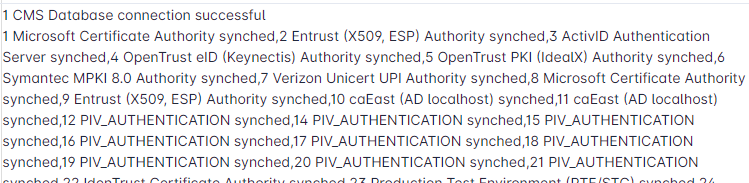
A report listing the policies that were synched will be listed.