
To upgrade the IdExchange MicroService
-
Go to C:\Program Files (x86)\CyberArmed folder
-
Backup the IdExchangeSvc folder
-
Using windows add/remove programs, uninstall the IdExchangeSvc
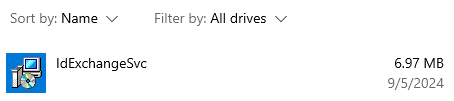
-
Open a command prompt or PowerShell terminal as administrator
-
Go installation disk and then go to the IDMS Client\CMS Notification folder
-
Run the IdExchangeWcfInstaller.msi to install the update
-
Go the backup folder created in the step above and copy the IdExchangeSvc.exe.config
-
Go to C:\Program Files (x86)\CyberArmed\IdExchangeSvc and replace the IdExchangeSvc.exe.config with the IdExchangeSvc.exe.config backup that was taken in the step above.
-
Go to the Windows service manager and start the IdExchange service
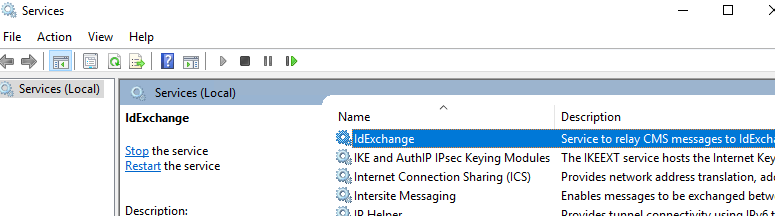
-
Go to c:\temp and review the idexchange-service.txt log to verify the IdExchange MicroService connected successfully.