-
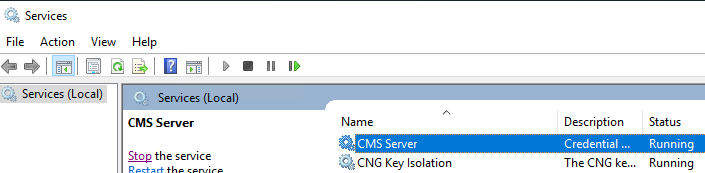
Open the window services service snap in and verify that the CMS Server service is running. If not running, start the service.
-
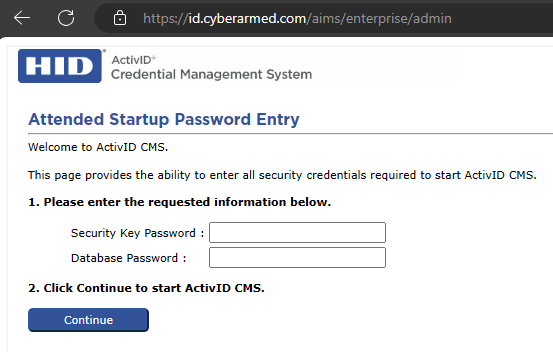
Go to the CMS admin portal to enter the security credentials to start the CMS. The URL is https://DNS_Of_CMS/aims/enterprise/admin. For example, https://id.cyberarmed.com/aims/enterprise/admin. Enter the credentials and press continue to start the CMS.
-
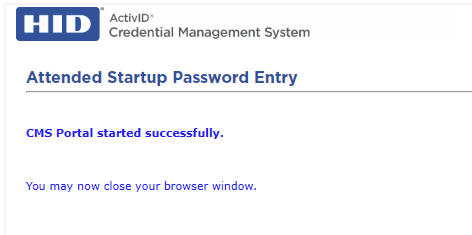
The CMS may take a few seconds to start. The CMS will display a message that it has successfully started.
-
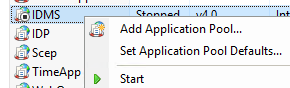
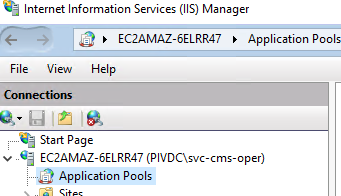
Next, start the IDMS by opening IIS Manager and click applications pools.
-
Start the IDMS Application Pool .