
Before a credential can be activated or updated, a security official must place a request for the respective action. While doing this, the security official can also assign a hardware credential to the user.
For organizations that use a multi-phase approval or a remote issuance mobile, this report is useful to understand how many users will be managing their credentials in the future. It also helps the organization to determine the following:
-
Forecast when activations and updates will occur
-
Understand how many credentials are about to be activated or updated
-
Determine whether users are not activating their credentials in a timely period
-
Validate a user has a proper request and card binding for remote activation
To run the CMS Pending Request Report
|
Item |
Procedure |
Example |
|---|---|---|
|
1 |
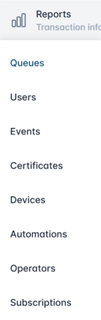
Login with the Reports Officer role. Go to Reports, then select Queues. |
|
|
2 |
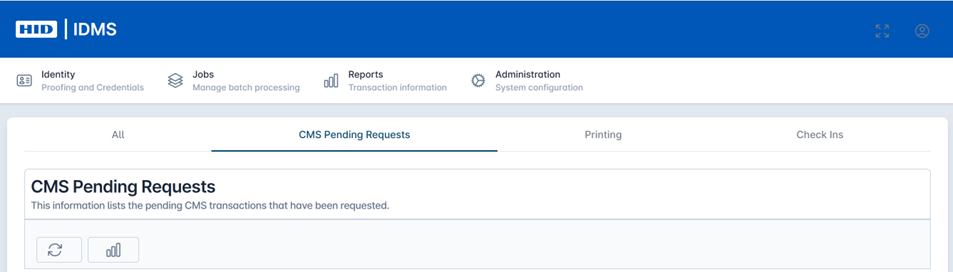
Click The CMS Pending Requests tab. |
|
|
3 |
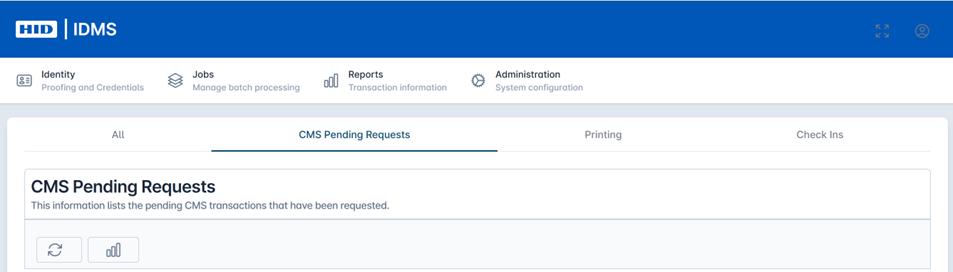
Click the Refresh button to start the report generation. |
|
|
4 |
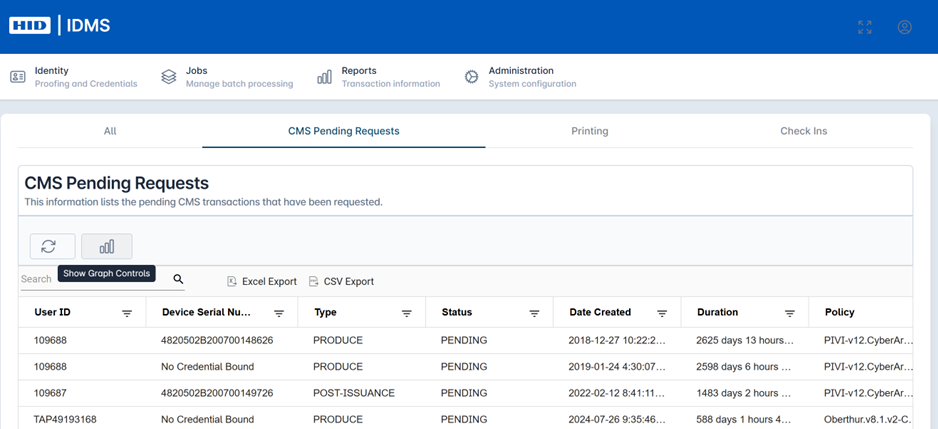
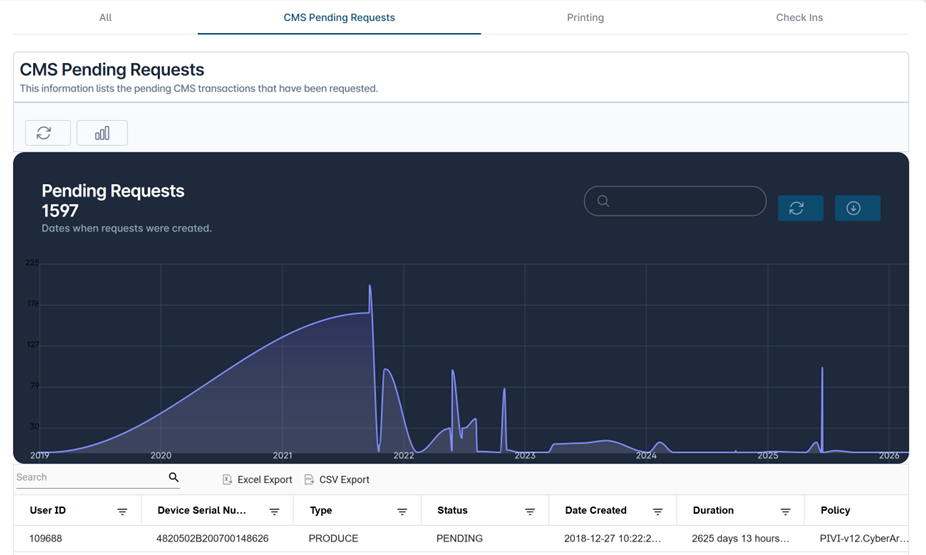
The data will be listed in the table below. Fields include User ID, Device Serial Number, Type, Status, Date Creation, Duration, and Policy. You can change the table visualization to graphical by selecting the Graph icon.
|
|
|
5 |
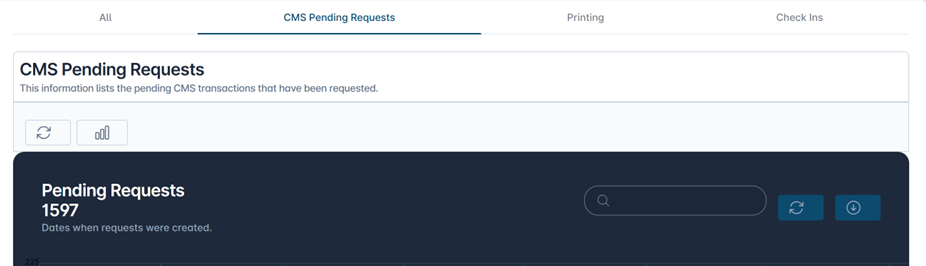
You have the ability to download the data by selecting the ‘Excel Export’, ‘CSV Export' buttons or Download button from the graphical view. |
|