
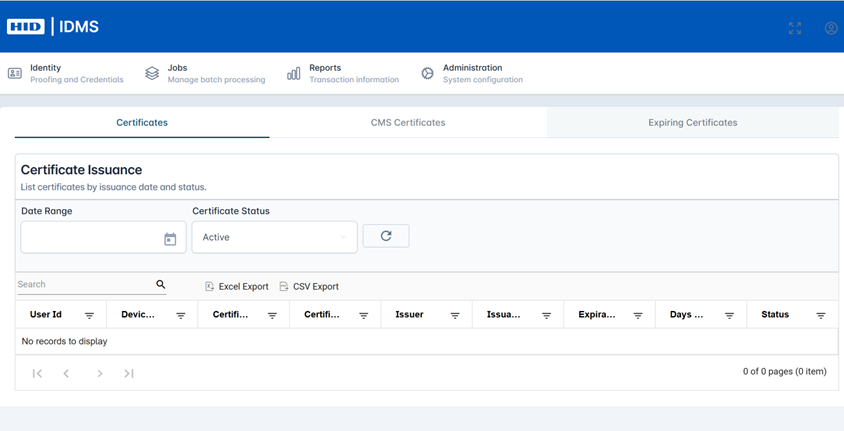
The Certificate Issuance Report lists the certificates that have been issued or revoked for a given user for a certain time frame.
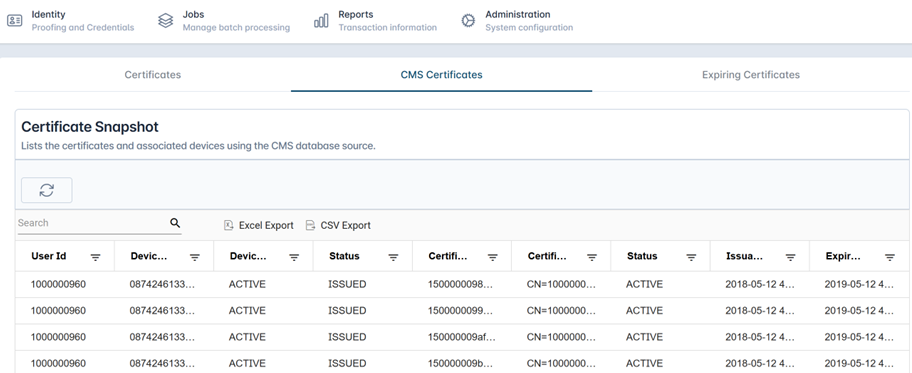
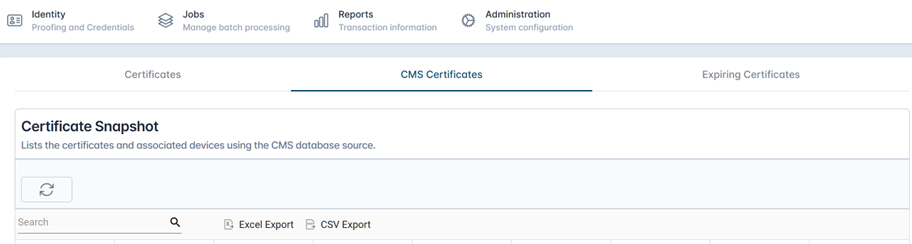
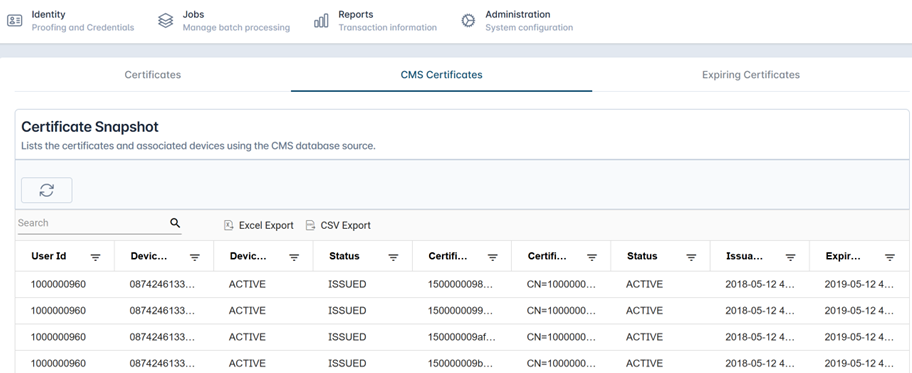
The Certificate Snapshot provides the User and Device ID the certificate was issued to as well as the certificate details and status.
To Run the Certificate Issuance Report
|
Item |
Description |
Example |
|---|---|---|
|
1 |
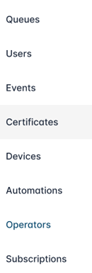
Login with the Reports Officer role and go to Reports, then Certificates. You will see the Certificate Issuance Report. |
|
|
2 |
Select the Date Range and Certificate Status. Next, press the Refresh button. |
|
|
3 |
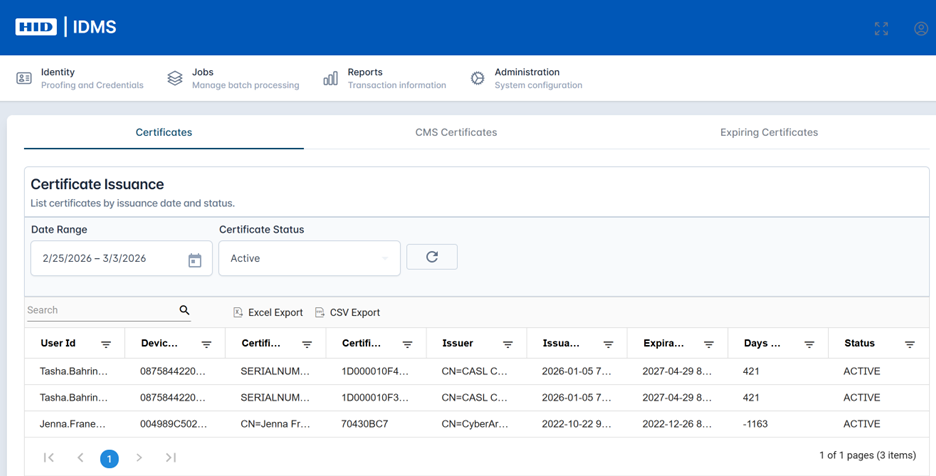
The certificate details will be listed in the table below. Fields include User Id, Device Id, Certificate Subject, Issuer, Issuance Date, Expiration Date, Days Until Expiration, and Status. To navigate, scroll up and down and/or select the items per page. You can also use the search box. Use the ‘Excel Export’ or ‘CSV Export’ to download data. |
|
|
4 |
Select the CMS Certificates tab to view the CMS certificates associated to a Device using the CMS database source.
|
|
|
5 |
You will see the Certificates Snapshot Report. press the Refresh button to load the data. Use the ‘Excel Export’ or ‘CSV Export’ to download data. |
|
|
6 |
The table will populate and display the following fields: User Id, Device Id, Device Status, Status, Certificate SN, Certificate Subject, Status, Issuance Date, and Expiration. Use the ‘Excel Export’ or ‘CSV Export’ to download data. |
|