
Overview
IDMS provides a capability to obtain the a full report of the history for every user that has been processed.
Before Getting Started
Verify that the IdentityHistoryReportJobManager Job has been scheduled and has successfully been run.
Required Permissions
Reporting Officer
Steps to download the Identity History Report CSV
-
Login to the IDMS with ReportingOfficer pemissions
-
Go to Reports->Users
-
Click the Export Full Identity History button
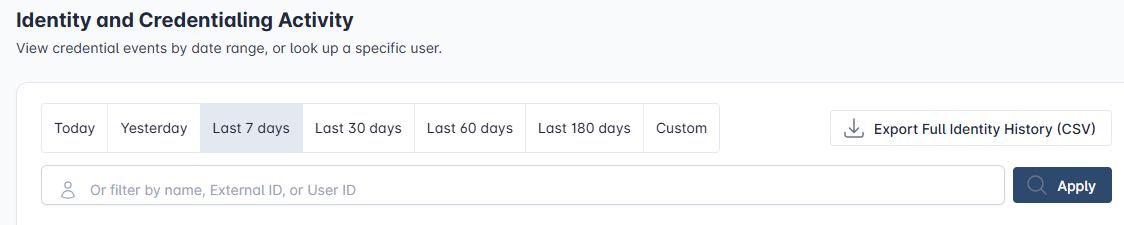
.
-
The CSV will be downloaded.