The Identity History Report will obtain the full audit history for every user within the IDMS. It will then save this information for later download.
Required Permissionn
SystemManager
Steps To Configure The Identity History Report
-
Login to IDMS with the SystemManager Role
-
Go to Administration->Scheduling
-
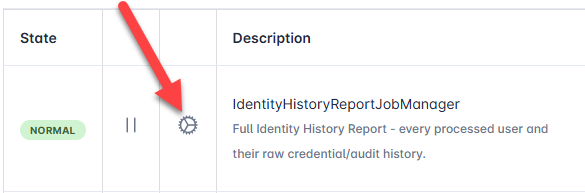
Within the Job Information Panel, locate the IdentityHistoryReportJobManager Job Description and press the Gear Icon to access the configuration panel.
-
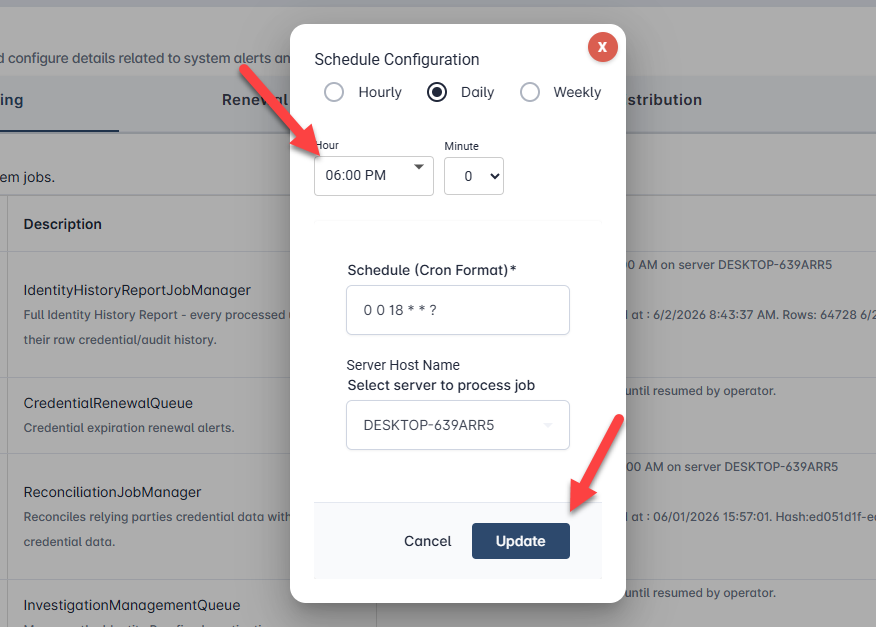
Select the hour the Job should run. And select the Server that should run the job. When done, press the Update button.
-
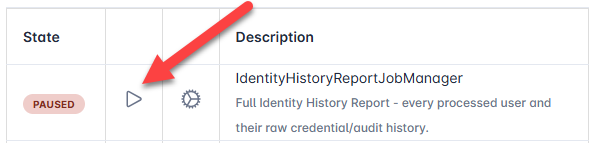
To allow the job to run, press the “Play” icon.