
The Operator Role Report provides the full list all of the roles assigned to the operators within the IDMS.
|
Item |
Procedure |
Example |
|---|---|---|
|
1 |
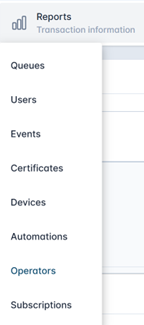
Click Reports, then select Operators. |
|
|
2 |
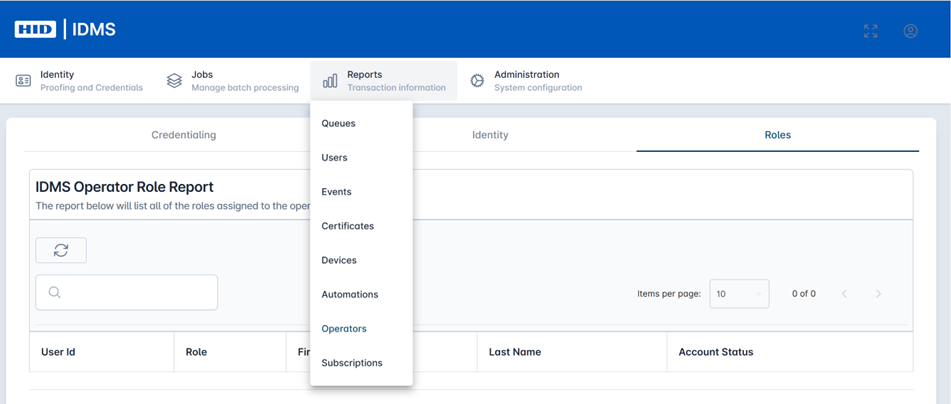
It will bring you to the main report page. Select the Roles tab. |
|
|
3 |
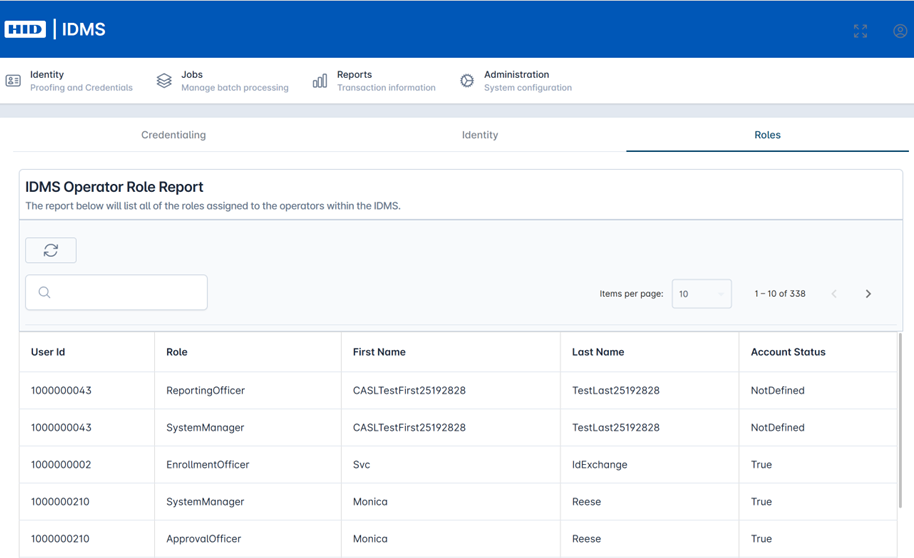
To list all of the roles assigned to the operators within the IDMS press the Refresh button. |
|
|
4 |
All of the assigned Operator Roles with the associated User ID will be listed. |
|
|
5 |
To search for users with a specific role, enter the Role or User ID in the search field. |
|