The following instructions provide the steps for uploading the instruction file
|
Step Number |
Description |
Example |
|---|---|---|
|
1 |
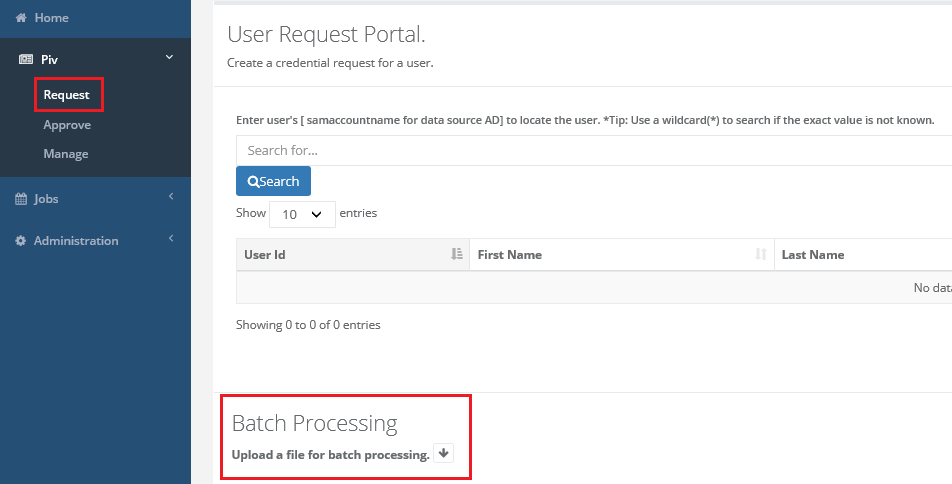
Click PIV -> Request Within the User Request Portal, scroll towards the bottom to the Batch Processing Panel. Press the down arrow to review the batch processing upload. |
|
|
2 |
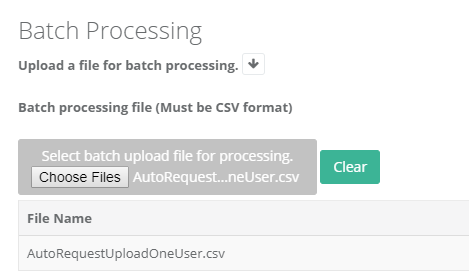
Press choose files and select the instruction file to upload. |
|
|
3 |
Press the upload button to begin the upload process. |
|
|
4 |
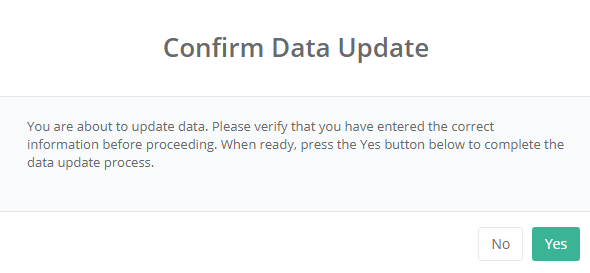
Press yes to confirm the data update. *depending on the size of the file, this make take a few minutes. |
|
|
5 |
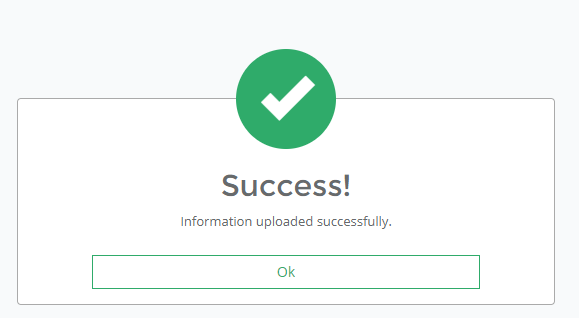
The success window will indicate when the file has been uploaded. |
|