When issuing a credential with the IDMS workstation, it is very important that the credential that will be personalized not be activated, bound or requested in the CMS. The credential must be without any previous requests and must not be activated or invalid. The reason is, the IDMS workstation will perform all of the activities to set the request and personalize the credential.
Security requirements:
To activate a credential, the operator must be assigned the Credential Issuer role
|
Step Number |
Procedure |
Example |
|---|---|---|
|
1 |
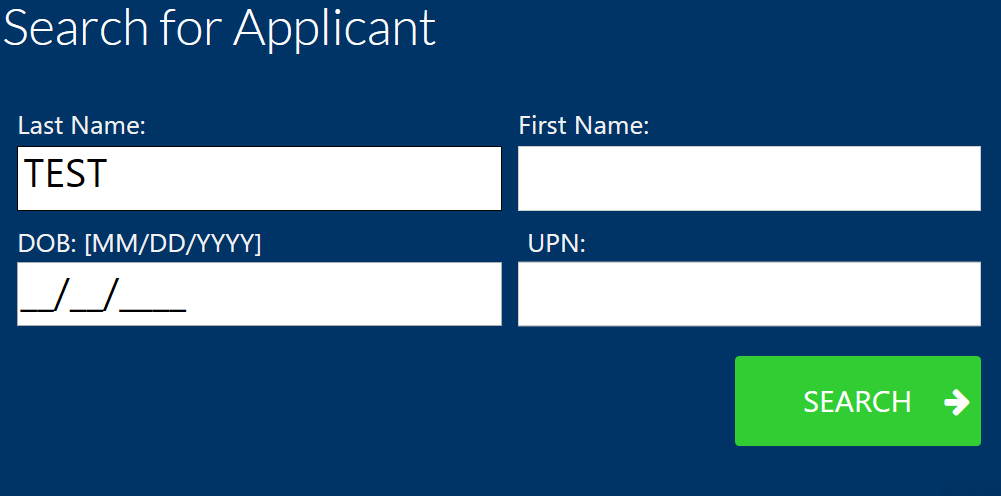
Log into the IDMS Workstation and search for the user by the last name. |
|
|
2 |
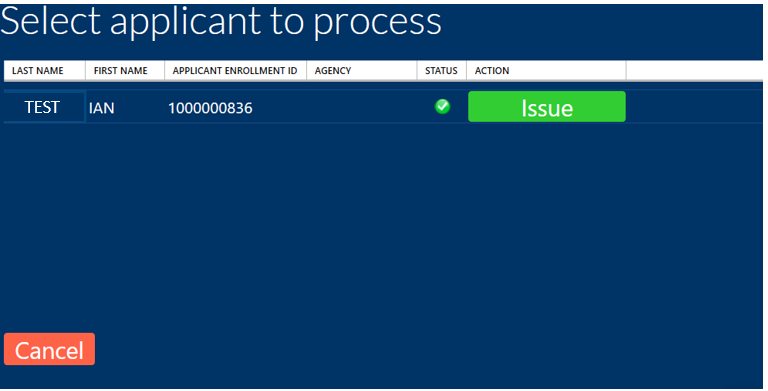
Locate the user and press "Issue". |
|
|
3 |
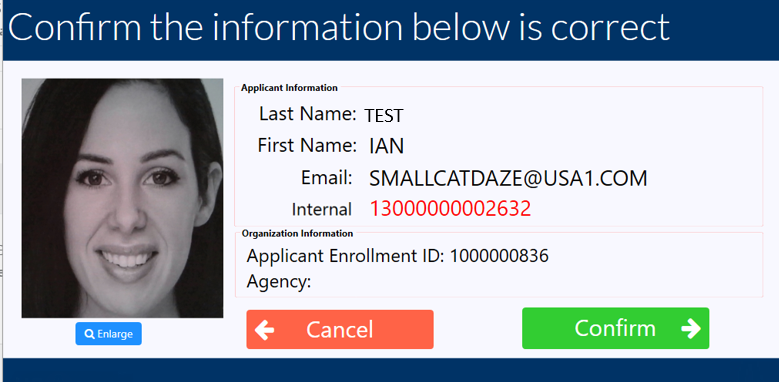
Verify the user information and press the "Confirm" button. |
|
|
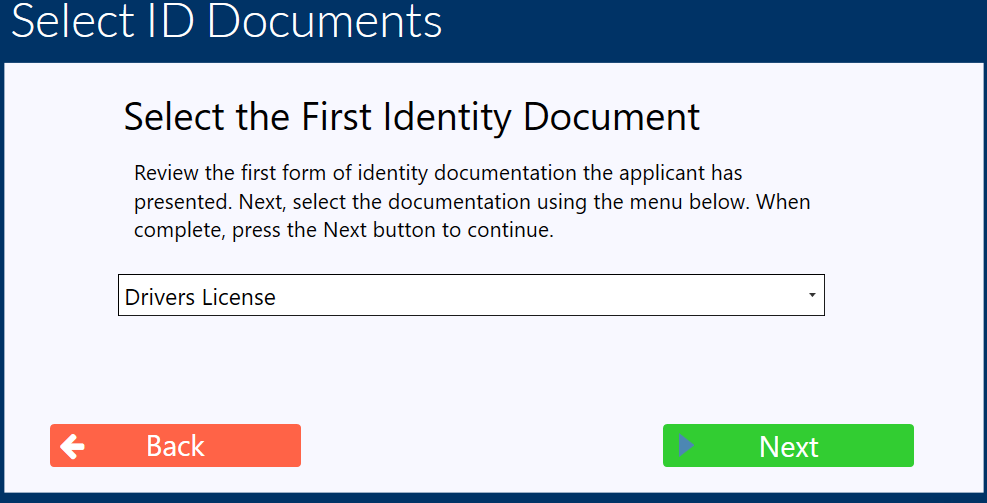
4 |
Verify the user's documentation. |
|
|
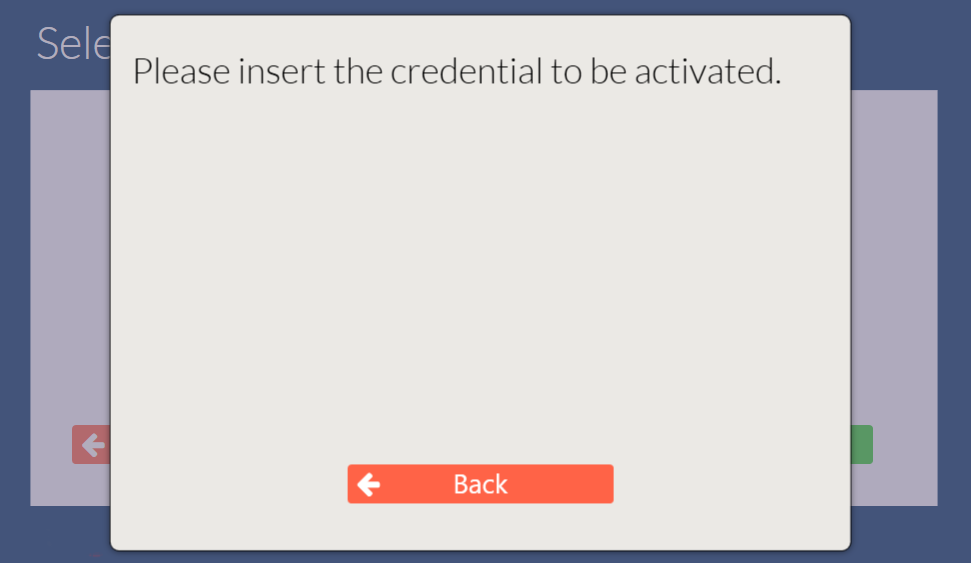
5 |
Insert the credential to be activated when prompted. |
|
|
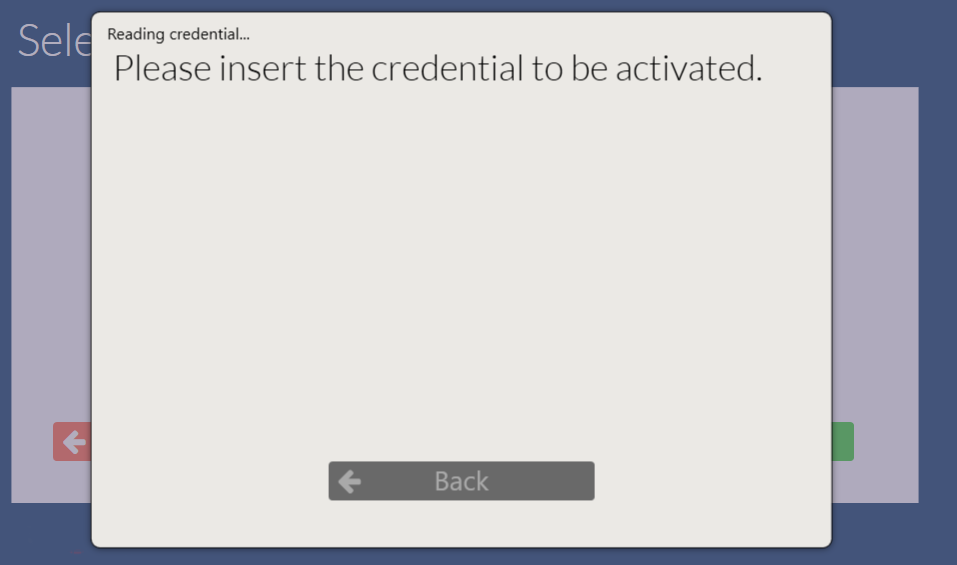
6 |
The workstation will automatically read the credential. |
|
|
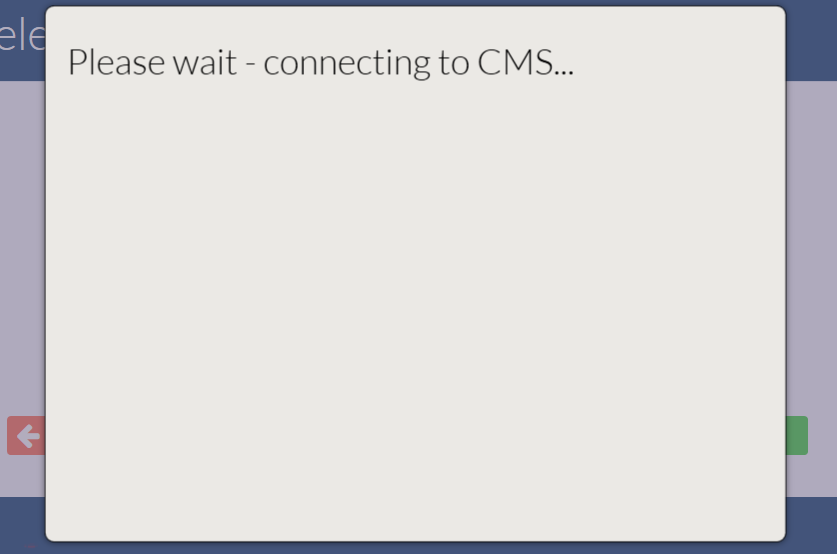
7 |
The workstation will connect to the CMS and set the request and bind the credential. |
|
|
8 |
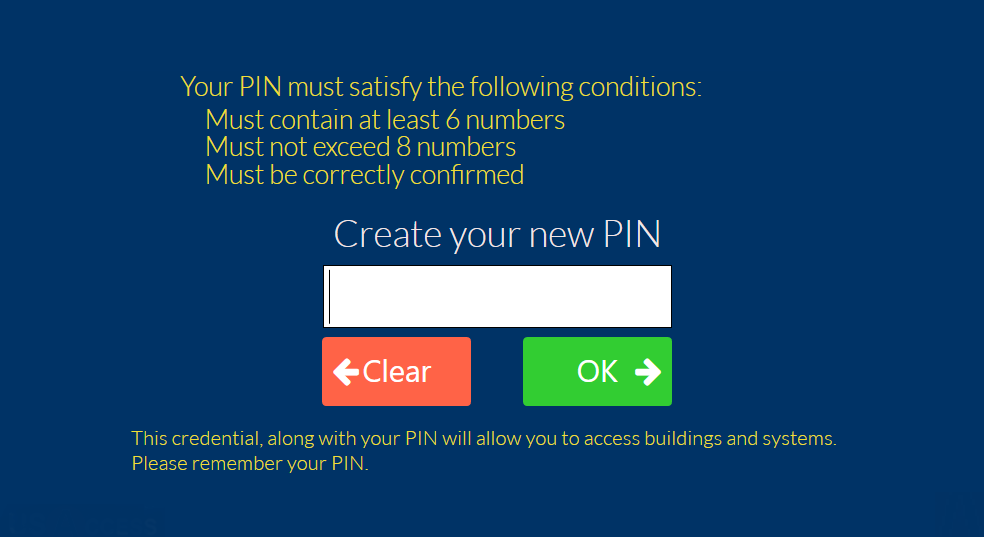
Enter the PIN for the credential and press OK. |
|
|
9 |
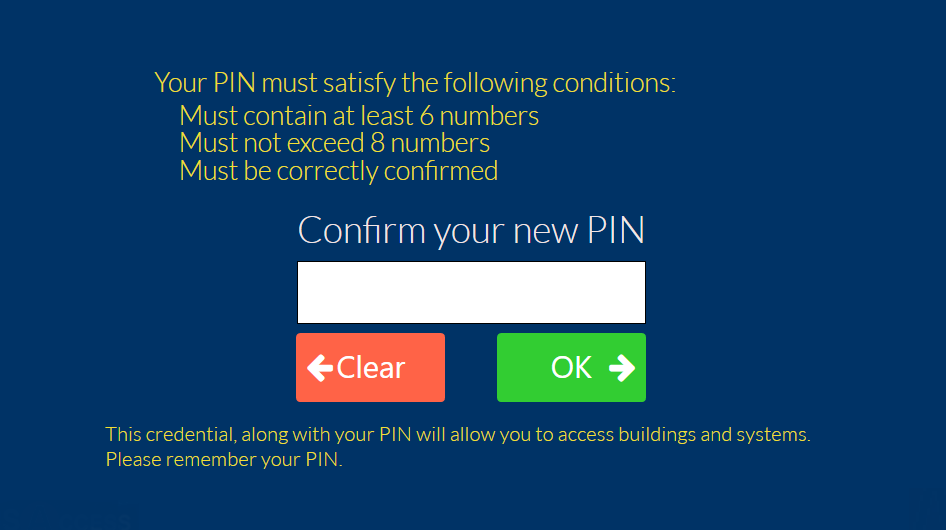
Confirm the PIN and press OK. |
|
|
10 |
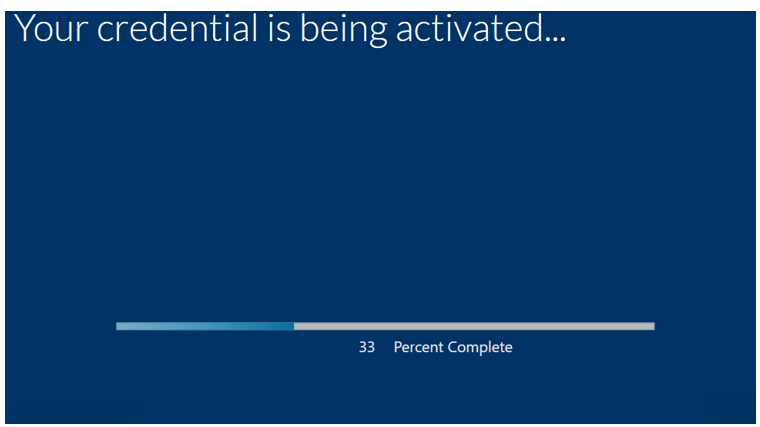
The credential activation process will begin. |
|
|
11 |
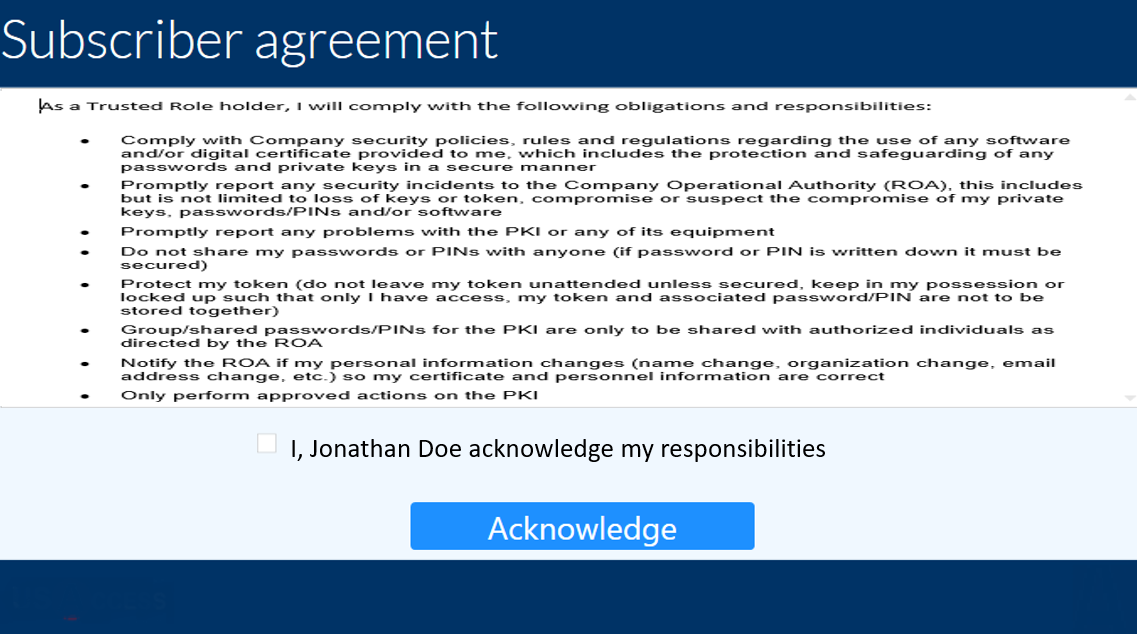
Digitally sign the subscriber agreement |
|
|
12 |
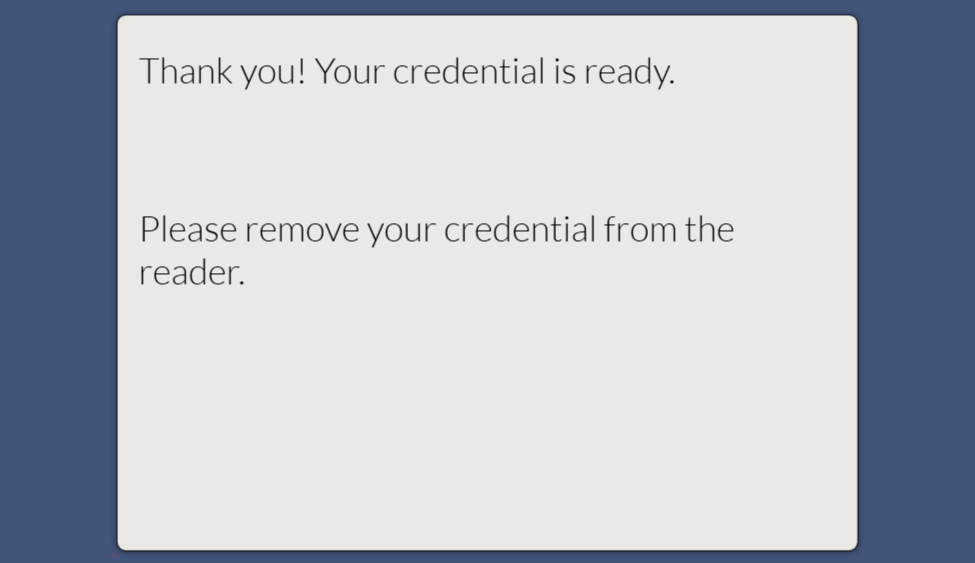
The workstation will notify once the encoding process is complete. |
|
|
13 |
The credential activation process is complete. |