
An applicant may have an existing credential previously issued from a different process. The applicant then wants to use IdExchange to issue a new credential. The configurations below will enable an operator to register their credential so they can use it for login.
Prerequisites
-
A credential type already exists. The existing credential type will be edited to add the photo capture configuration.
-
Login with the System Administrator role. Role Definitions
How to Enable an Applicant to Use their Existing Credential
|
Item |
Procedure |
Example |
|---|---|---|
|
1 |
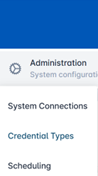
Select Administration, then click Credential Types. |
|
|
2 |
Select an existing Credential select the gear button and select the Configure Policy button. You will see the Credential Policy Configuration screen.
|

|
|
3 |
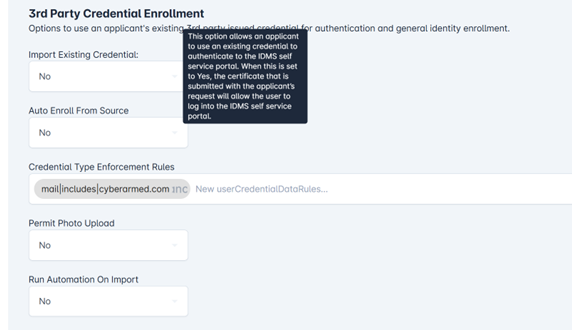
Go to the ID Proofing section and scroll down to the 3rd Party Credential Enrollment Section. Select YES for Permit Use of Existing Credential for Enrollment.
|
|
|
4 |
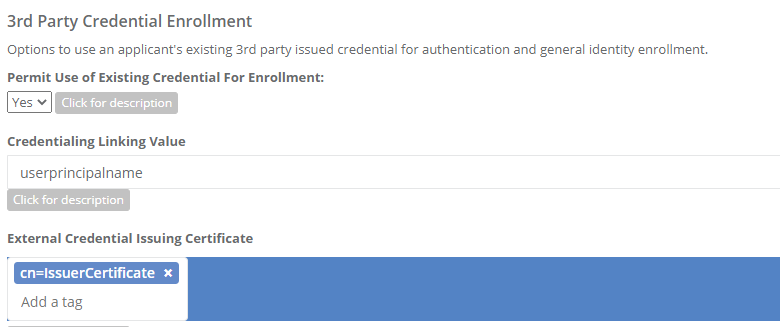
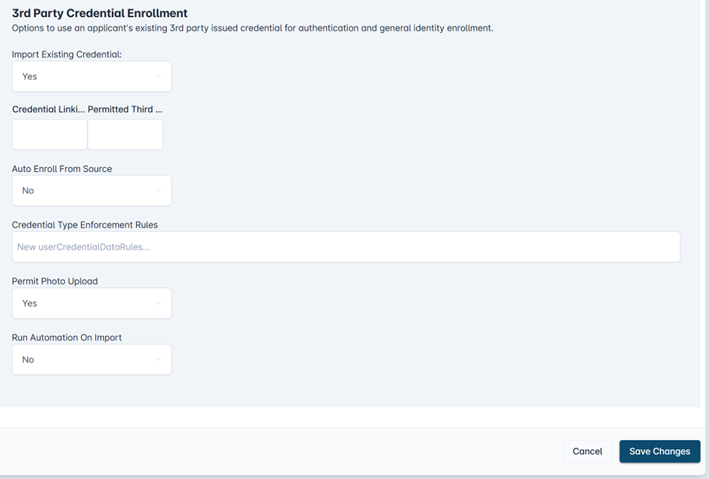
Security Settings: the next steps enable additional validation to be performed on the 3rd party credential.
|
updated image |