
When the 3rd party device, such as a PIV badge, is read, the IDMS can relay the certificates to relying party so that the badge can be used with the organization’s access control and HR systems.
Configuration Steps
The individual credential policy must be configured with the following settings. Navigate to Administration, then Credential Policy Configuration.
Select the Policy using the gears icon and “Configure Policy” button to modify the settings.
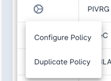
The Device Issuance and Identity Proofing sections display and enable configurations.
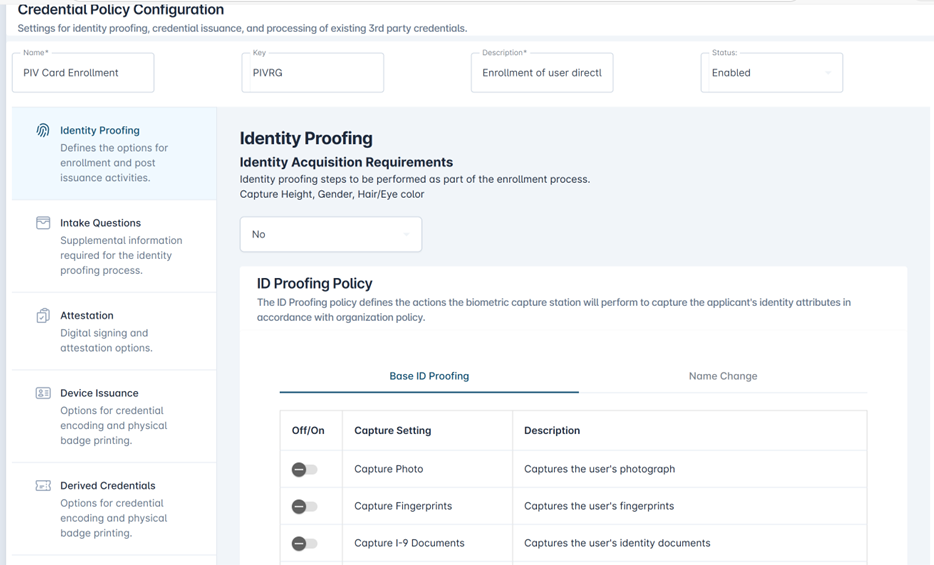
-
Select Device Issuance tab and set CMS Server Key to “NONE”.

-
Select Identity Proofing tab and set Permit Photo Upload set to “Yes”.

-
Select Identity Proofing tab and set Run Automation On Import to “Yes”.

-
Go to the Administration section then select “Automations” to select the Relying Party that should receive and add the Policy.

-
Under “Automations” also add the “ThirdPartyDeviceImport” setting.
-
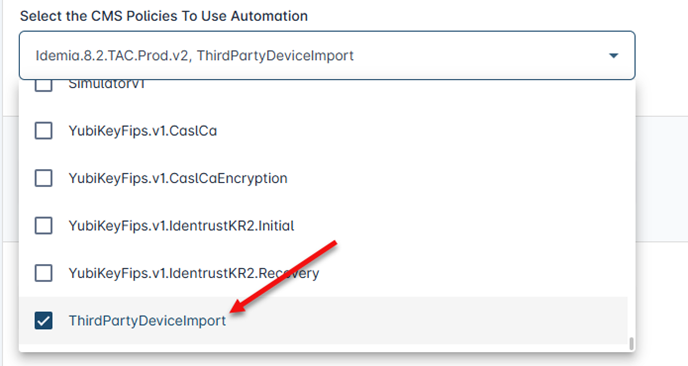
After registering the credential, go to “Reports” and select “Automations” to verify that the automation executed successfully.