User Permissions for Authorization
IDMS utilizes a defined set of roles, each with specific permissions and functions, to manage various aspects of identity, credentialing, and system operations. Understanding the roles is crucial for comprehending workflows and assigning appropriate responsibilities within the IDMS.
System Roles and Permissions
The following table details each role and its corresponding responsibilities:
|
IDMS Role |
Permissions |
|
ApplicantCreatorOperator |
Enables an operator to create an Applicant within the IDMS database. This is useful when the applicant information is not in a directory that the IDMS can retrieve the information from. |
|
Requester |
Creates credentialing requests. This role is permitted to start the process by creating a request for a user. Specifically, the requester can either retrieve a user from an existing data repository (such as active directory) or manually enter the user. |
|
EnrollmentOfficer |
Captures biometric data. This role captures the identity attributes (fingerprints, photo ID details) and identity documents for a given user. This role is allowed to retrieve users that have a valid credential request (users that are in the REQUESTED state) |
|
ApprovalOfficer |
Approves the identity request. This role will make a decision if the enrolled user can receive a credential. Specifically, this role can retrieve the users in the [IDACQUIRED] state. When this role approves the user, the information is sent to the credential management system. |
|
CredentialProducer |
Prints and encodes the credential. This role will print and activate the card. This role can retrieve users in the APPROVED and obtain the photo and other printed items. |
|
ReportingOfficer |
Has access to a comprehensive suite of reports, primarily focused on transaction information and various system components. This allows them to monitor and analyze different aspects of the system's operations.
|
|
DerivedApplicant |
Requests a derived credential. |
|
DerivedRequestOfficer |
Official that requests derived credential. |
|
DerivedApprovalOfficer |
Approves the derived credential. |
|
SystemManager |
Role is responsible for comprehensive system configuration and management. This goes beyond general configuration to include detailed settings across various critical aspects of the IDMS.
|
|
CredentialIssuer |
Binds and encodes the credential. This role will perform a face to face personalization of the credential. |
|
OnDemandCredentialRequestOfficer |
Adds records for immediate credential issuance. |
|
CryptoDataManager |
Encrypts data with the HSM (Hardware Security Module). |
|
CredentialManager |
Manages an existing PIV (Personal Identity Verification) Credential. |
|
BulkCredentialOperator |
Manages credentialing automation. |
|
CredentialUpdateOfficer |
Permits updates of existing credentials. |
|
DigitalSigner |
Performs acknowledgement signing. |
|
CredentialDataUploadOfficer |
Enables the upload of existing PIV credential information into IDMS. |
|
CredentialRecycleOperator |
Performs recycle of terminated devices. |
|
CredentialInventoryManager |
Enables the credential inventory to be managed and orders to be created. |
|
NotificationService |
Service submitting credential notifications. |
|
FacilitiesManager |
Manages rooms and visitor check-ins. |
|
IdStatusViewer |
Enables the retrieval of the processing status for a user. |
|
ExpungementOfficer |
Enables the expungement of a record. |
|
CredentialTerminationOfficer |
Enables the termination of credentials. |
|
ApplicantCreatorOperator |
Enables the creation of an applicant within the IDMS |
|
DocumentViewer |
Enables the officer to view the applicant’s documents that were captured at enrollment. |
Example Role Assignments
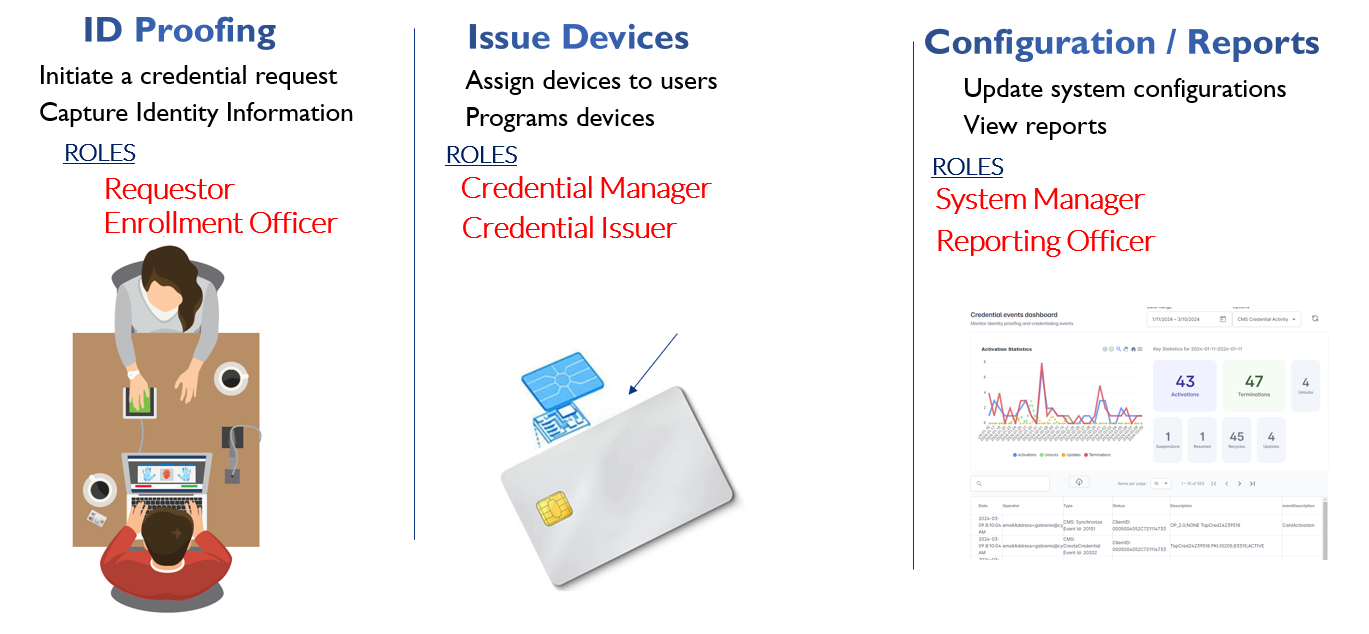
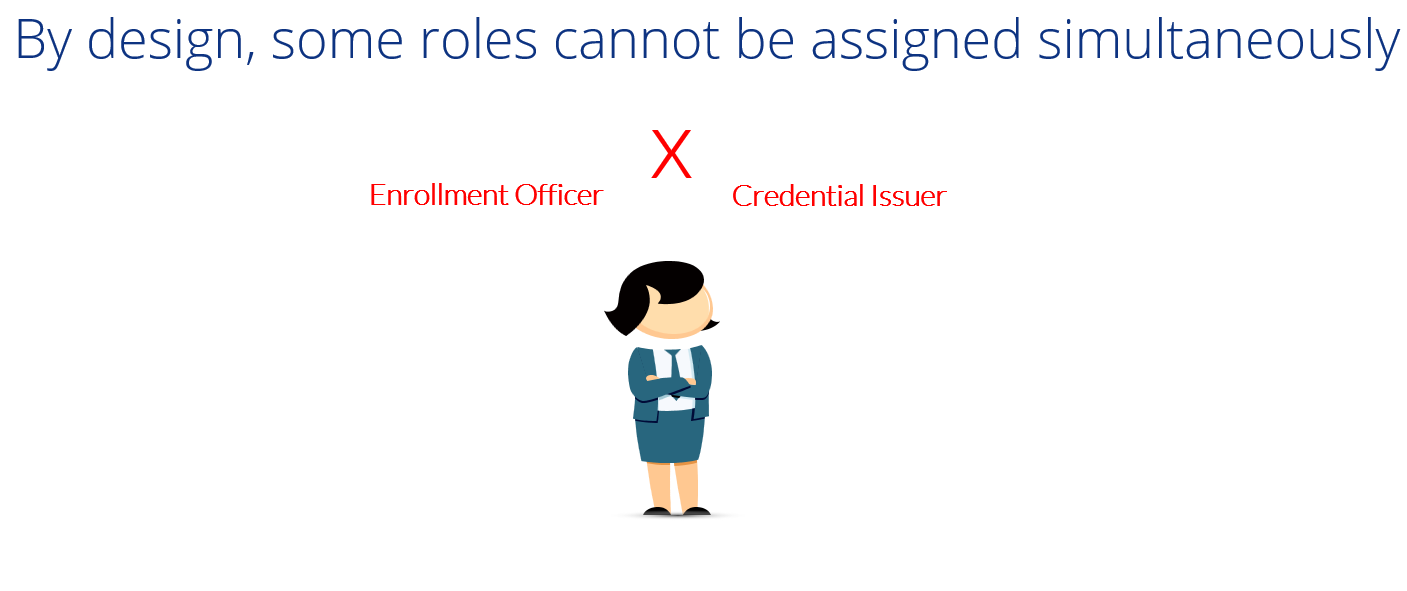
The enrollment officer and credential issuer cannot be assigned to a single operator at the same time. This ensures the operator that captures the identity information is separate from the operator distributing the device.