For performance reasons, the IDMS may need to be periodically restarted.
To schedule the IDMS to automatically recycle and restart
-
Open IIS Manager
-
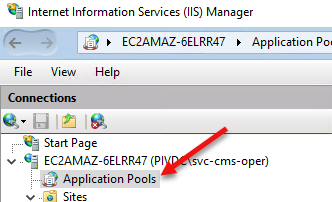
Click Application Pools
-
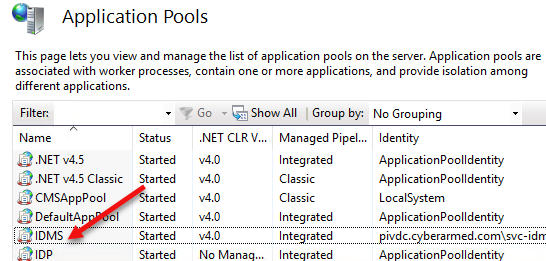
In the Application Pools window, Click IDMS
-
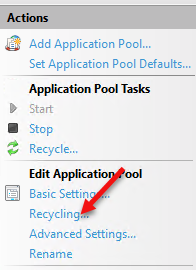
In the Actions Pain, click the Recycling link
-
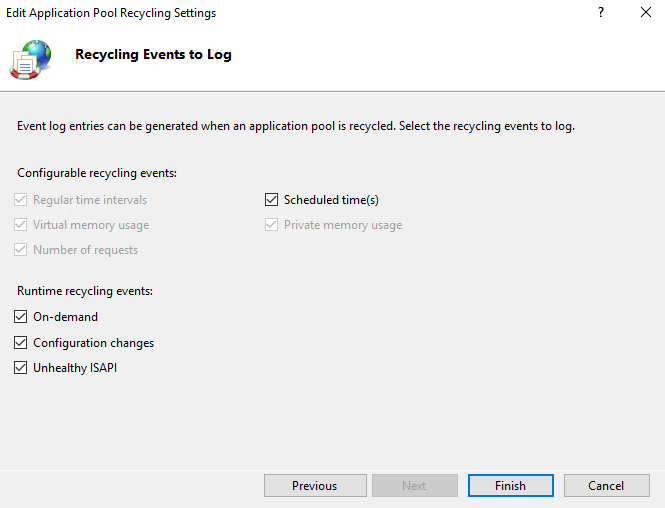
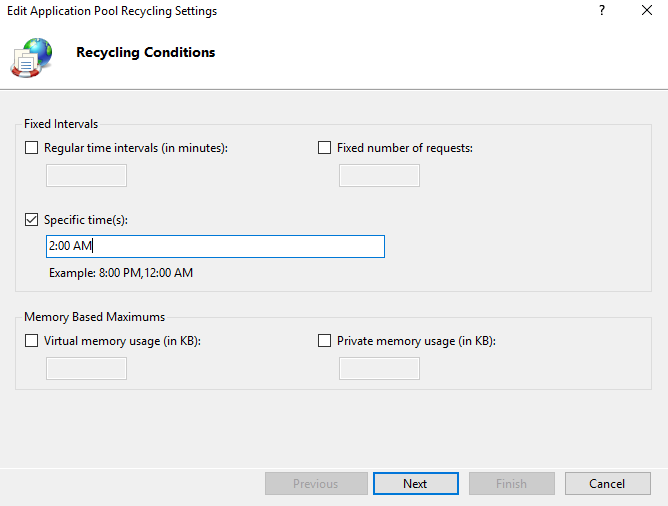
Set a time to have the IDMS automatically restarted and press Next
-
Press Finish