To ensure the user has the proper owner of the device, an authorized operator will separately verify the device. Next, the operator will select the credential policy and/or certificate authority that will be used for the certificate services.
|
Step Number |
Procedure |
Example |
|---|---|---|
|
1 |
Log in to the IDMS portal |
|
|
2 |
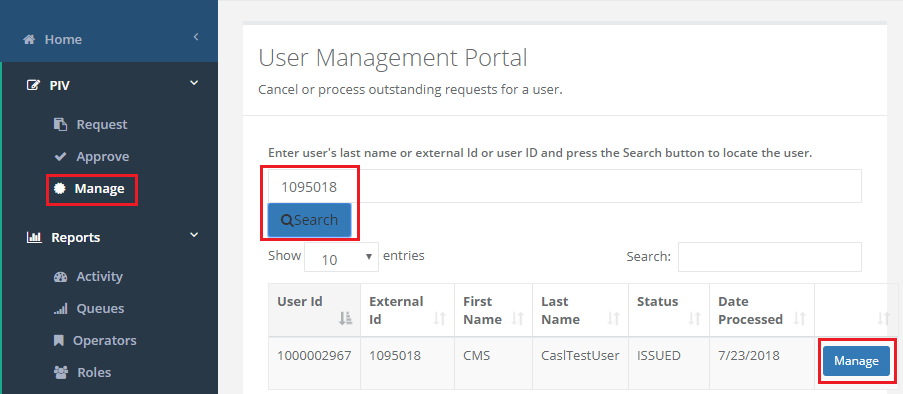
Under "Manage" browse the user.
Click "Manage" |
|
|
3 |
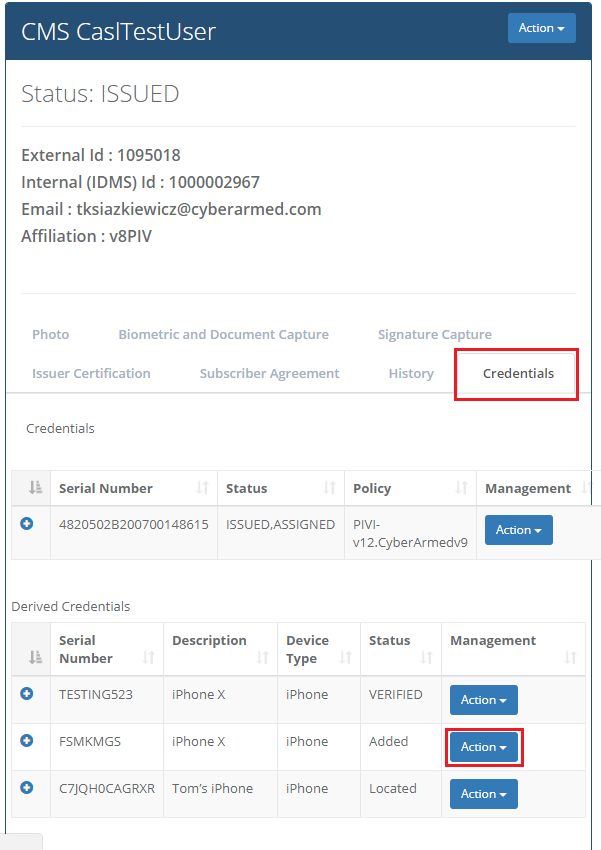
Click "Credentials"
Then locate the device and click "Action" |
|
|
4 |
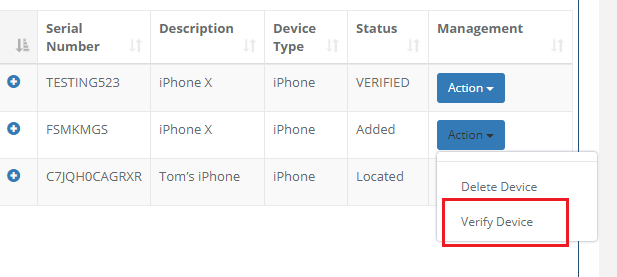
Drop down menu should appear. Click "Verify Device"
|
|
|
5 |
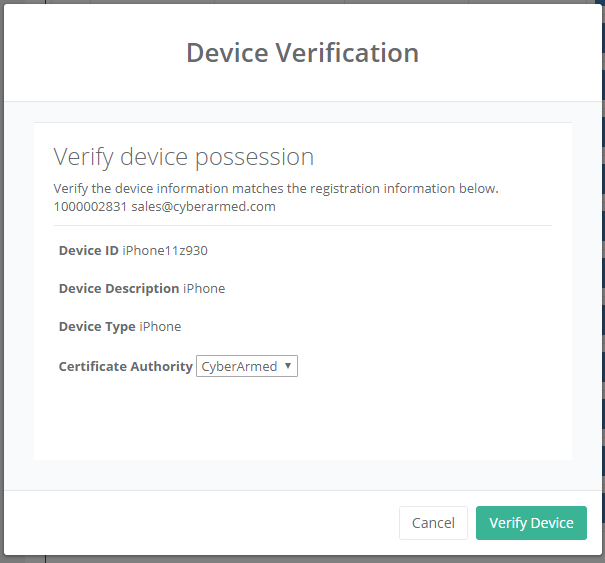
Review the device ID. Next select the Certificate Authority to be used |
|
|
6 |
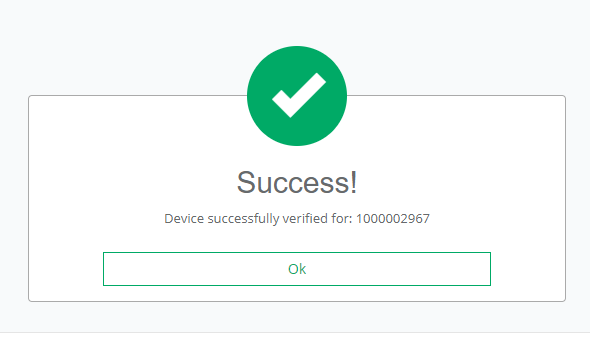
Confirm the device and click "Verify Device"
"Success" prompt should appear. |
|
|
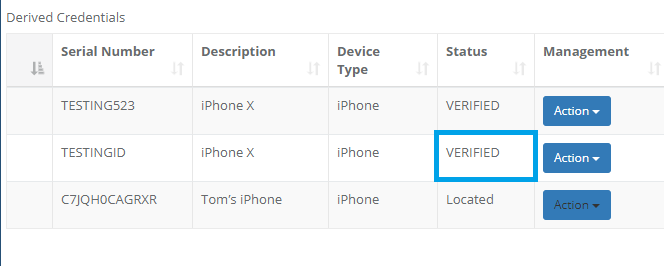
7 |
The status of the device should now change to "Verified". |
|