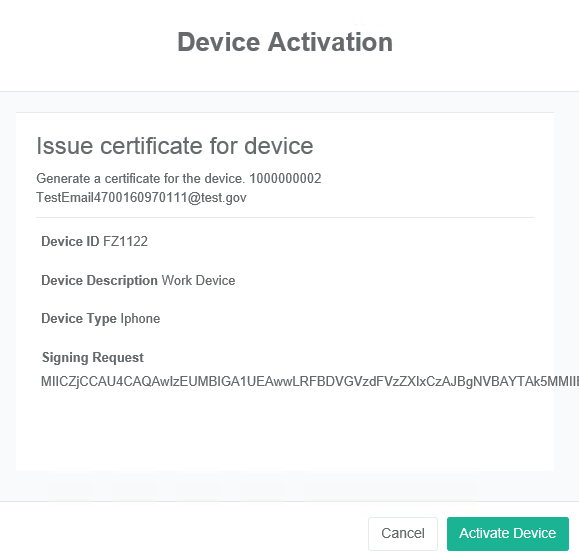
After the device has been added, verified and approved, the final step will be to issue a credential to the device. In the step, the certificate authority will sign the certificate signing request and return the associated digital certificate. The client will then authenticate and retrieve the certificate.
|
Step Number |
Procedure |
Example |
|---|---|---|
|
1 |
Locate the user. |
|
|
2 |
In the derived credentials table, locate the credential that has been verified. |
|
|
3 |
Click the action button. Click Issue |
|
|
4 |
Review the information and then click Activate Device |
|
|
5 |
The system will process the request. |
|
|
6 |
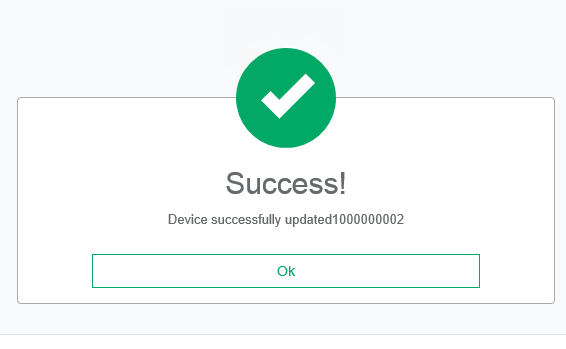
Upon completion, a status will will appear. |
|
|
7 |
In the derived credentials table, the device will have a CERTISSUED status and will also list the certificate that was just generated. |
|
|
8 |
Go to the Certificates report, and view the certificate that was issued. |
|
|
9 |
Go to the Devices report to view the device that issued. |
|