After the derived credential has been generated and issued, the last phase is for the user to retrieve the credential.
|
Step Number |
Procedure |
Example |
|---|---|---|
|
1 |
Using a PIV Credential, login to the self service portal. |
|
|
2 |
Click the credentials tab |
|
|
3 |
In the Derived Credentials Table, locate the device |
|
|
4 |
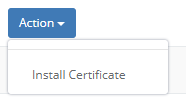
Click the install certificate button. |
|
|
5 |
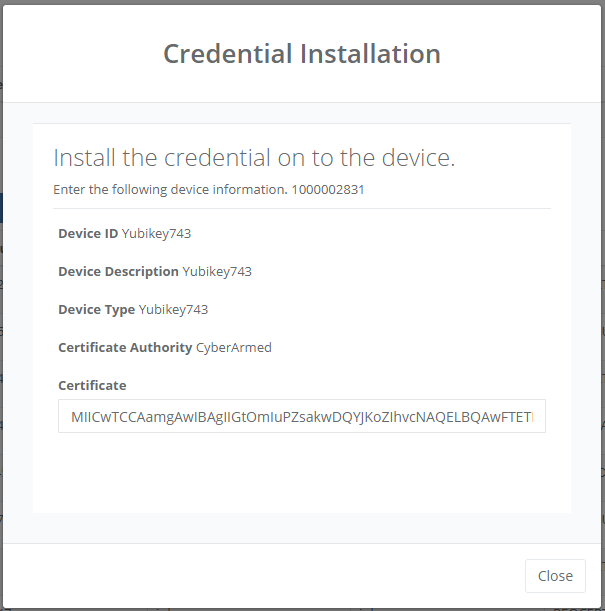
Copy the Certificate text and save the file with the ".cer" extension. |
|
|
6 |
The certificate now can be installed onto the device. |
|