The first step is to create a request for a derived credential where the cardholder will authenticate with their current credential and then add their device information. This process will add the credential to the IDMS.
|
Step Number |
Procedure |
Example |
|---|---|---|
|
1 |
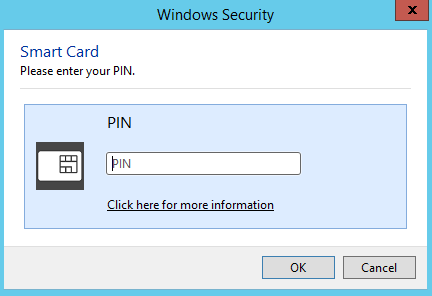
Log in to the IDMS Portal with your credential. |
|
|
2 |
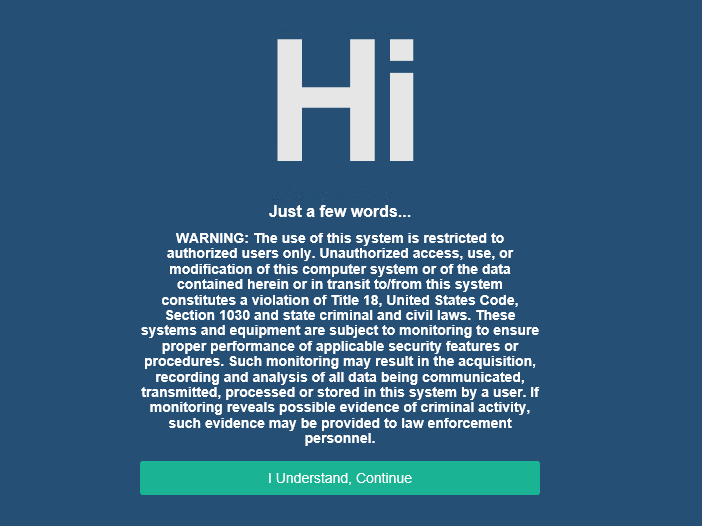
Read the terms and click I Understand, Continue |
|
|
3 |
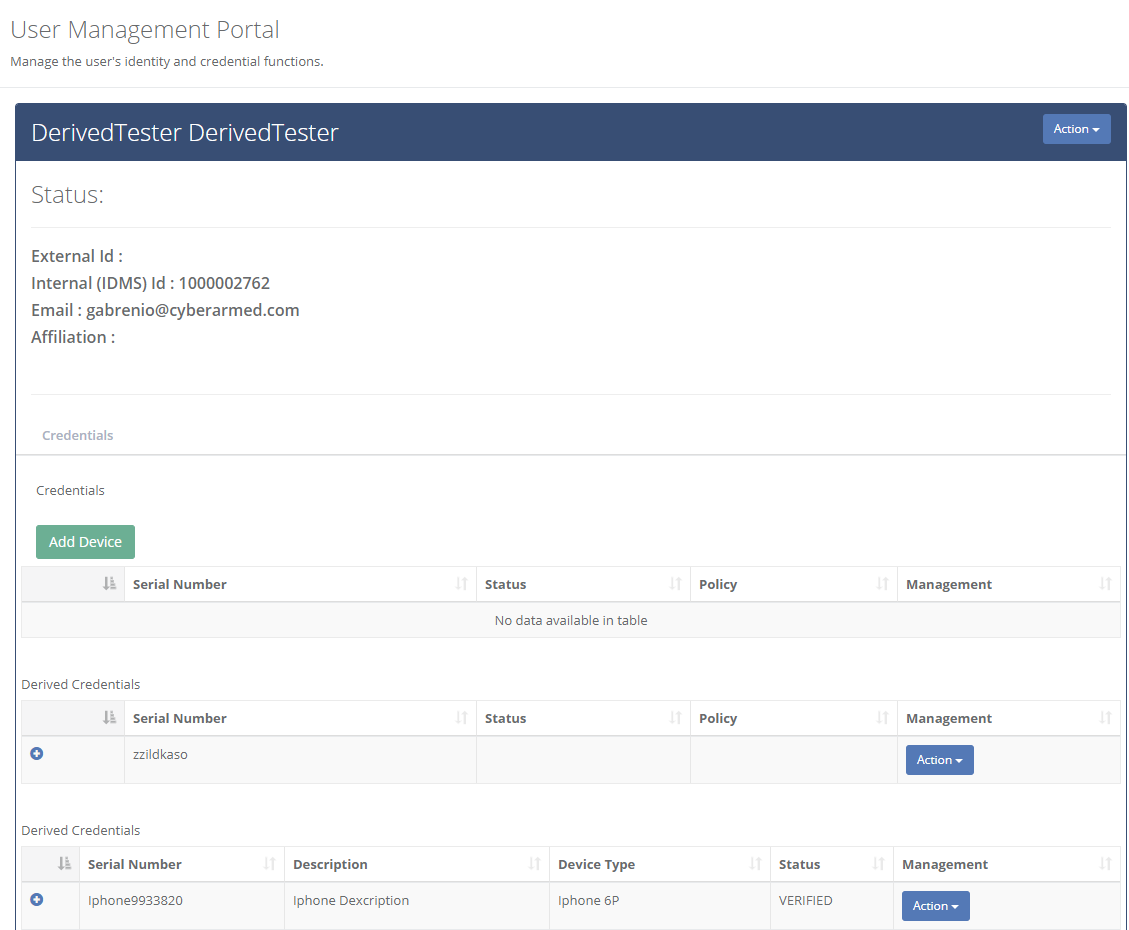
Once logged in, the self service portal will appear. |
|
|
4 |
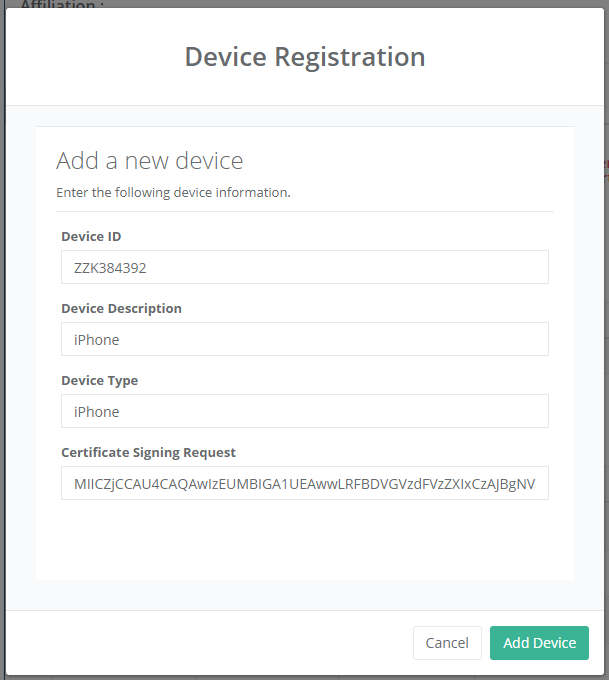
Click Add Device. Enter the Device ID: Device Description Device Type If the device is connected to the operating system, press the device button to generate the certificate signing request. Otherwise, manually add the certificate signing request Press Add Device
|
|
|
5 |
The device will appear in the table below. |
|
|
6 |
The request2933px is ready to be reviewed by a security official. |
|