Before Getting Started
The PivIT extension is has been installed on the workstation. Verifying the PivIT Browser Plugin is installed and operational
Required Permissions
CredentialManager,
Steps To Perform a PIN change
-
Log into IDMS with the CredentialManager role
-
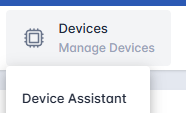
Click the Devices Tab, and click Device Assistant
-
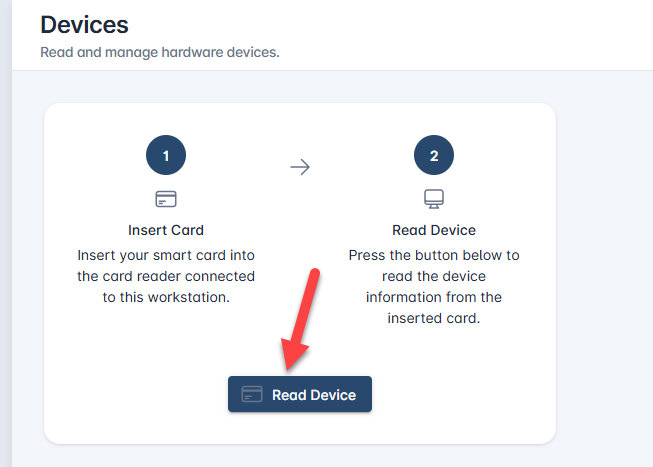
Insert the device into the reader and press “Read Device'
-
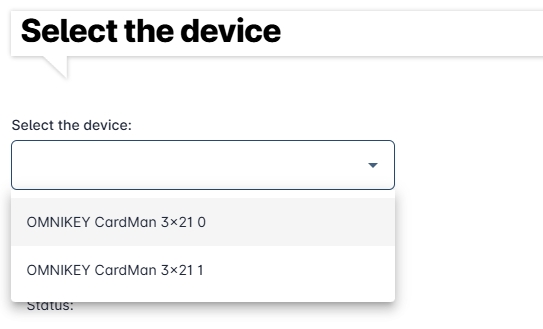
Select the reader the device is inserted to
-
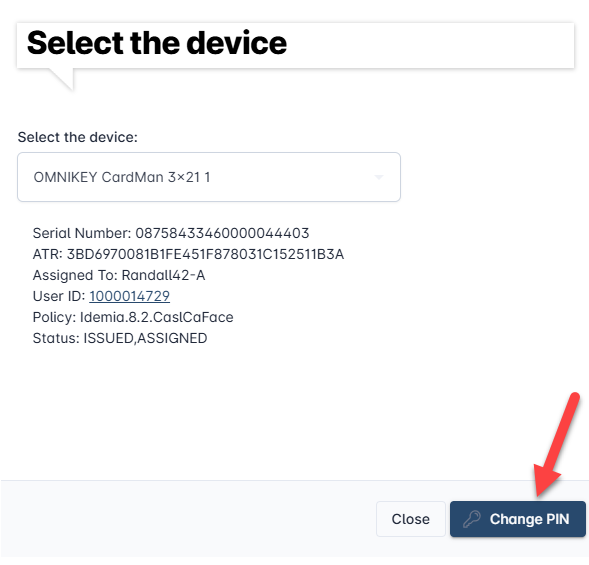
Press the Change PIN button to begin the process
-
Confirm the identity Information
-
Enter the New PIN for the Device and press the “Next, Activate Device” button.
-
The PIN will be changed.