
The instructions below provide the instructions for deleting the user's roles.
|
Step Number |
Procedure |
Example |
|---|---|---|
|
1 |
Authenticate to the IDMS Portal. |
|
|
2 |
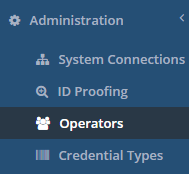
Click administration and Operator Listing. |
|
|
3 |
From the list of operators, locate the user and press the Manage button. |

|
|
4 |
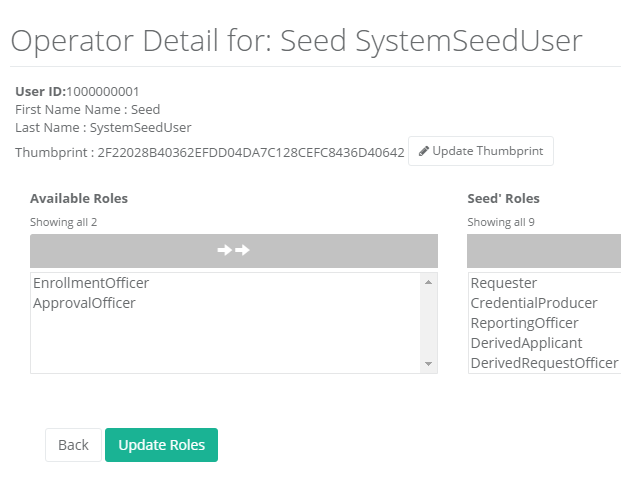
This listing will detail the user's roles. The user's current roles are in the list box on the right side. |
|
|
5 |
To remove a role, click the role to be removed in the list box on the right side. |
|
|
6 |
Press the update roles. |
|
|
7 |
The role will be removed from the user. |
Deleting all of the user's roles
The instructions below provide the instructions for deleting all of the user's roles.
|
1 |
Authenticate to the IDMS Portal. |
|
|
2 |
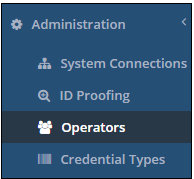
Click administration and Operator Listing. |
|
|
3 |
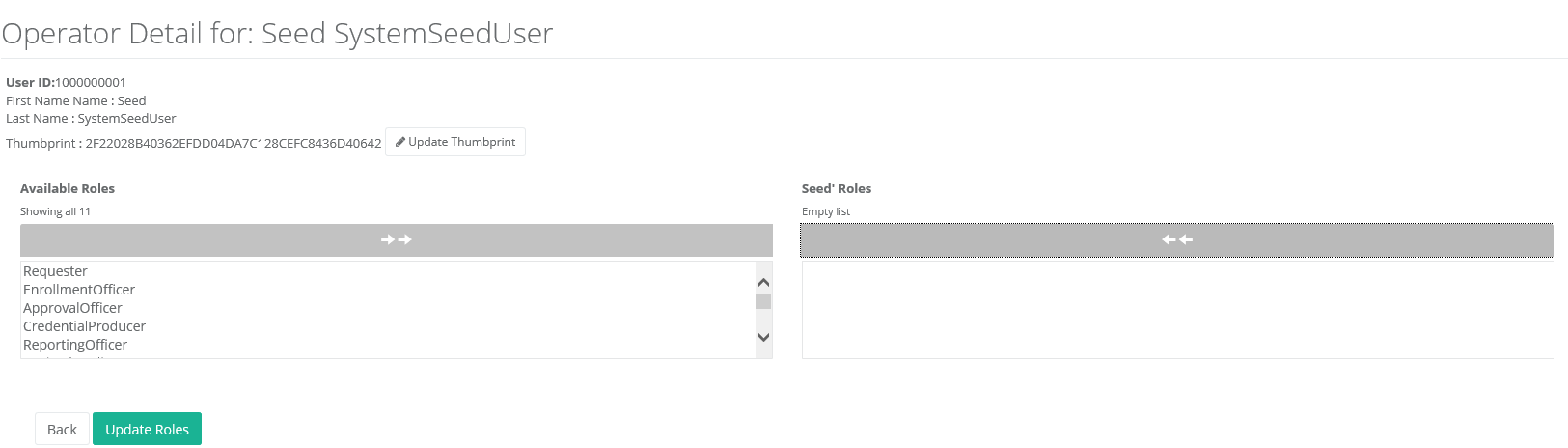
This listing will detail the user's roles. The user's current roles are in the list box on the right side. |

|
|
4 |
In the right side list box, click each role that should be removed. To remove all at once, click the top arrows |
|
|
5 |
Press update roles |
|
|
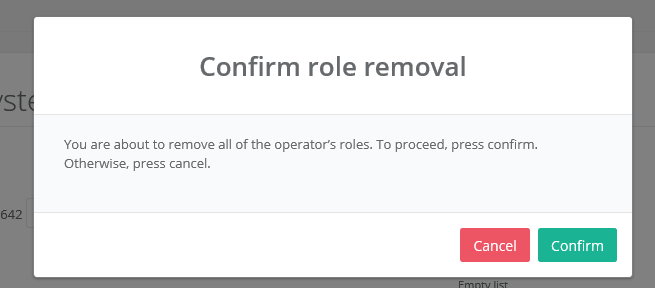
6 |
Confirm role removal |
|
|
7 |
The user's roles have been removed. |