
The procedures below enable the IDMS to retrieve custom data for badge printing.
Custom Data Retrieval Configuration Setup for Printing
|
Item |
Procedure |
Example |
|---|---|---|
|
1 |
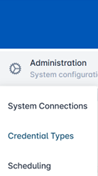
Click Administration and select Credential Types. |
|
|
2 |
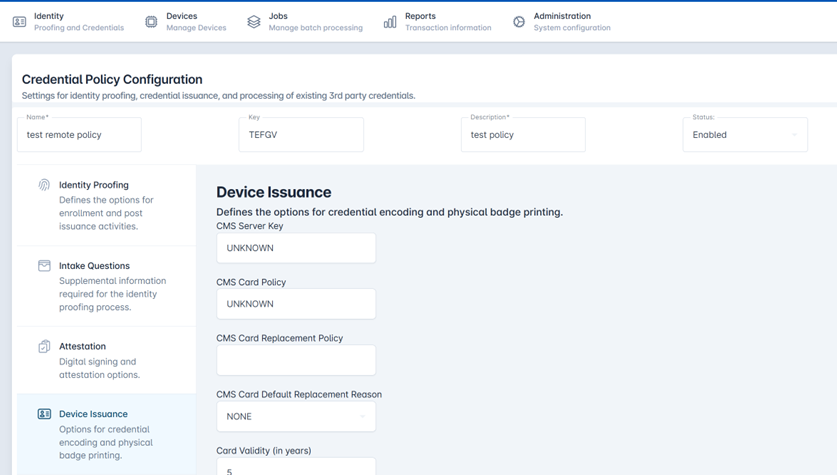
Select a Credential Policy and press the corresponding gear button. Press Configure Policy. |

|
|
3 |
Select the Device Issuance tab. Scroll to the Badge Printing section. |
|
|
4 |
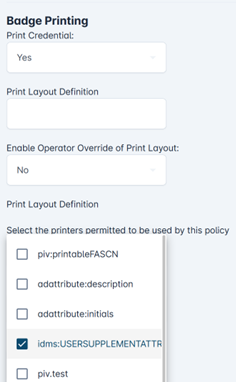
In the Custom data print options field, select the idms:USERSUPPLEMENTALATTR option. |
|
|
5 |
Press Save Changes. |
|
|
6 |
Press Confirm to apply credential policy changes. |

|