
The procedures below describe how to retrieve custom attributes from the directory. This is useful if the credential policy requires additional information from the directory for certificate issuance or identity proofing.
Prerequisites
-
System Administration user permissions are required. Role Definitions
To Retrieve a Custom Active Directory Attribute
The samaccountname value must specified in the LDAP Attribute To Be Validated field.
|
Item |
Procedure |
Example |
|---|---|---|
|
1 |
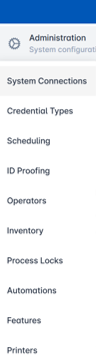
Login as with system administrator permissions. Click Administration then select System Connections. |
|
|
2 |
Locate the directory to be updated within the System Connection Management screen. Select the gear button, then the Configure System button. |
|
|
3 |
Go to the LDAP Attribute to be validated section. Enter the necessary information. At minimum, add the samaccountname value. |
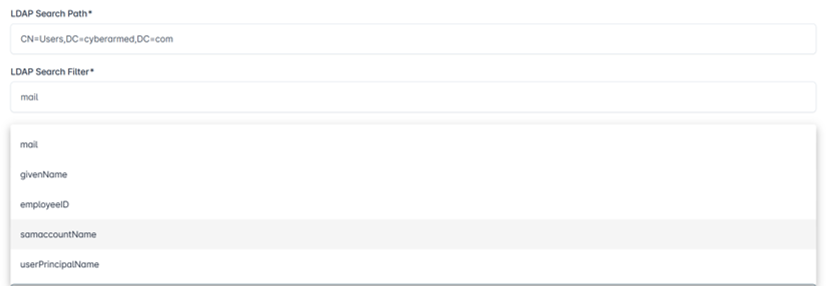
Select Values from Drop Down 
Displayed Value
|
|
4 |
Add the other LDAP attributes to be retrieved from the drop down. |
|
|
5 |
Enter the password and press Update to save the changes. |
|