
Install the Luna client software
|
Step Number |
Procedure |
Example |
|---|---|---|
|
1 |
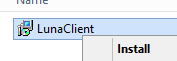
Right click on the LunaClient and select Install. |
|
|
2 |
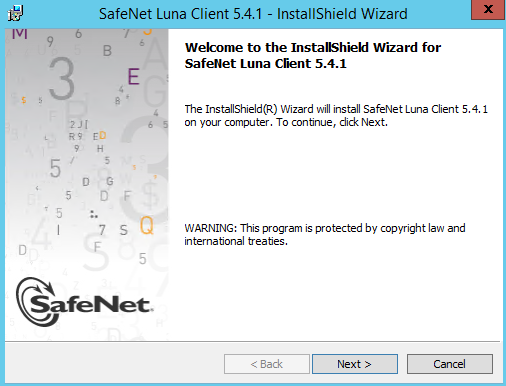
Click Next. |
|
|
3 |
Read the terms and if in agreement, accept the terms and press Next. |
|
|
4 |
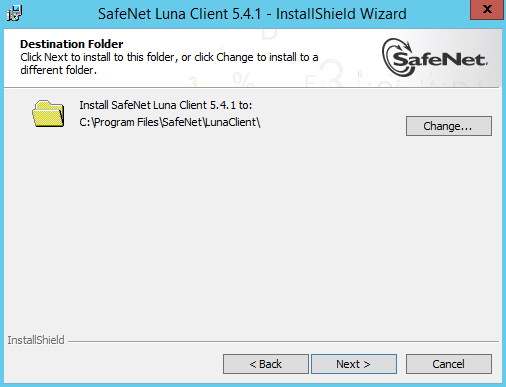
Keep the default installation folder. |
|
|
5 |
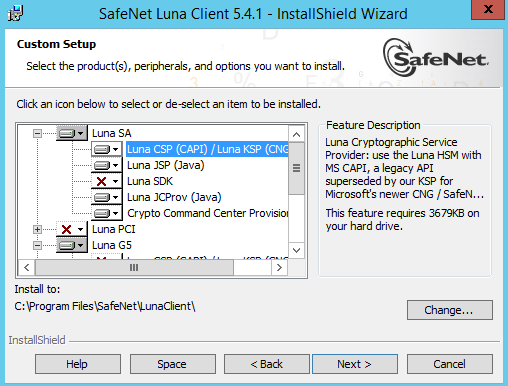
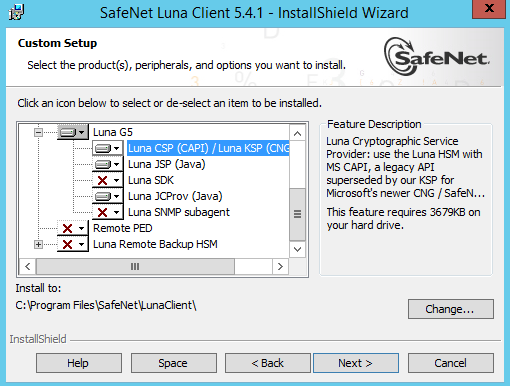
Select Luna SA, and select Luna CSP. |
|
|
6 |
Select Luna G5 and select Luna CSP. |
|
|
7 |
Press Next. |
|
|
8 |
Press Install. |
|
|
9 |
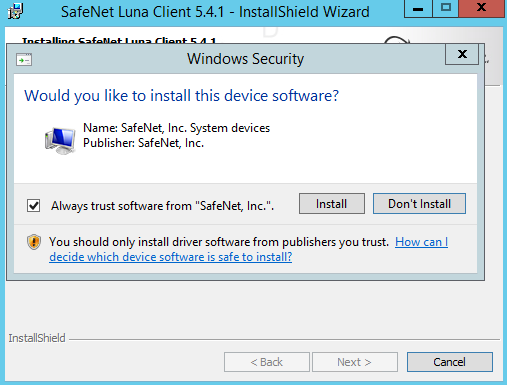
Select Install when asking to install the SafeNet System Devices. |
|
|
10 |
Press Finish to complete the installation. |
|
Register the client with the HSM
|
Step Number |
Procedure |
|---|---|
|
1 |
Open the command prompt as admin. Next, go to the C:\Program Files\SafeNet\LunaClient directory. |
|
2 |
While in this directory, issue the command: vtl create -n <IPADDRESS> *Where <IPADDRESS> is the ip address of the client. Send the public pem to the HSM administrator for registration. |