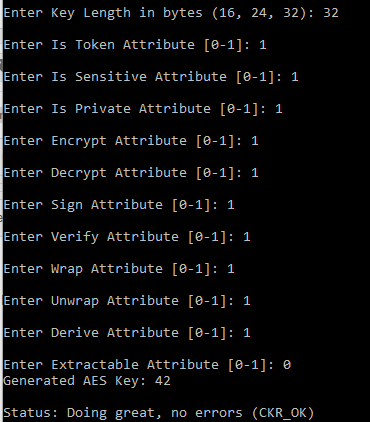
The IDMS uses an AES key stored within the HSM to perform cryptographic operations. The instructions below describe the process to the the SafeNet CKDemo Utility to generate the key.
Requirement: The IDMS requires a 256 AES key with the label of PIVIDMSAES be available.
*Note: The instructions below provide guidance for generating the key. The key specifications may be different for each environment depending on the organizations security policy.
|
Step Number |
Procedure |
Example |
|---|---|---|
|
1 |
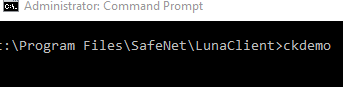
Using a command prompt, browse to the LunaClient directory and run the CKDEMO application. |
|
|
2 |
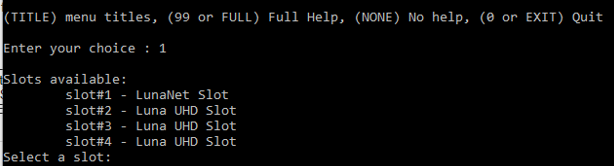
Select the appropriate slot. |
|
|
3 |
Specify the user. |
|
|
4 |
Perform the login and provide the password to the partition. |
|
|
5 |
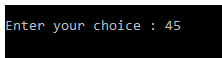
Select 45 to generate the key. |
|
|
6 |
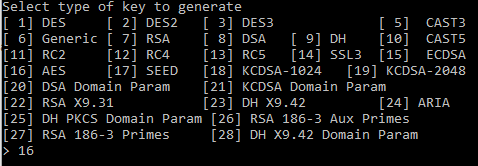
Select 16 for AES. |
|
|
7 |
Set the length of the key to 32. |
|
|
8 |
List the keys. Change the key label to "PIVIDMSAES". |
|
|
9 |
Once complete the AES key should be listed at PIVIDMSAES. |
|