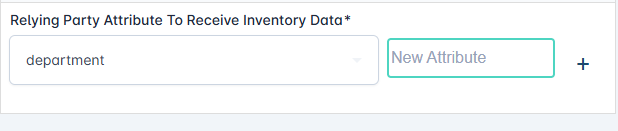
Automatically update Active Directory with certificate information.
The IDMS can relay the PIV Authentication certificate to the user’s active directory immediately upon certificate generation.
Prerequisites:
-
System Manager Role
-
Active Directory Relying System System connection established.
-
CMS Event Notification Plugin communicating with IDMS
Steps to create an automation rule to relay the user’s certificate information to Active Directory
-
Authenticate to IDMS → Administration, → Automations
-
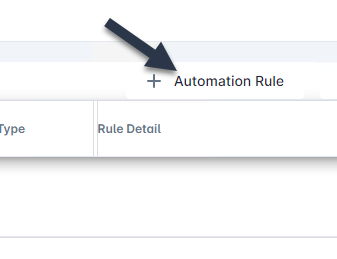
Click + Automation Rule
-
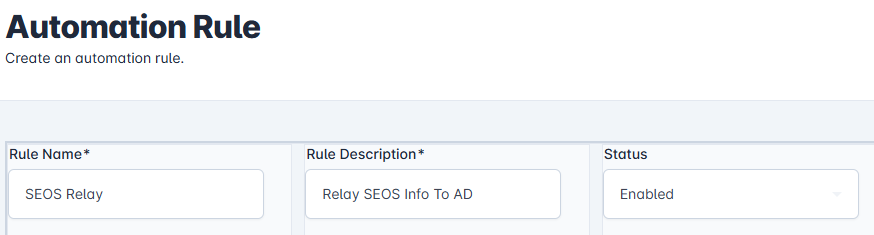
In the Rule Name field, enter a name for the rule, In the Rule Description, add a general description, Finally, In the status, click enabled.
-
Next, click the Event to Trigger Automation and select Credential. Click the Transaction Type and select Activated, Click IDMS response and Publish to Relying Party.

-
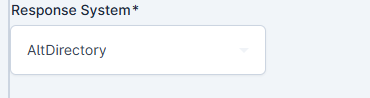
Next click the Response System dropdown and select the Active Directory system where the certificate information will be sent.
-
Click the Select the CMS Policies To user Automation. Within this drop down, select the CMS policies that should be used for this automation.
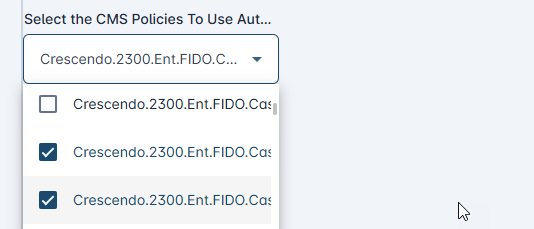
-
Click the Data Contents drop down and select Physical Access Data
-
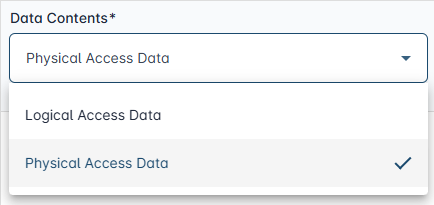
Keep the default setting for “Use rule for revocations”

-
Create the select the value from the CSV that will be Relayed to the Relying Party
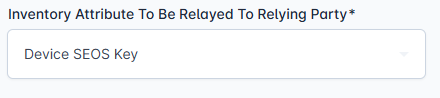
-
Select the AD Attribute that the value will be sent to.