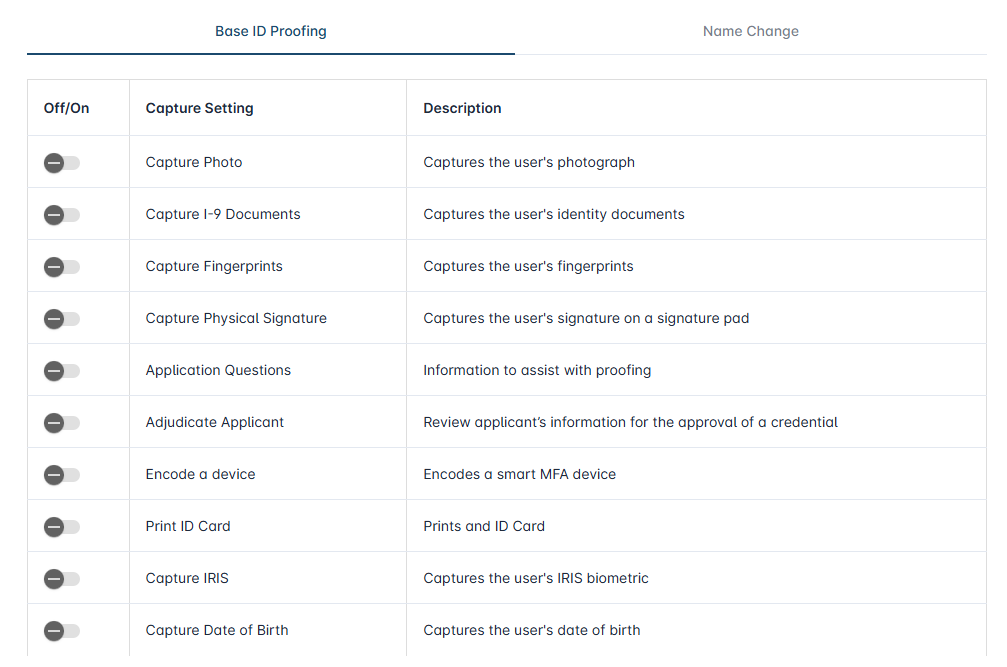
When the biometric information is stored in the directory, it can be sent to the credentialing system for device programming. To set up this configuration,
-
Go to Administration → Credential Types
-
Locate the Credential Type and select configure
-
Go to the Identity Proofing Section
-
Within the ID Proofing Policy, turn of all of the capture settings.