When the IDMS initiates a certificate request for a device, it must know the location, how to approve/remove the device certificate, and credentials to send the instruction to the AirWatch MDM.
|
|
|
|
||||||||||||||||||||||||||
|---|---|---|---|---|---|---|---|---|---|---|---|---|---|---|---|---|---|---|---|---|---|---|---|---|---|---|---|---|
|
1 |
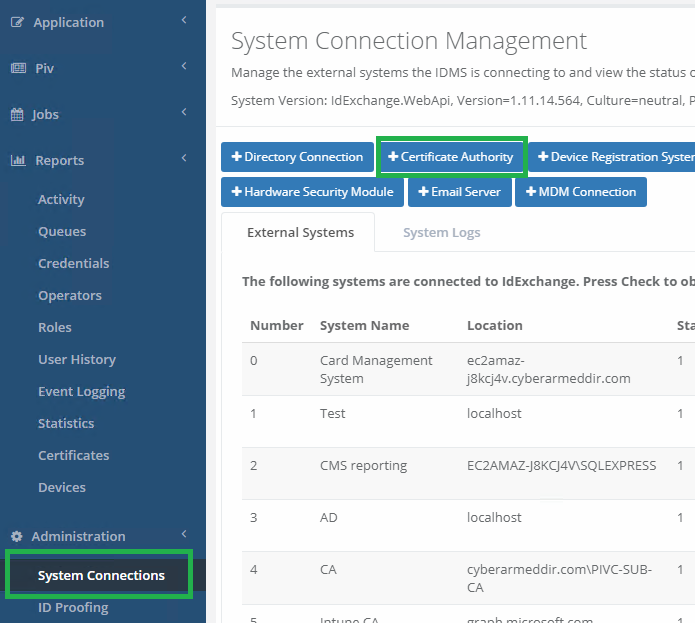
Log in to IDMS and add Certificate Authority under System Connections |
|
||||||||||||||||||||||||||
|
2 |
Configuration Settings
|
|
||||||||||||||||||||||||||
|
3 |
Assign this CA to the user's credential Type policy so it can be used in the derived credential process. |
|