Overview
This document lists the steps the credential issuance officer will perform to encode a YubiKey device.
What is Required
-
Workstation (preferably Windows 10 machine)
-
YubiKey device set to factory settings
-
Email account (the applicant will need to open an email to retrieve the login credential)
-
The Credential Type Configuration specifies the certificate authority
Phases
The overall process is composed of 4 different phases.
|
Phase Name |
Phase Name |
|
Registration |
Reads the serial number and registers with the IDMS |
|
Approval |
Approves the device for encoding |
|
Encoding |
Programs the YubiKey with certificates |
Encoding the YubiKey
The credential issuance officer will perform the steps below.
|
Step Number |
Procedure |
Example |
|---|---|---|
|
1 |
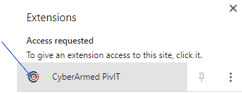
Log into the IDMS and Activate the browser extension by click the browser extension button and then click on the CyberArmed PivIT button. |
|
|
2 |
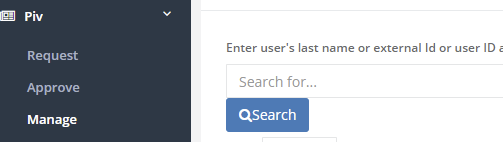
Click PIv, Click Manage and search for the user that will receive the credential |
|
|
3 |
When the user is located, press the manage button. |
|
|
4 |
When the user's record is retrieved, press the "Credentials" tab |
|
|
5 |
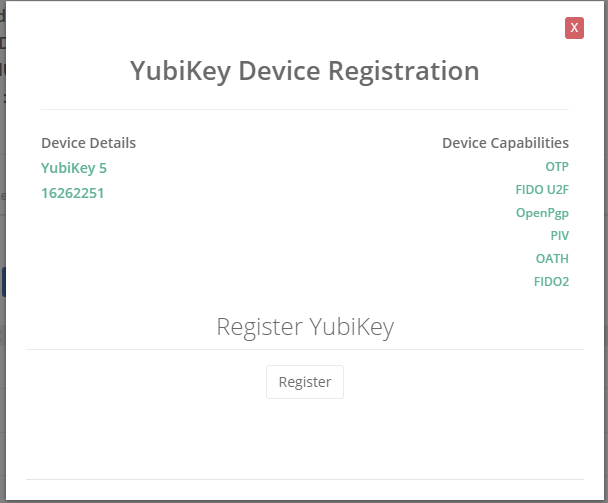
Press the Yubikey button to read the YubiKey that is inserted into the USB port. If this is the first time the IDMS has processed this YubiKey, the YubiKey will need to be registered. Press the register button. |
|
|
6 |
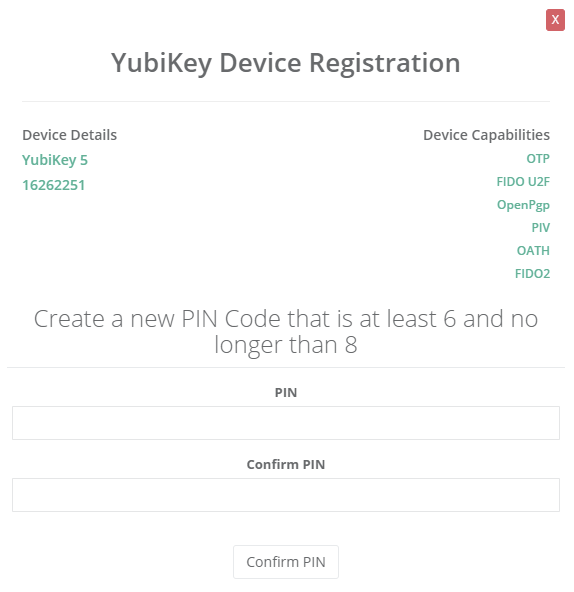
After the YubiKey has been registered and verified, press the YubiKey button to start the encoding process. Have the user enter a PIN for the YubiKey and press confirm PIN. The encoding process will begin. |
|
|
7 |
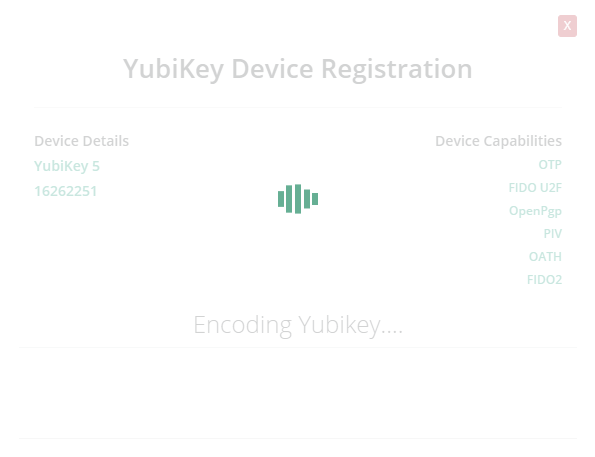
The YubiKey will be encoded with certificates. This process will take approx 1-4 minutes depending on the configuration. |
|
|
8 |
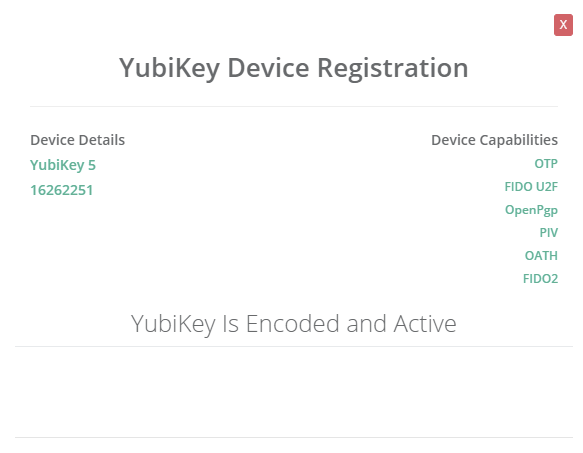
Once complete, the IDMS will notify the operator the YubiKey has been encoded. |
|