
To send an email to a central account instead of sending to the end user
-
Authenticate to IDMS with the SystemManager role
-
Go to Administration → System Connections
-
Within the list, locate the mail server.
-
Click the gear icon and select configure system
-
Locate the “Central Email” text box and enter the email address all IDMS emails should be sent to.
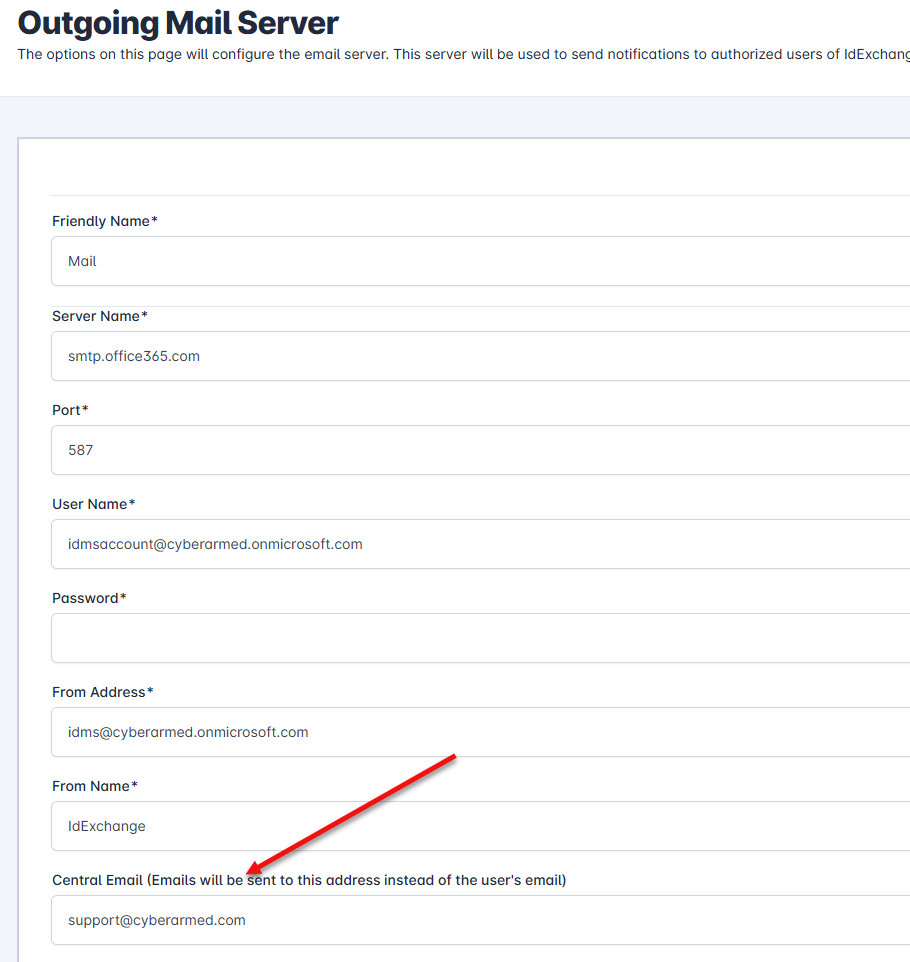
-
Press Update to save the changes.