
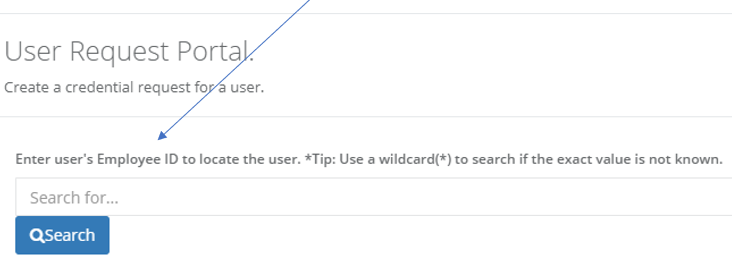
The request portal can be customized to show tailored search instructions.In the example below, the term "Employee ID" has been specified as the search instruction.
Steps to perform
|
Step Number |
Procedure |
Example |
|---|---|---|
|
1 |
Open the IdExchange Database |
|
|
2 |
Open the IdExchange.Branding Table |
|
|
3 |
To change the Identity Management Button, add the following to the database: AssetView = RequestCriteriaSearchText ObjectName = NULL Setting = "Employee ID" |
|
