
This procedure describes how to import a BDD file from the manufacturer. The BDD file will inform the system of the card serial numbers of the cards the manufacturer produced.
Permissions Required
-
CredentialInventoryManager
-
CredentialManager
Procedure
|
Procedure |
Example |
|
|---|---|---|
|
1 |
Go to Administration, Inventory |
|
|
2 |
In the Card Inventory Management screen, click “choose file” and select the BDD file that was sent from the manufacturer. |
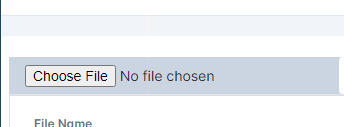
|
|
3 |
Press the Upload Manifest/BDD button to begin the upload |

|
|
4 |
Once complete, the IDMS will automatically download a report of the import process. indicating the status for each card serial number that was imported. |
|