
IDMS can create an order in accordance with the Batch Order Descriptor (BOD) format. The steps to create the BOD order are below.
Permissions Required
-
CredentialInventoryManager
-
CredentialManager
|
Procedure |
Example |
|
|---|---|---|
|
1 |
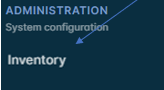
Authenticate to the IDMS. Under the Administration section, click Inventory |
|
|
2 |
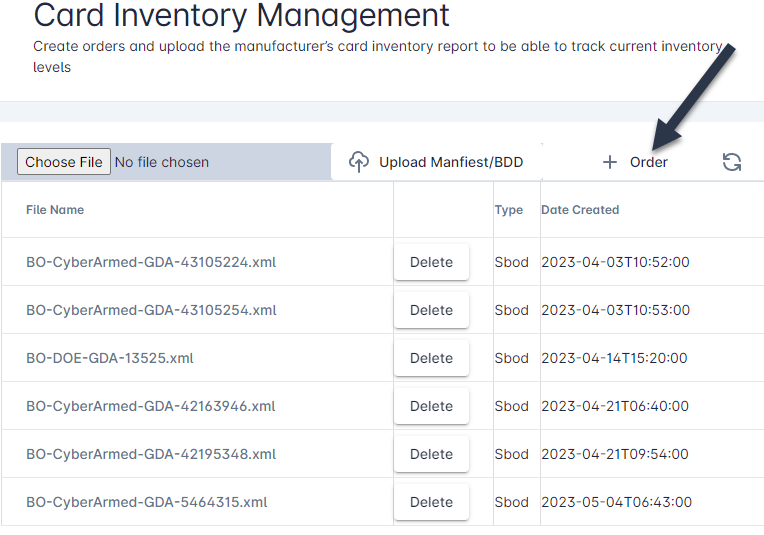
The Card Inventory Management screen is displayed. Here, the listing of BOD orders are listed. To create a new order, press the + Order button |
|
|
3 |
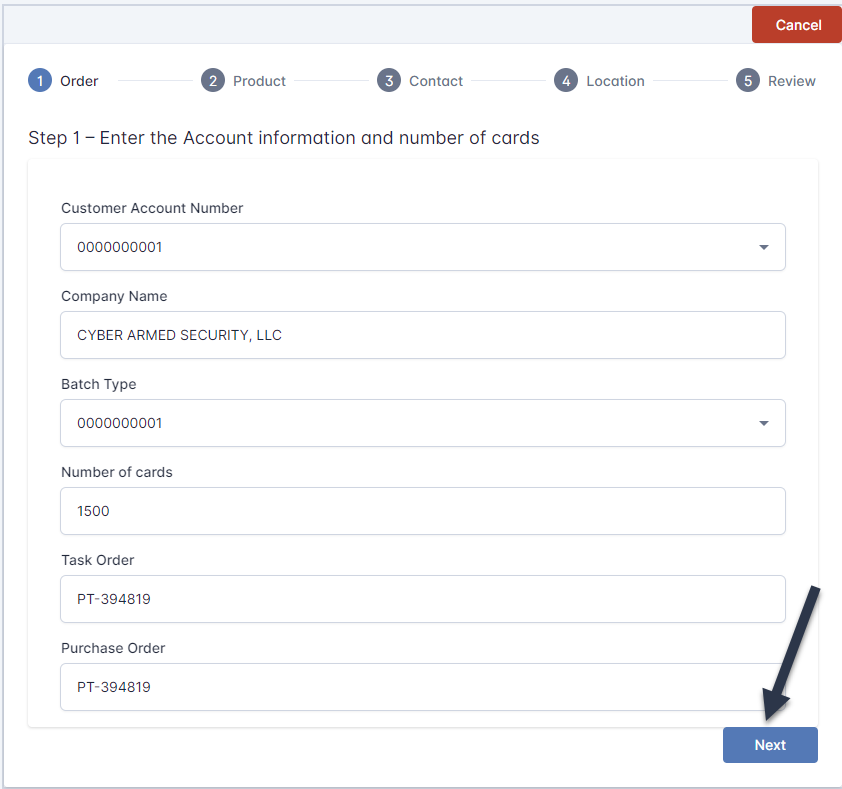
The Card Order Creation wizard is displayed. Enter the required information and press the Next button to move to the next section. |
|
|
4 |
Complete the Product, Category, Location sections. |
|
|
5 |
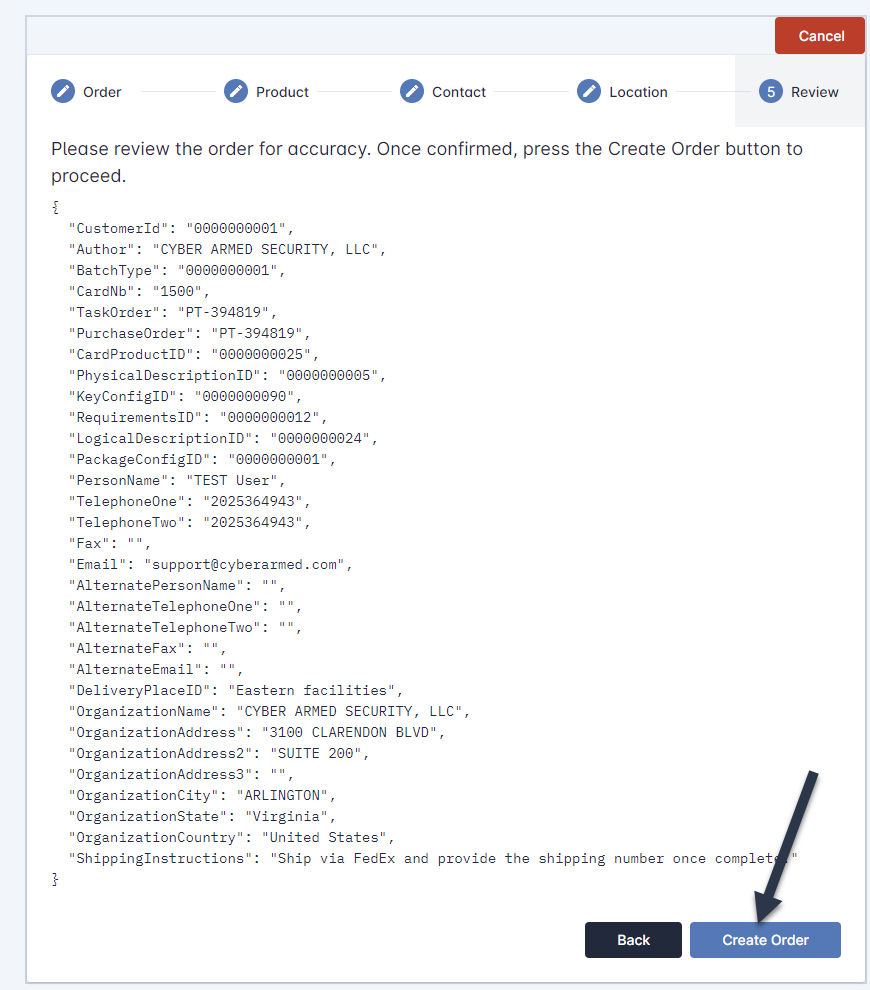
Review the order for accuracy. If needed, press the back button to return to the section to correct any errors. When the review is complete and all data has been entered, press the Create Order button. |
|
|
6 |
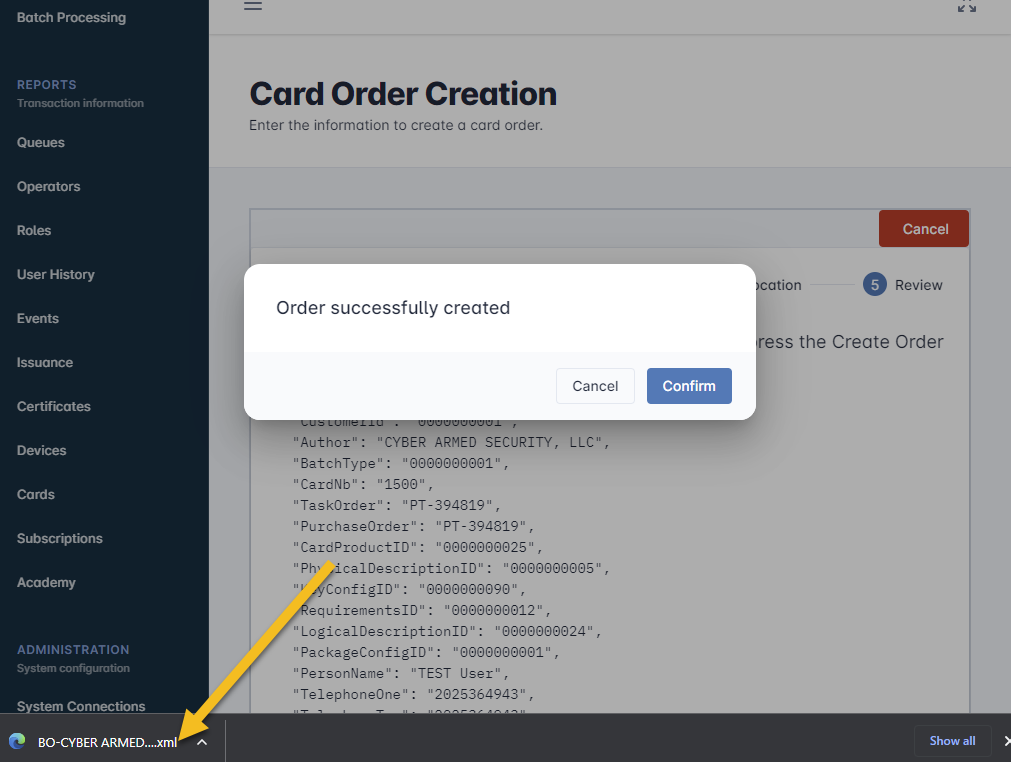
The order will be generated. The BOD order is immediately downloaded. |
|